Checkbox UI

What is a checkbox UI component?
A checkbox is an input control that allows a user to select one or more options.
The container may be square, circular, or have rounded corners.
It can be in a selected (checked), deselected (empty), or mixed (dash) state.
Checkbox UI elements are commonly seen in the following design patterns: Agreement & Consent Forms, Filter & sorting, To-do Lists & Task Managers, Settings & Preferences.
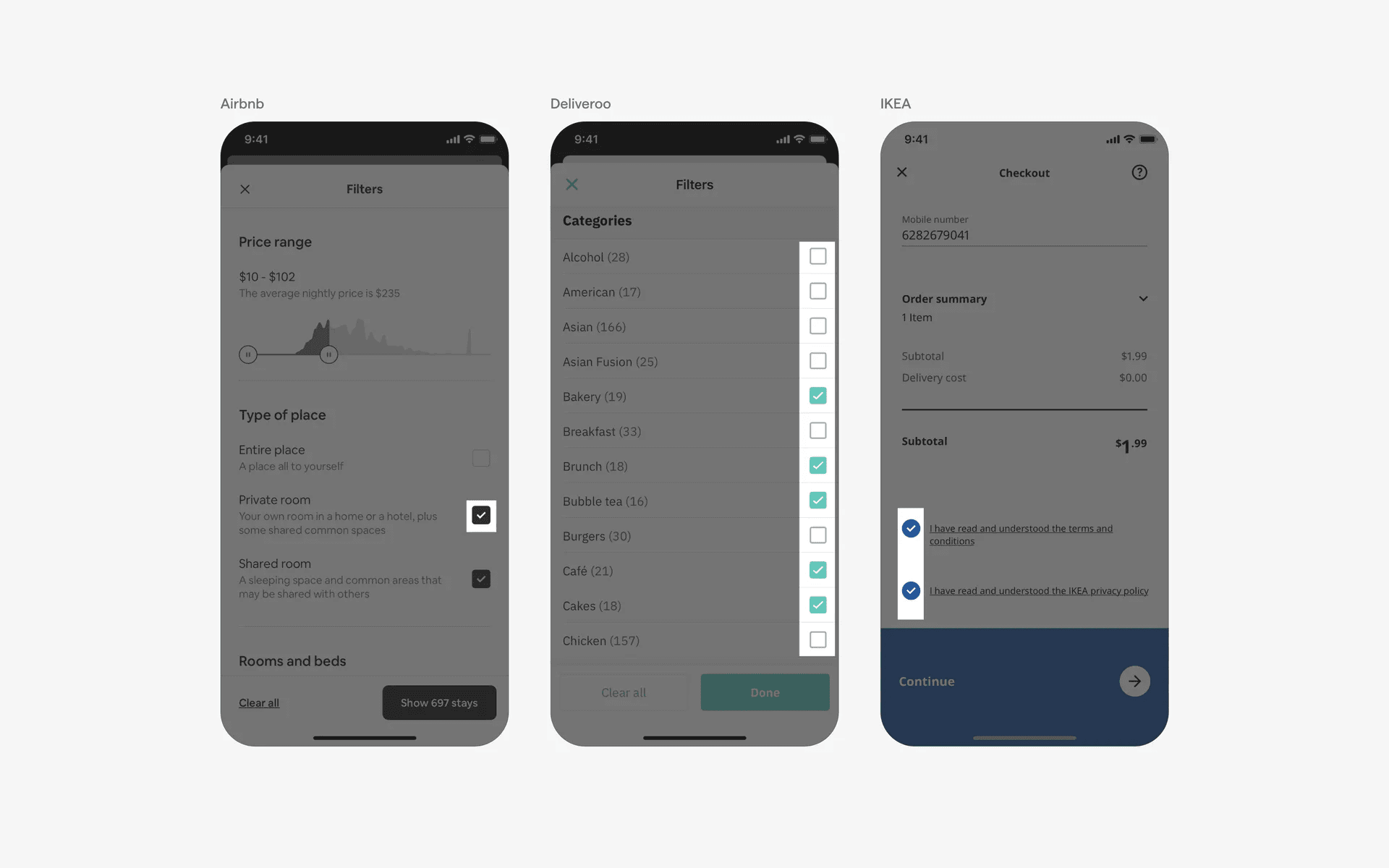
Examples of what a group of checkboxes look like.
What is the anatomy of a checkbox?
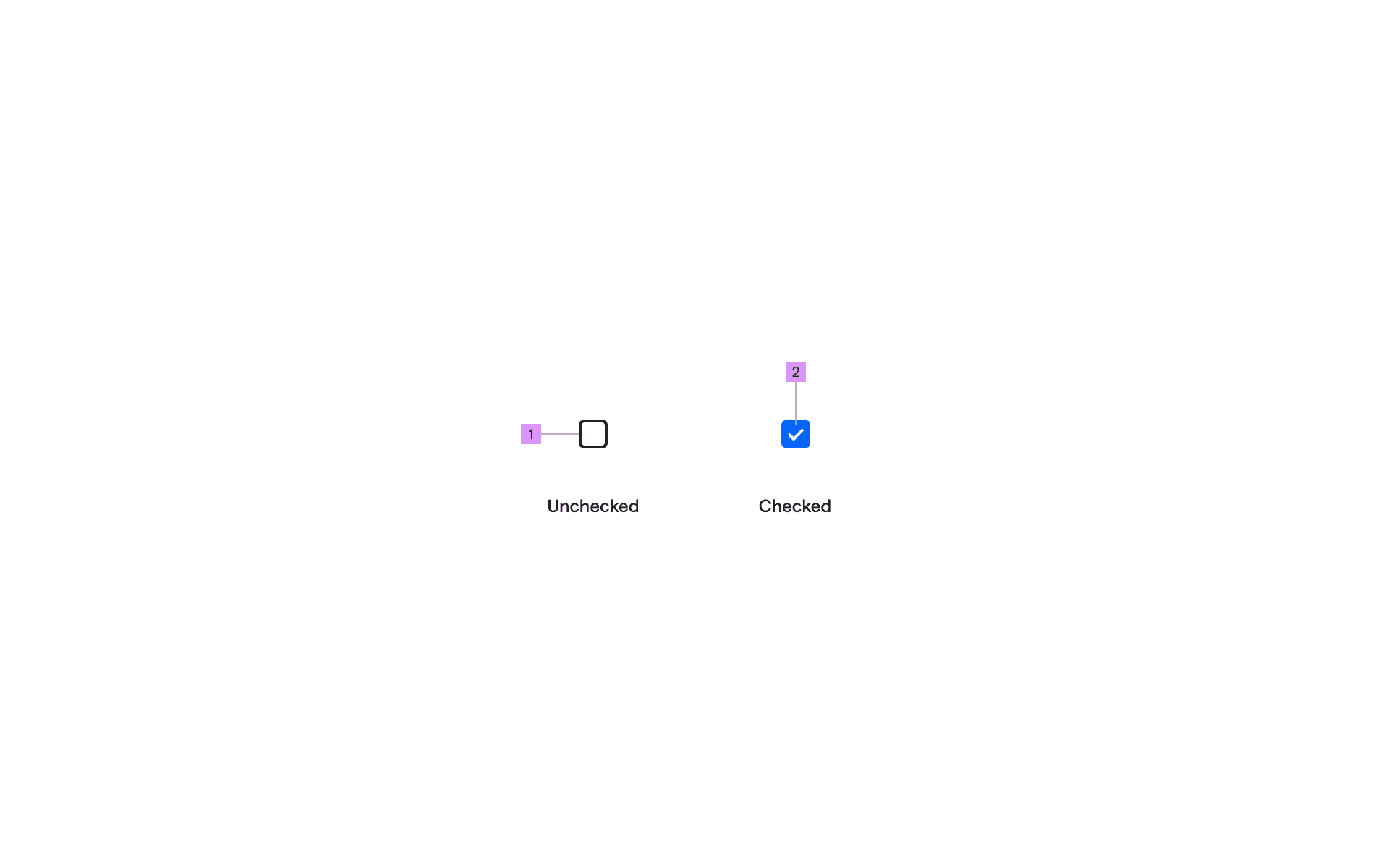
Anatomy of a checkbox
1
Container
2
Icon fill
What are the design variants of checkboxes?
We studied over 2,000+ checkbox UI components on Mobbin, from real-world examples and found the following variants.
A checkbox may have rounded containers or circular containers
A typical checkbox design may have a rectangular container, or a rounded square container.
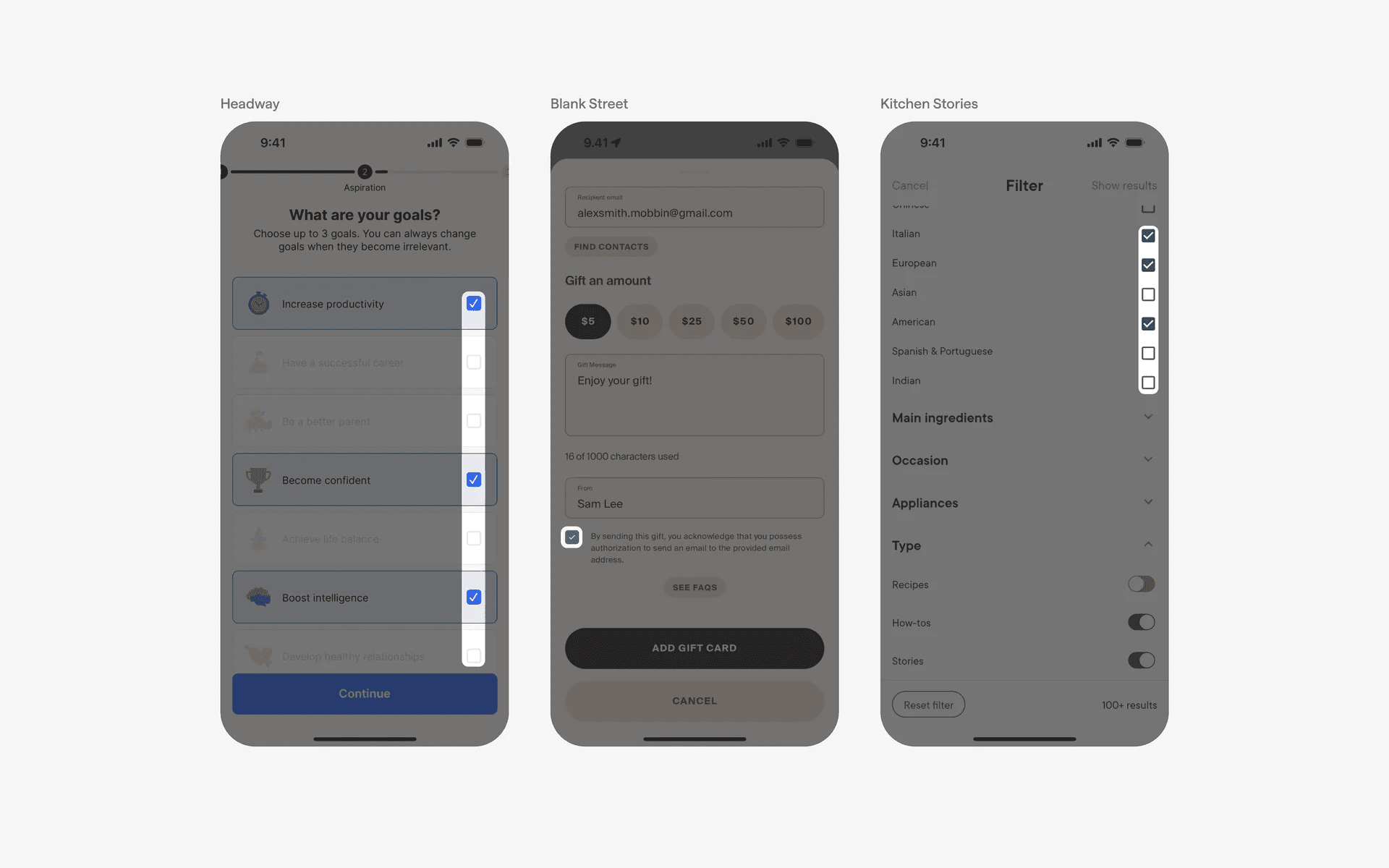
Examples of rectangular or rounded square checkboxes
We've also seen some checkbox examples with circular containers - these are often confused with radio buttons. The difference is that a checkbox allow for one or more items to be selected; while radio buttons only allow for one at a time.
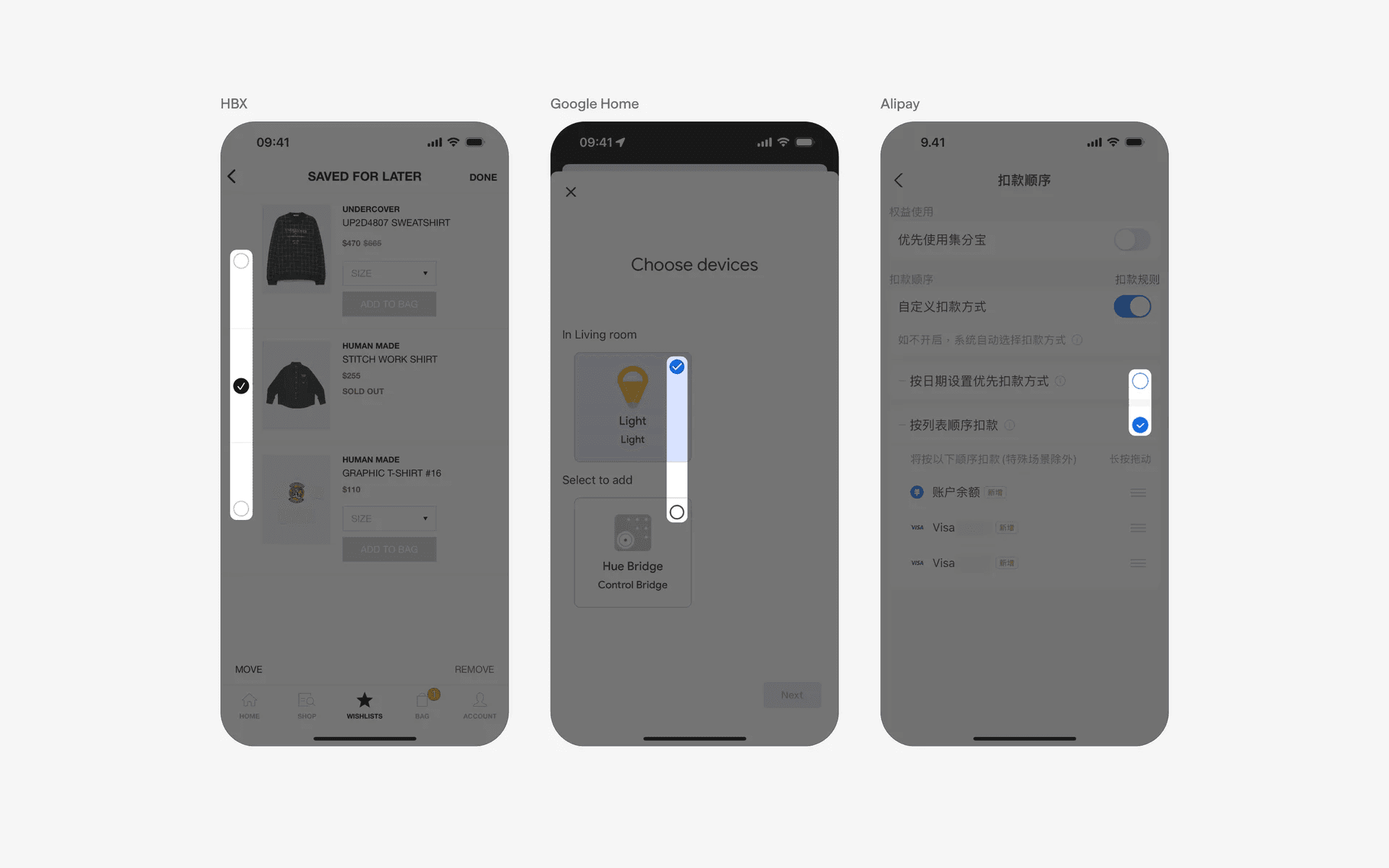
Examples of circular checkboxes
Where to use checkboxes?
1. Agreement & consent forms
Checkboxes are often used in agreement forms or consent checkboxes, where users need to explicitly agree to terms and conditions or give consent for specific actions.
This includes Terms & Conditions, and opting in to newsletters, etc.
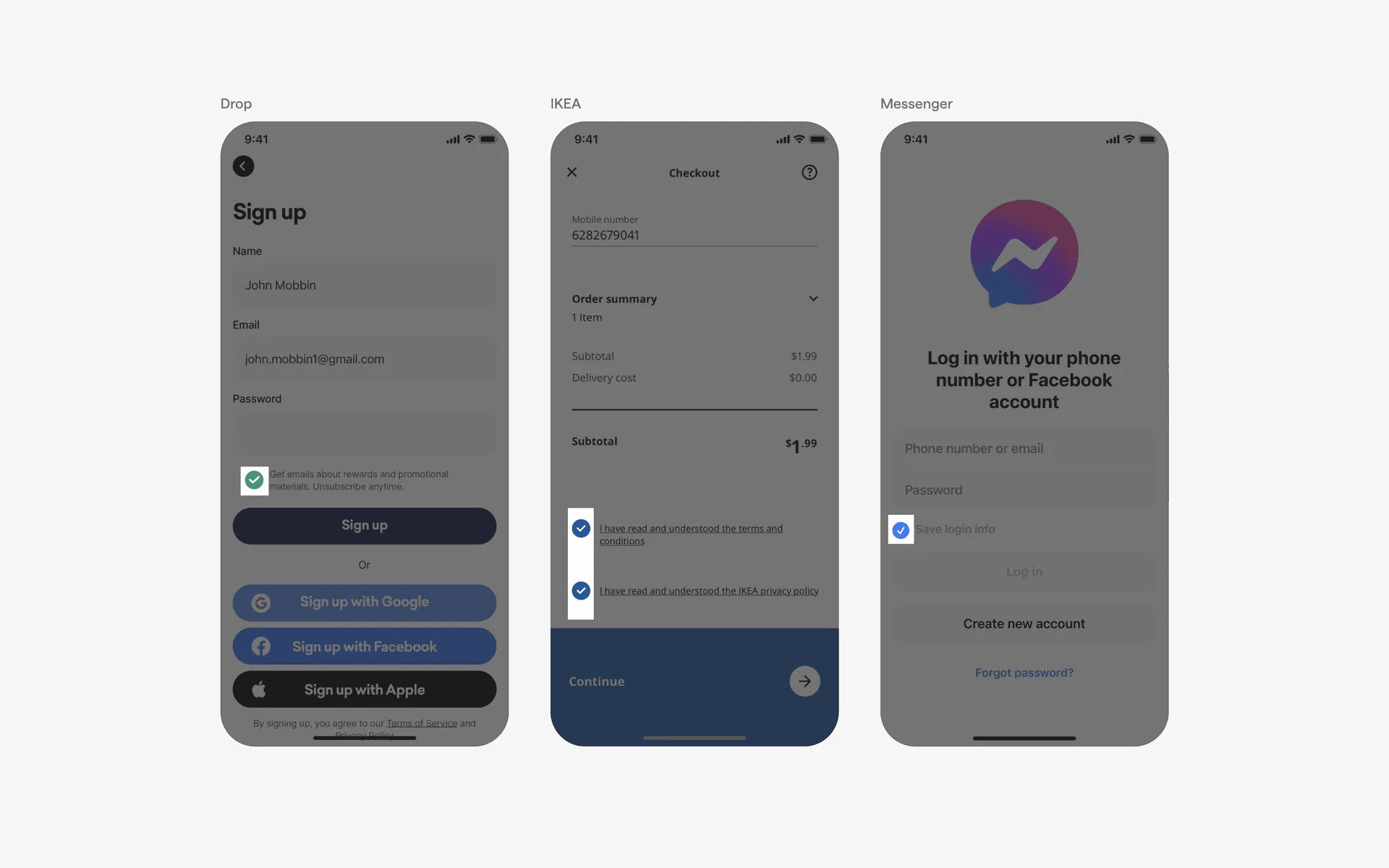
Examples of checkboxes in agreement & consent forms
2. Filters & sorting
In search interfaces or filter panels, checkboxes are used to allow users to narrow down their search results or filter data based on specific criteria.
Each checkbox represents a filter option, and users can select multiple checkboxes to refine their search.
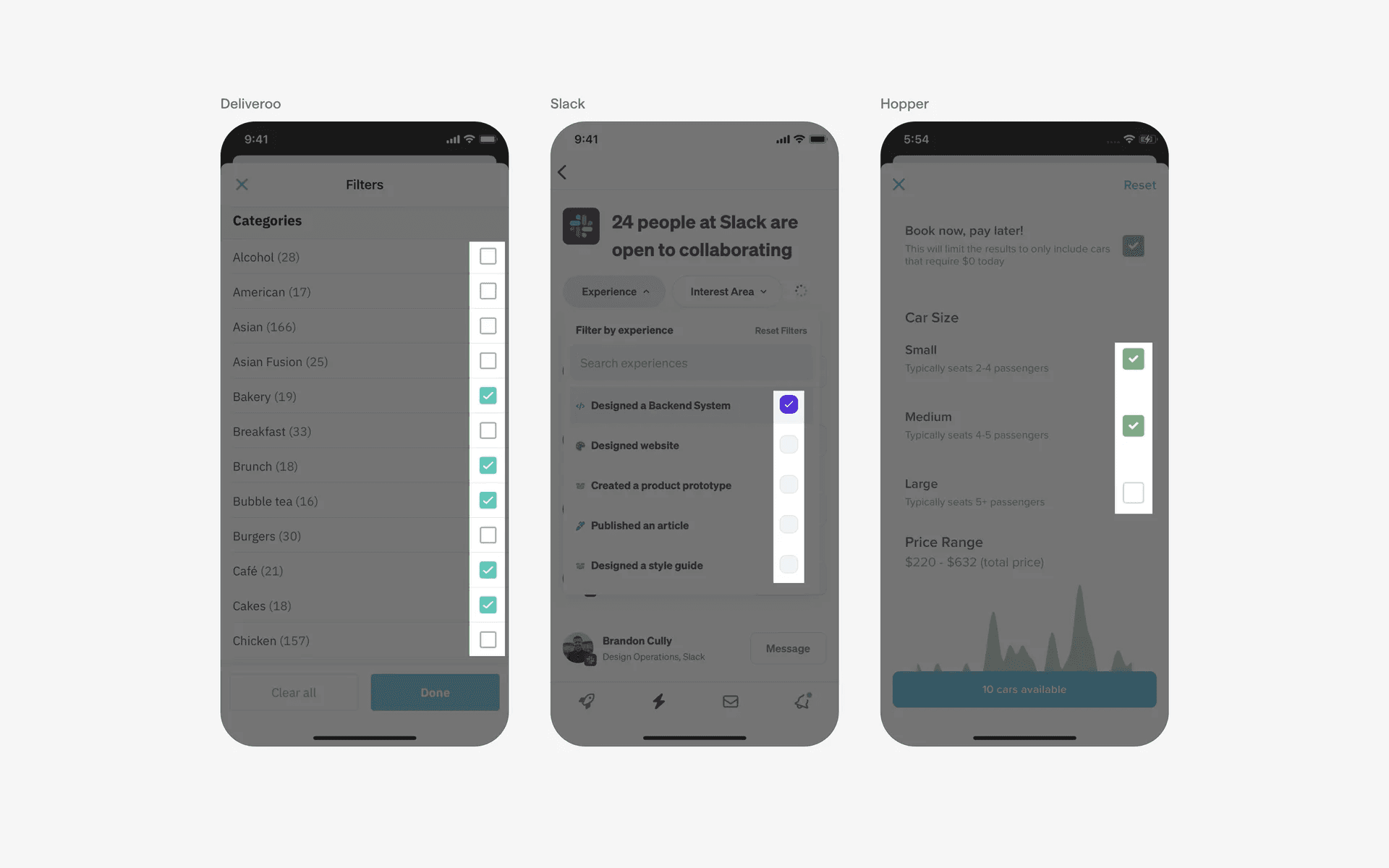
Examples of checkboxes in filters & sorting screen
3. To-do lists and Task managers
Checkboxes are used in to-do list applications and task managers to indicate completion status. Users can check the box next to a task to mark it as completed or undone.
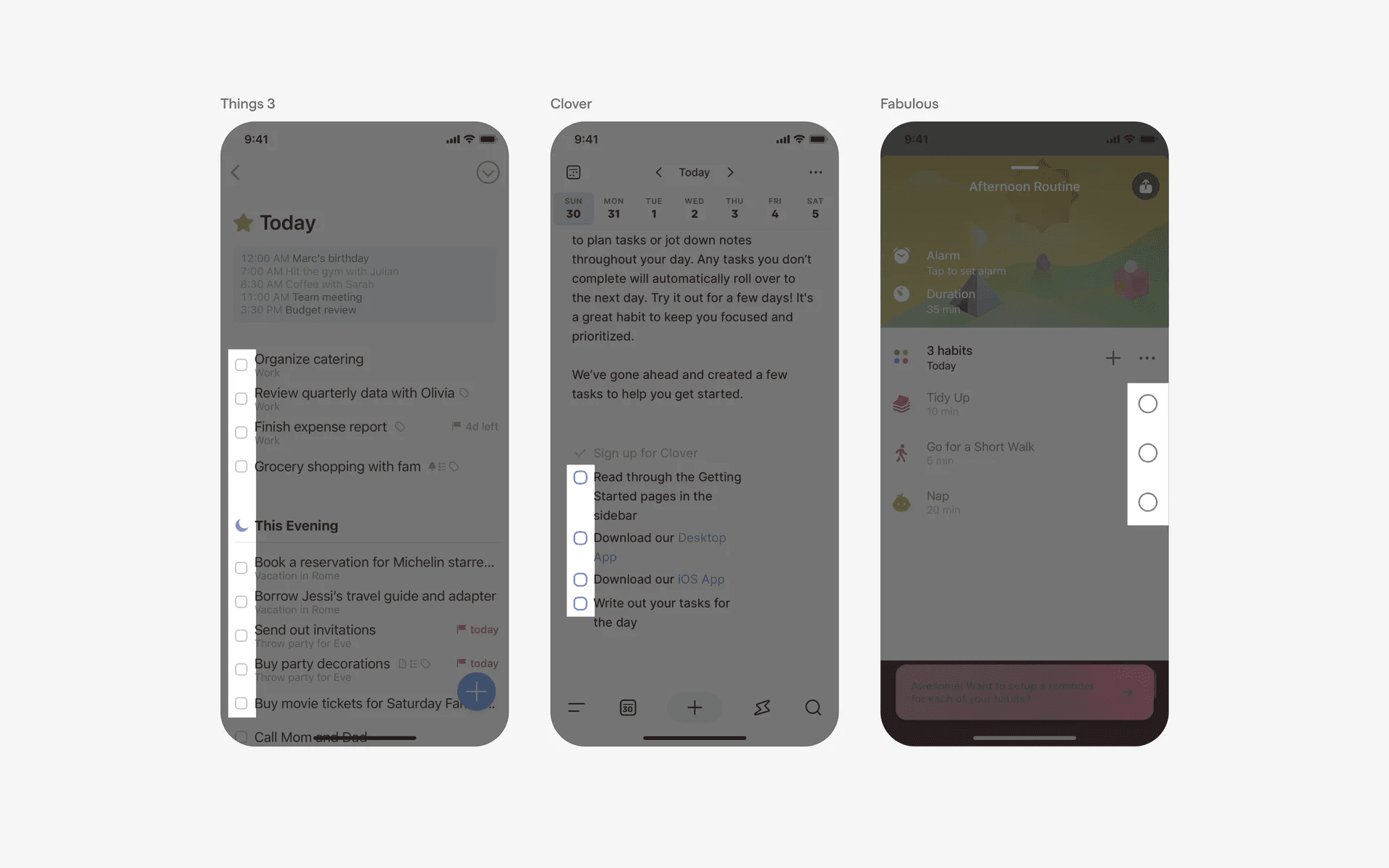
Examples of checkboxes in to-do lists and task managers
4. Settings & preferences
Checkboxes are frequently used in settings panels or preference screens of applications or websites. Users can enable or disable specific features or choose from a list of options by checking the corresponding checkboxes.
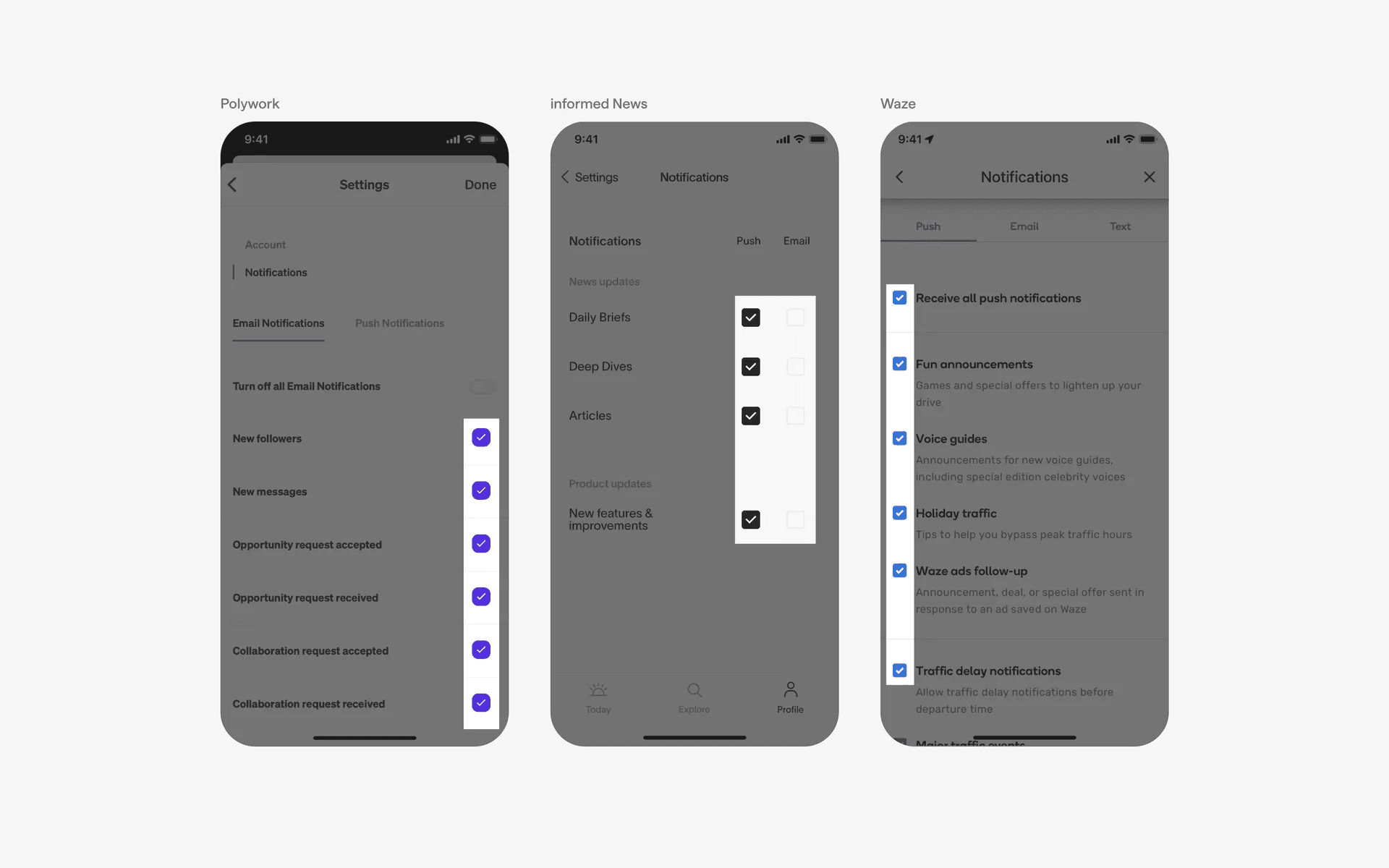
Examples of checkboxes in settings & preferences
Conflicting UI elements: Radio buttons, Acknowledgement marks, Checkmarks
Checkboxes v.s. Radio buttons
Radio buttons might often be confused with checkboxes, especially those with a circular container.
However, radio buttons are always circular and the options are mutually exclusive (i.e only 1 option can be selected at any point of time)
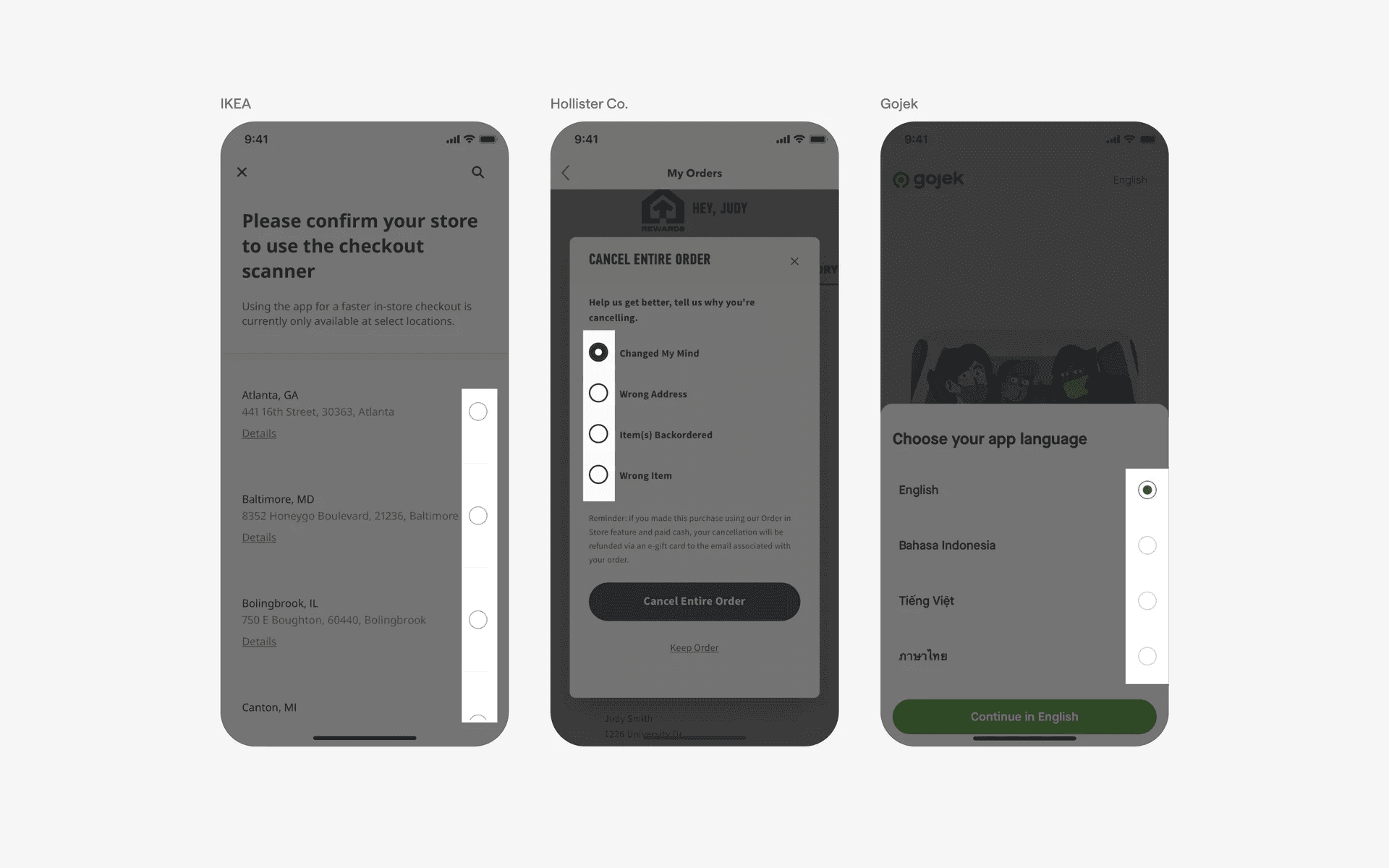
Examples of radio buttons
Checkboxes v.s. Acknowledgement marks
Acknowledgement marks are usually just icons that indicate that a message has been receipt, or an action has been completed.
It is a static icon, whereas checkboxes are dynamic UI components that can be selected or unselected.
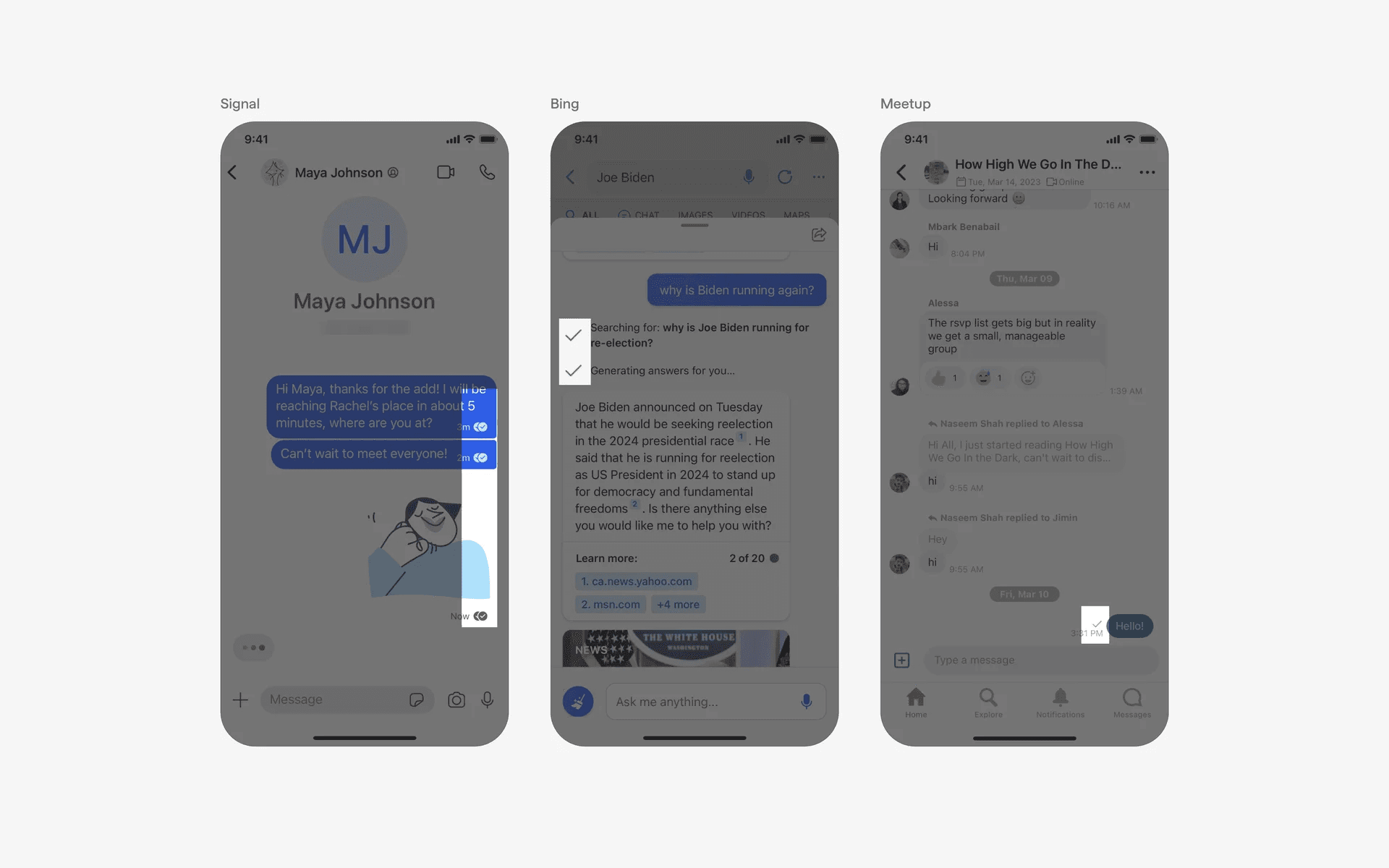
Examples of acknowledgement marks
Checkboxes v.s. Checkmarks
Checkmarks are sometimes used in a tile UI component, and it helps to indiciate that a certain tile has been selected by the user.
In this case, it works similarly to a radio button, where users can select one tile at a time. But this is different from checkboxes where users can select or unselect multiple options at a time.
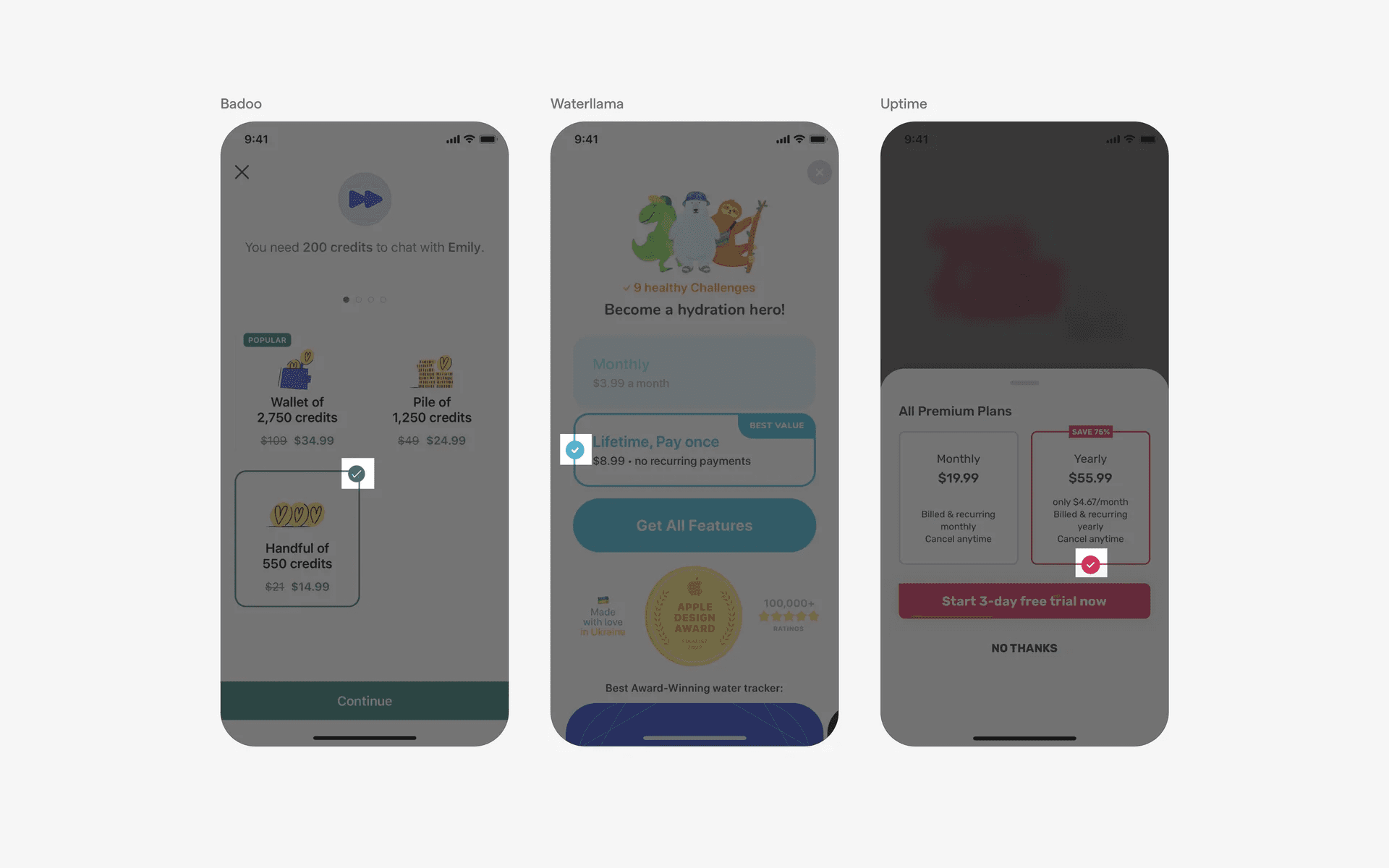
Examples of checkmarks in tile UI components