
What is a switch UI component?
A switch allows users to toggle the state of a single item on or off.
The active state ("on") usually has a background accent color, while the inactive state ("off") usually shows a greyed background color.
Best used in binary options, where users are presented with two mutually exclusive options.
Switches are very versatile UI components, and are generally intuitive for users. It is commonly found in design patterns like: Settings & Preferences and Filtering & Sorting screens.
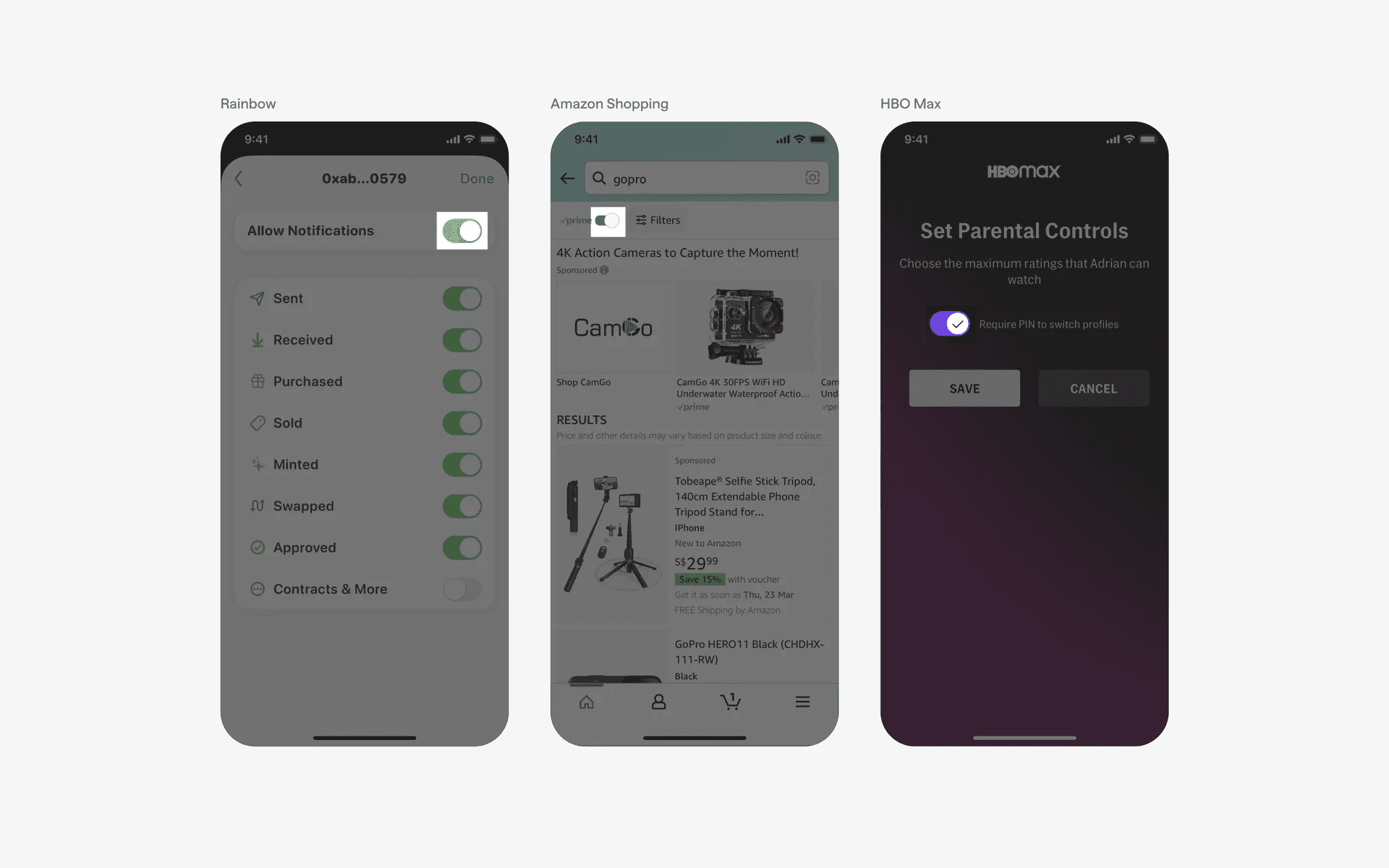
Examples of what a switch toggle looks like.
What is the anatomy of a switch?
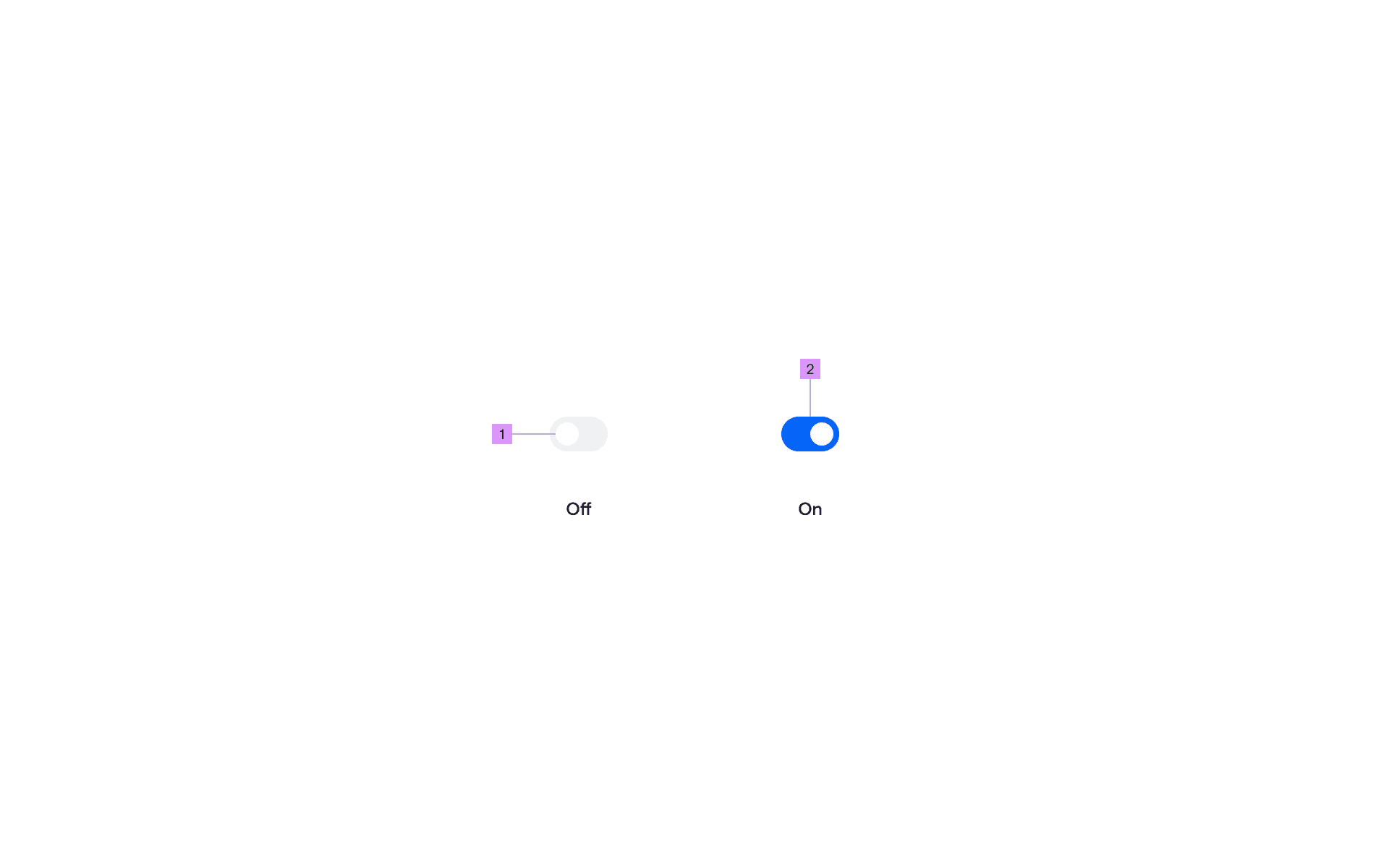
Anatomy of a toggle switch
1
Handle
2
Track
What are the design variants of a switch?
We studied over 4,400+ switch UI components on Mobbin, from real-world examples and found the following variants.
1. Standard switches
The standard toggle switch first came from the native iOS design system. The classic switch comes with a track and a thumb and can be toggled on/off.
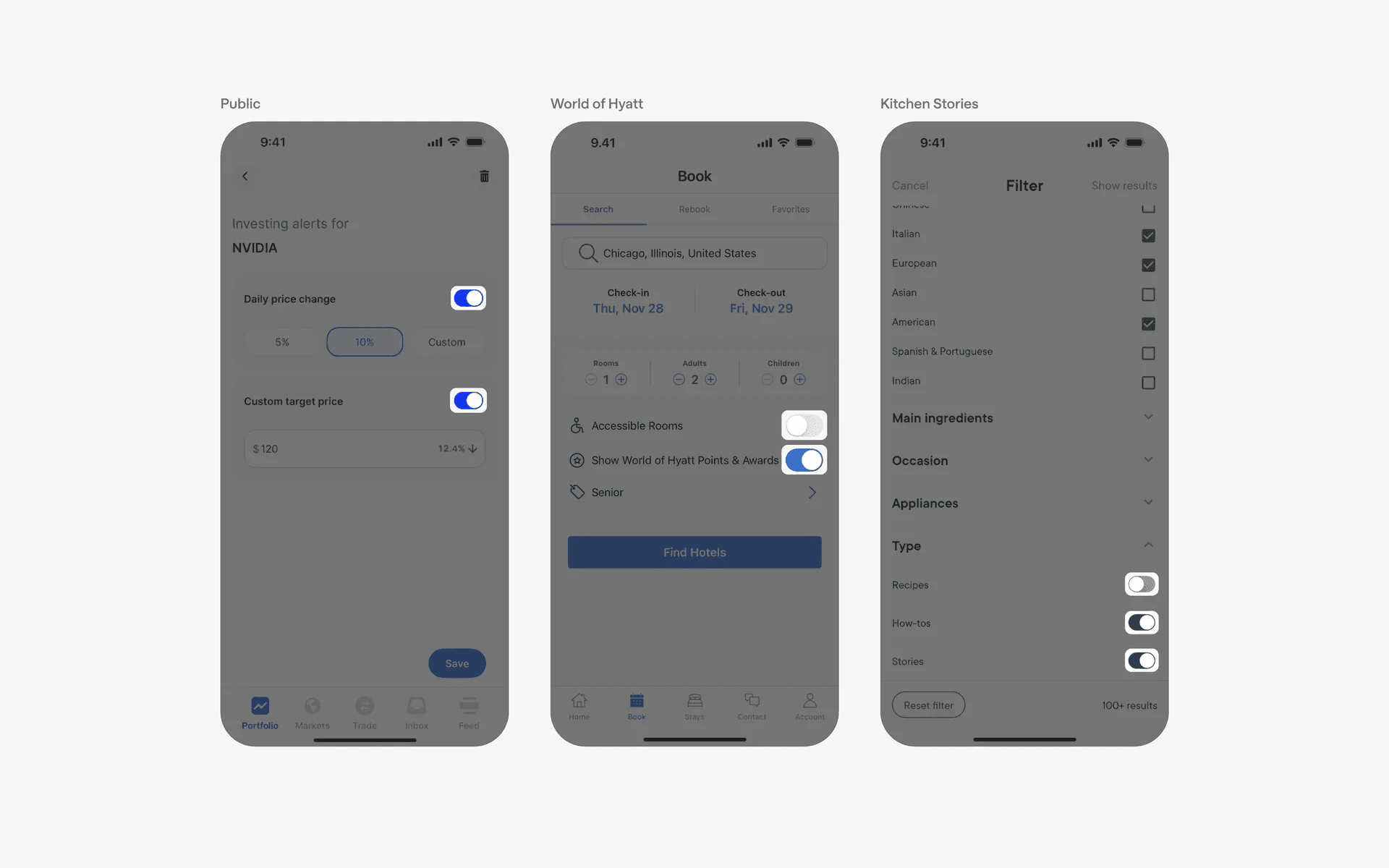
Examples of toggle switches with standard thumb size.
2. Switches with icons makes it clearer for users
Even though it might seem intuitive to designers, some users might still be confused by active switch states v.s. inactive switch states.
Adding in a checkmark icon could help to reassure users and reduce confusion on the state of a switch,
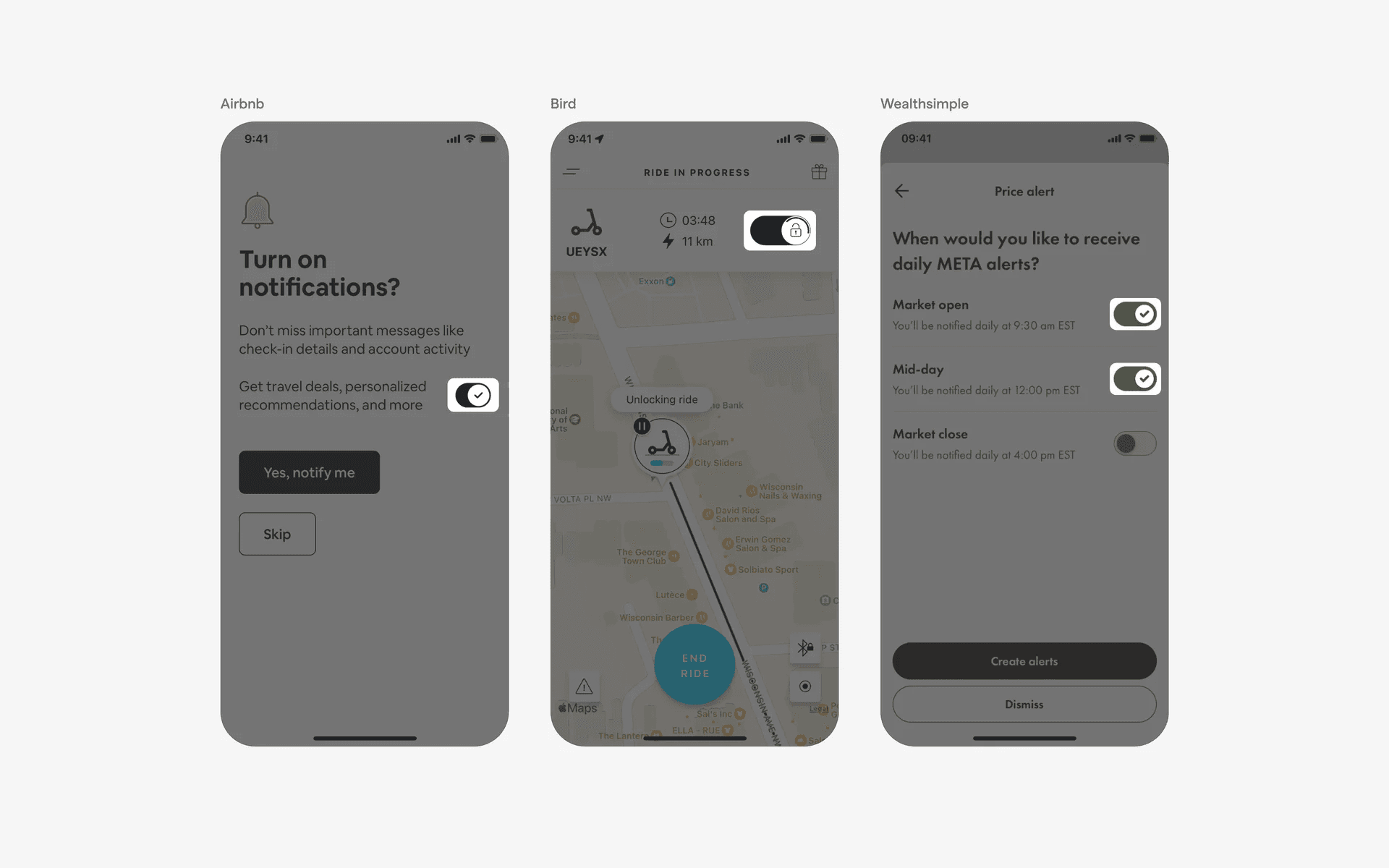
Examples of toggle switches with icons
3. Switches with track labels
You could consider adding in labels if you want to communicate the binary state of your switch. For example, IFTTT has a 'connect' and 'unconnected' state, while Bing has a 'InPrivate' active and inactive state.
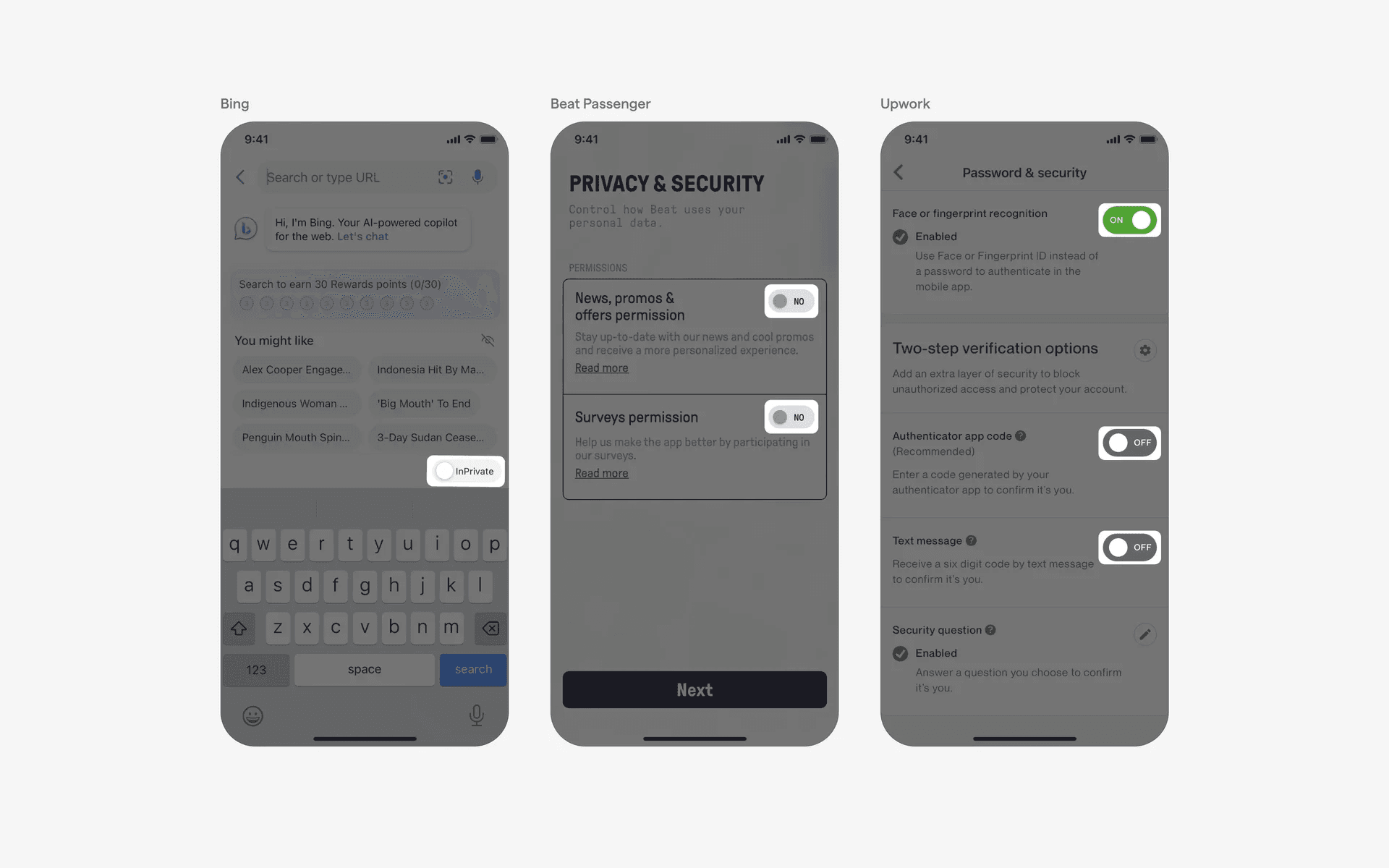
Examples of toggle switches with track labels
4. Switch thumbs can also be rectangular
Depending on your design system, you can opt for a circular or a rectangular switch thumbs.
We've found examples from Yuba, foodpanda, and Noom here that has a slightly different border radius for their switch thumbs.
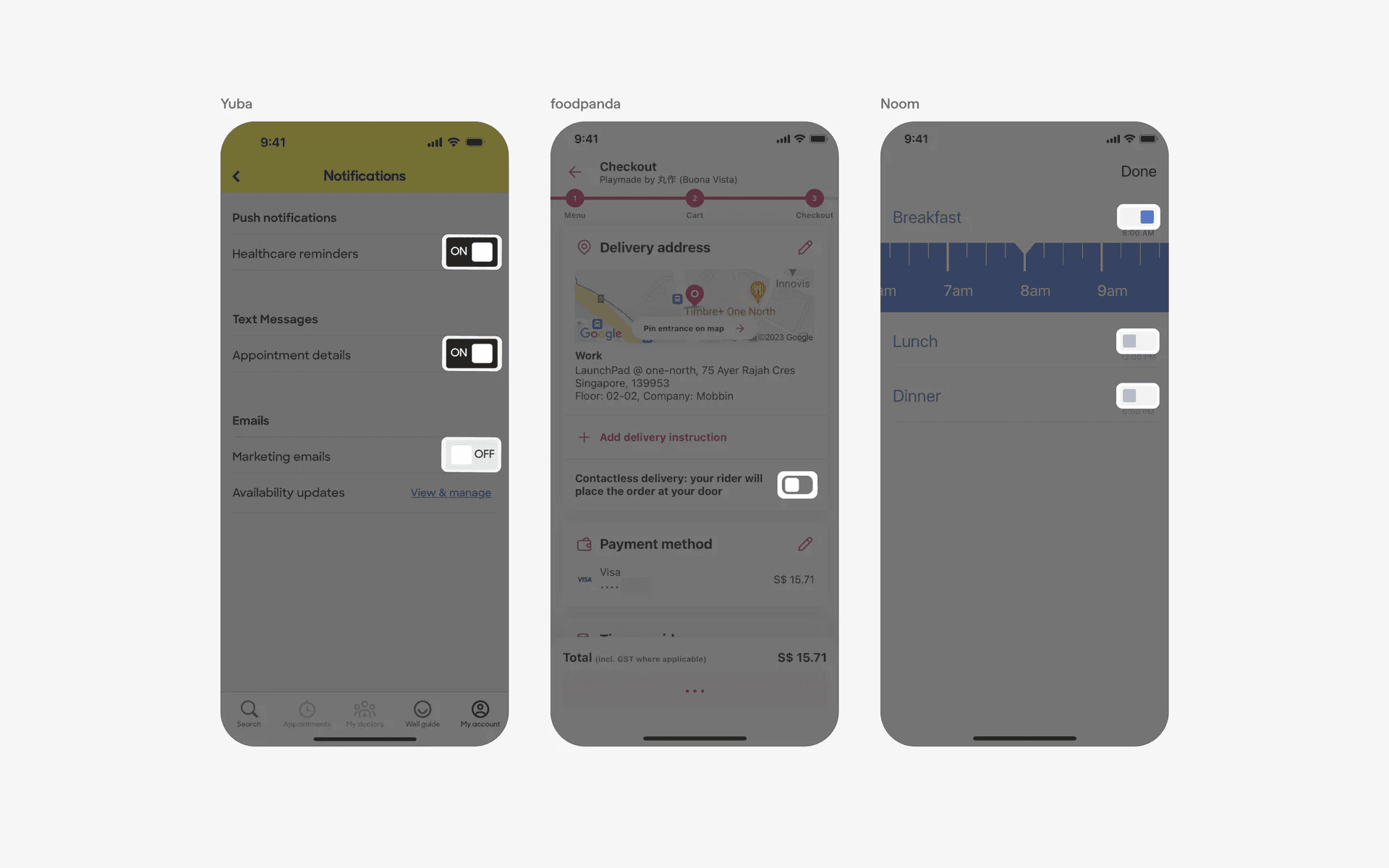
Examples of rectangular switch thumbs
When to use a switch component?
1. Settings & preferences
Switches are most often used in settings & preference screens to allow users to toggle specific features or options on or off.
For example, a switch can be used to enable or disable push notifications, dark mode, or sound effects.
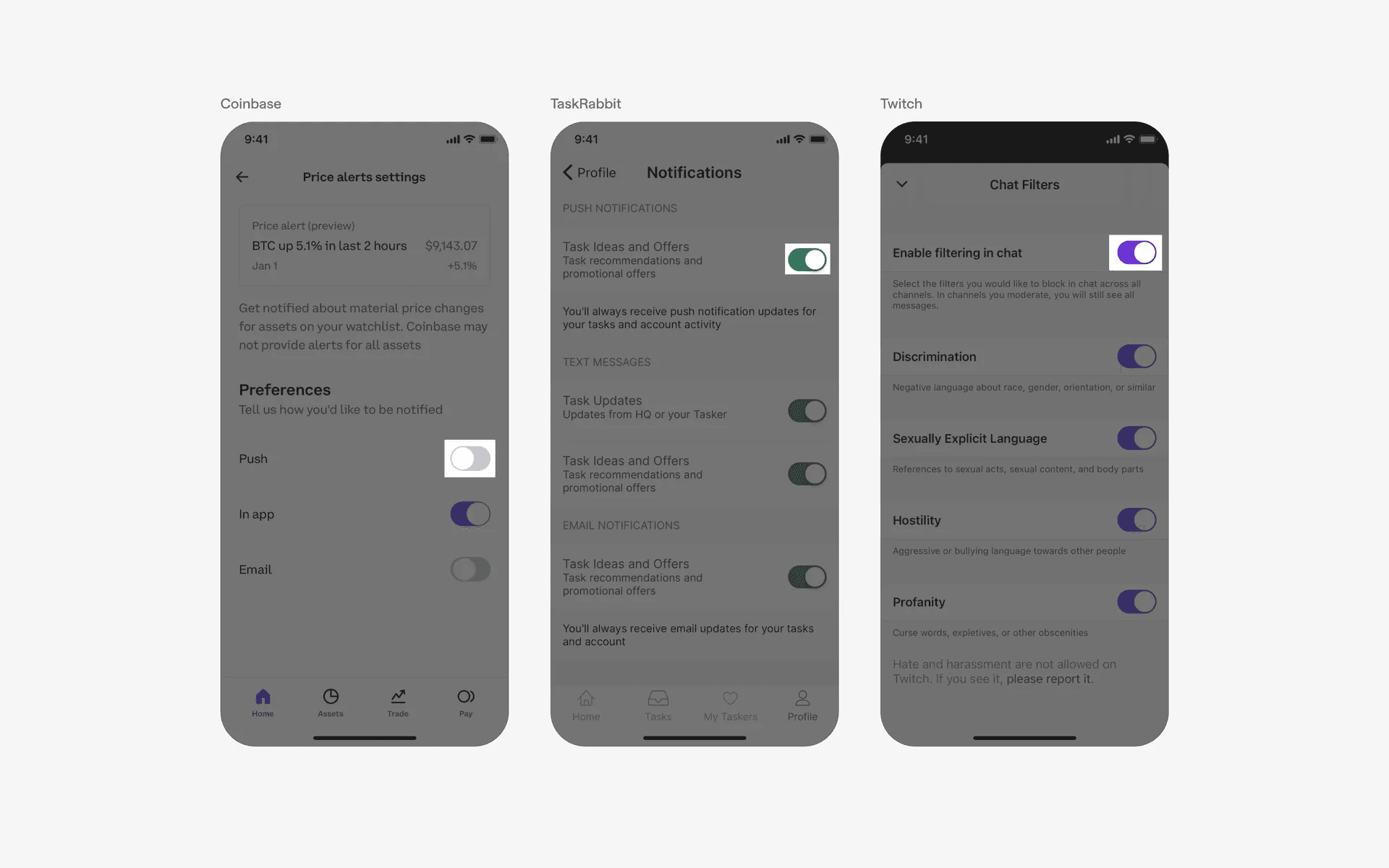
Examples of toggle switch used in settings & preferences screens.
2. Filter & sorting
Switches are utilized in filter & sort screens to enable or disable specific filters or search criteria. Users can toggle switches to select their preferences and refine the search results accordingly.
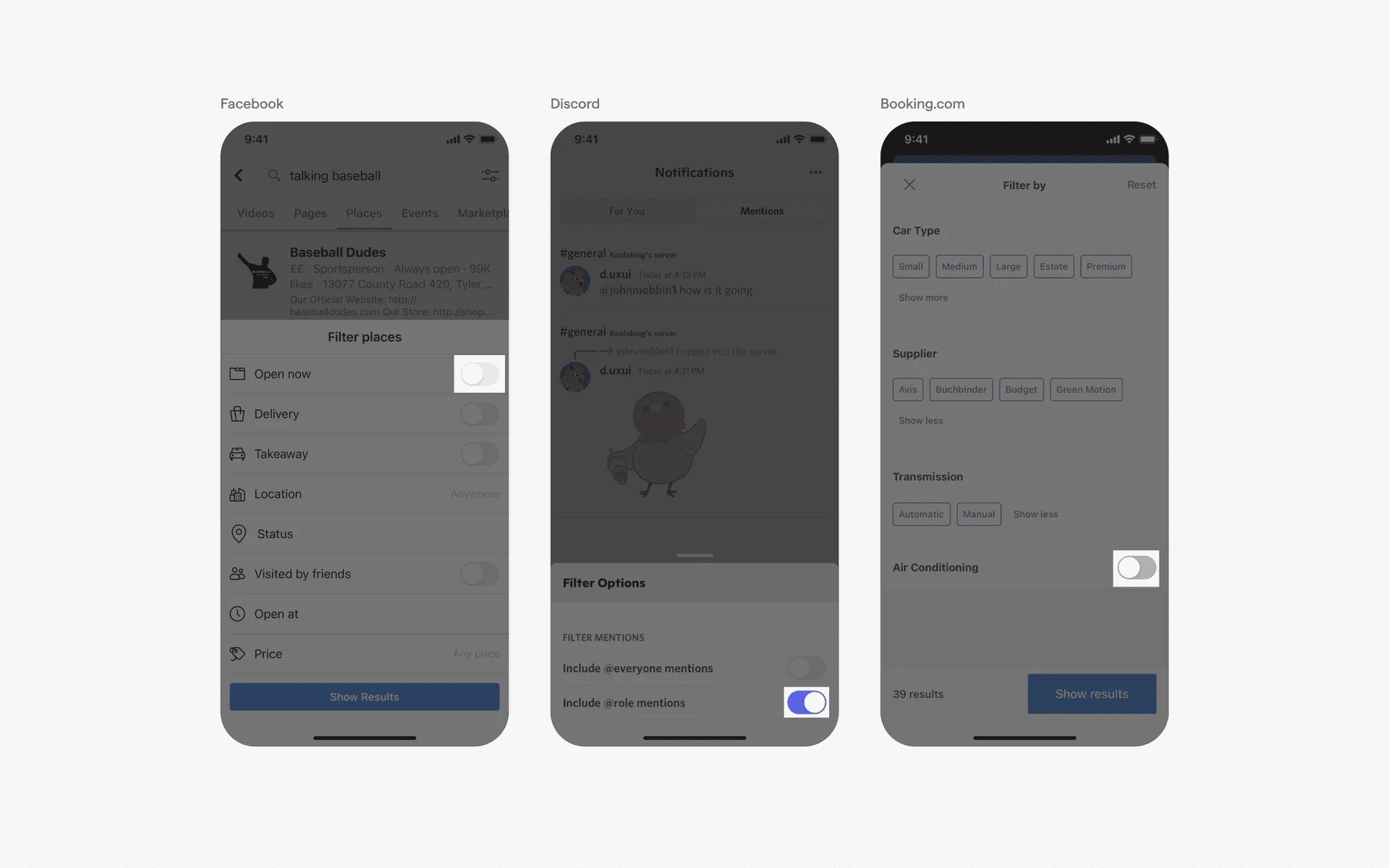
Examples of toggle switch used in filter screens.
Conflicting UI elements: Segmented control, radio buttons
1. Switch v.s. Segmented control
While segmented controls can also be used to turn an item on or off (i.e binary actions), their anatomy differs from a switch - their “thumb” contains text, while for switches their thumb will never go beyond including an icon.
Also, segmented controls are primarily used for content organization where users can switch between different views. It is less commonly used in the settings page - and in cases where they are, these are sometimes known as segmented buttons.
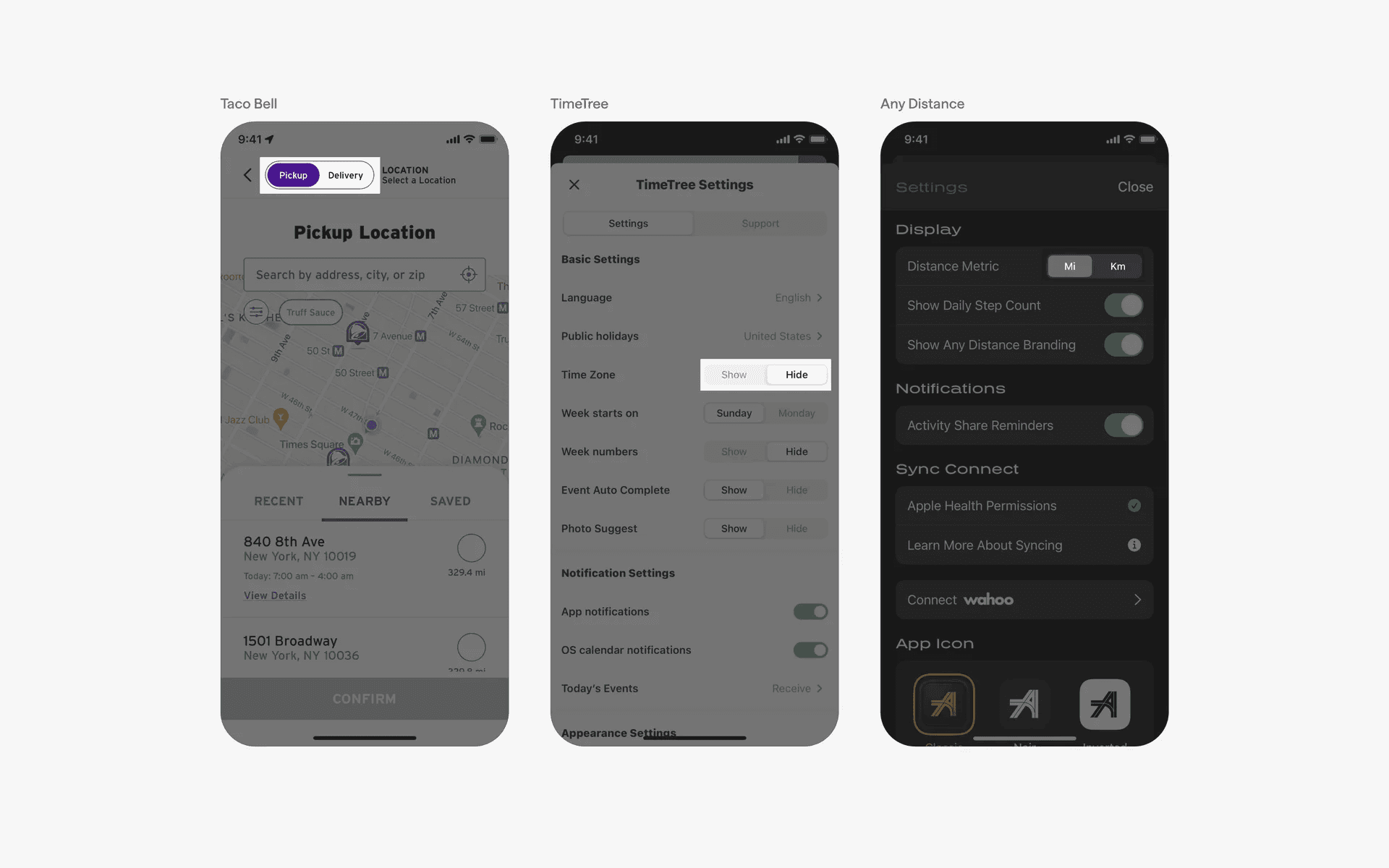
Examples of segmented controls.