Segmented Control UI

What is a segmented control UI component?
Segmented Control is a toggle that either allows users to navigate between views, or, select options. It's primary use case is to organise content.
A segmented control that allows users to select between options are sometimes called Segmented Buttons.
A segmented control with navigational purposes are also known as Segmented Switch.
Each option in a segmented control is called a "segment", and it sits on a "track".
A segmented control can have two or more segments.
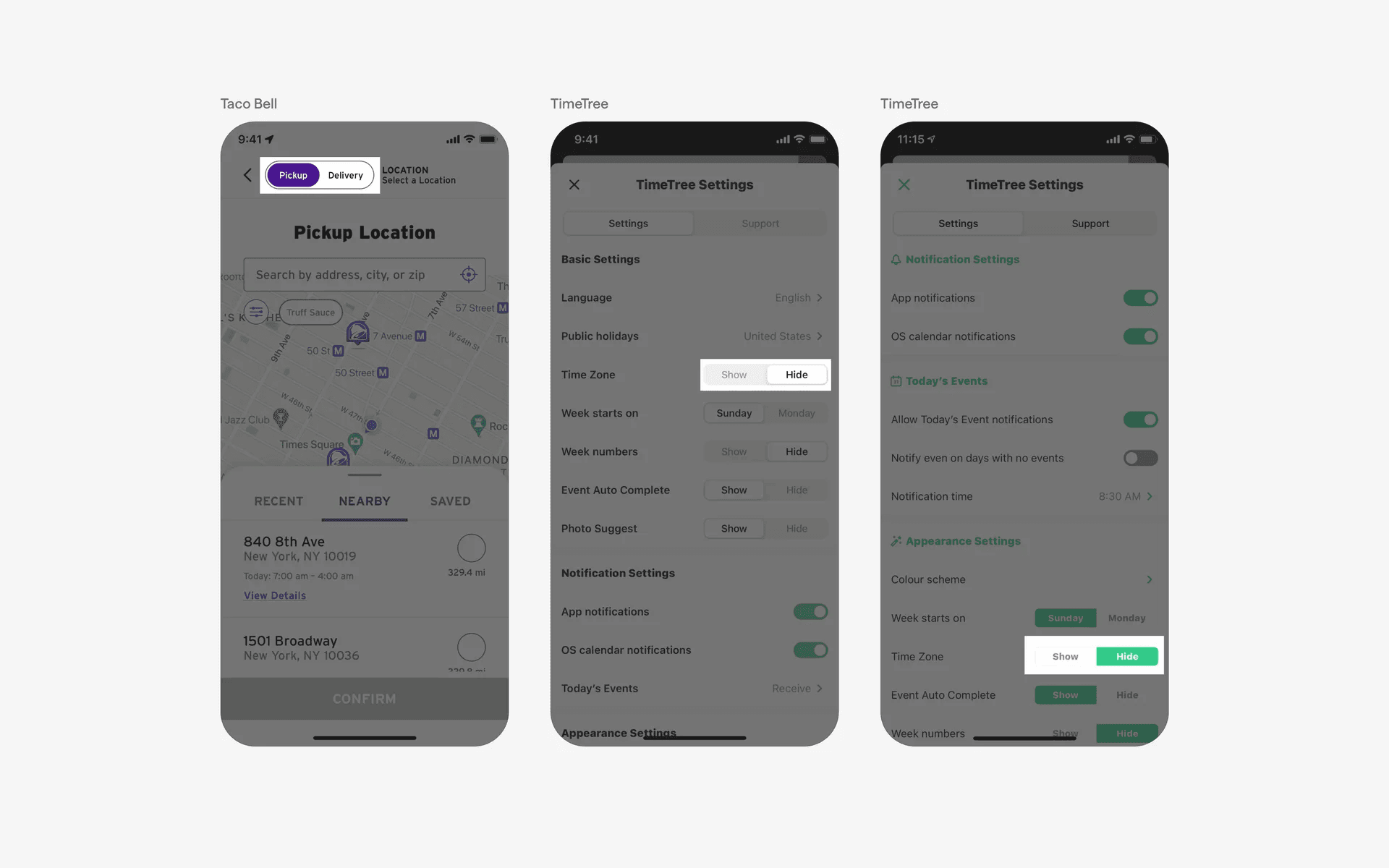
Examples of what a segmented control looks like.
What is the anatomy of a segmented control?
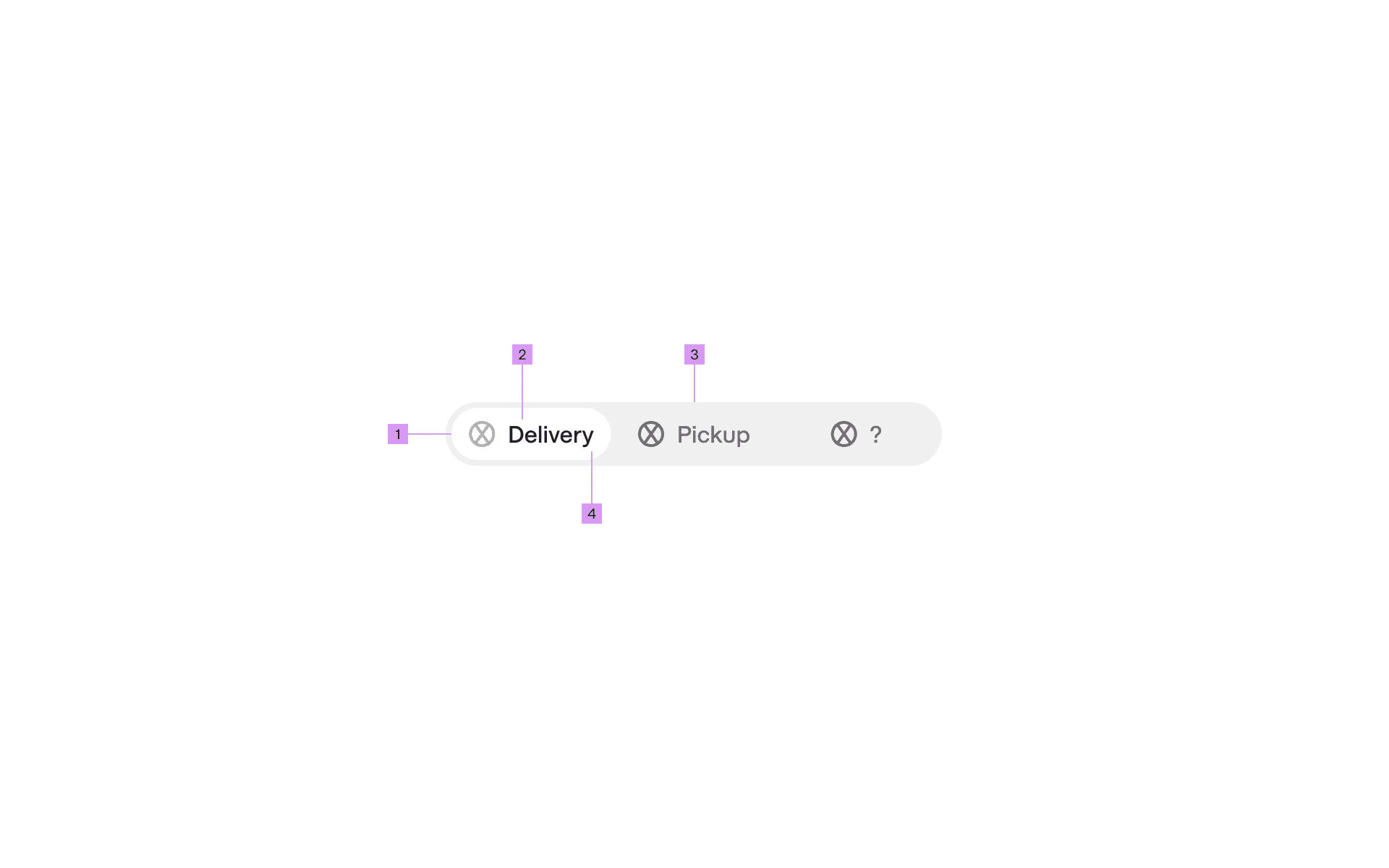
Anatomy of a toggle switch
1
Segment
2
Leading Icon (optional)
3
Track
4
Label
What are the design variants of a segmented control?
We studied over 2,600+ segmented control UI components on Mobbin, from real-world examples and found the following variants.
1. Segmented control can be styled with different corner radiuses
Depending on your team's design system, we've seen segmented control designs in circular or rectangular corner radiuses.
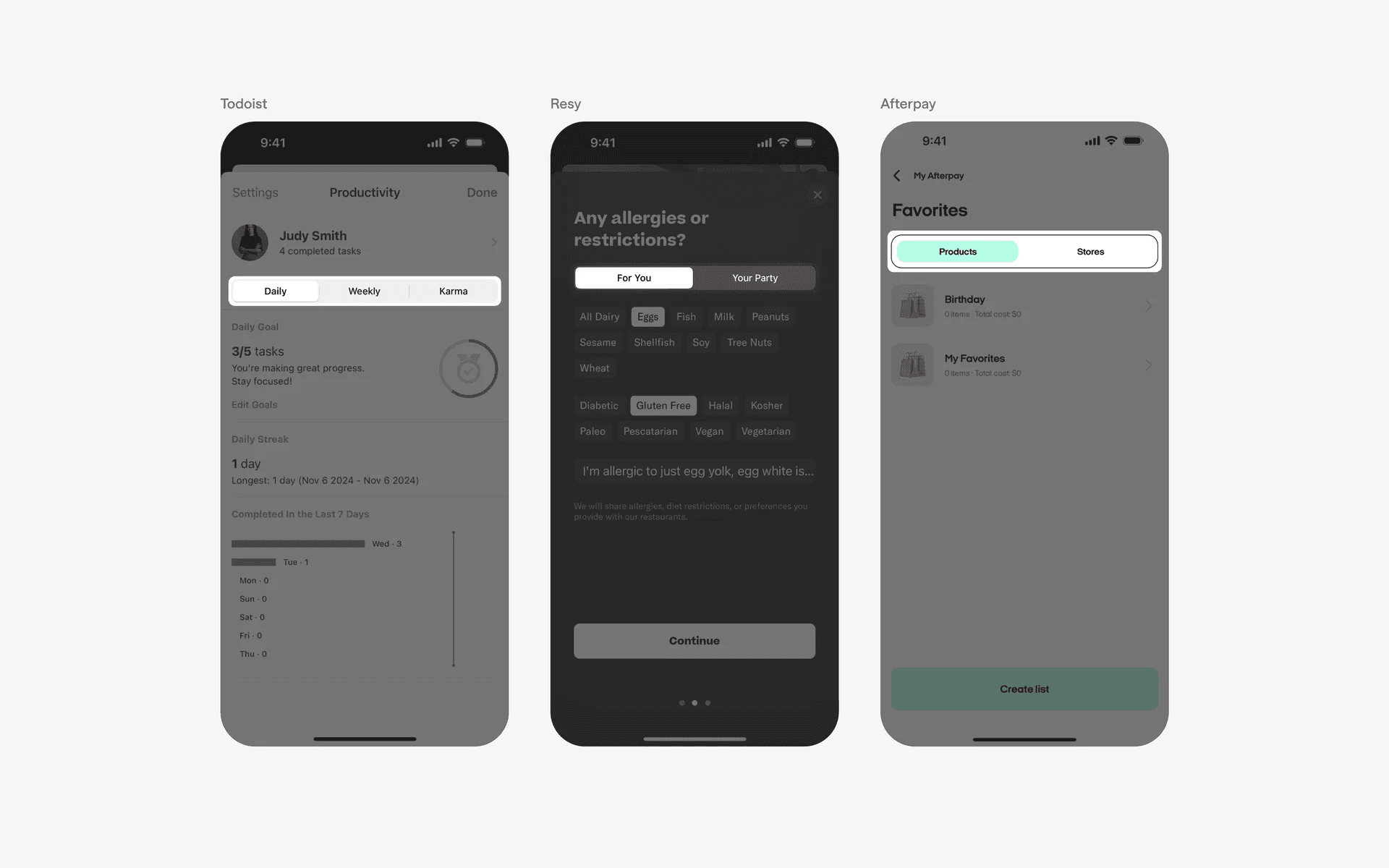
Examples of segmented controls with rectangular corner radius.
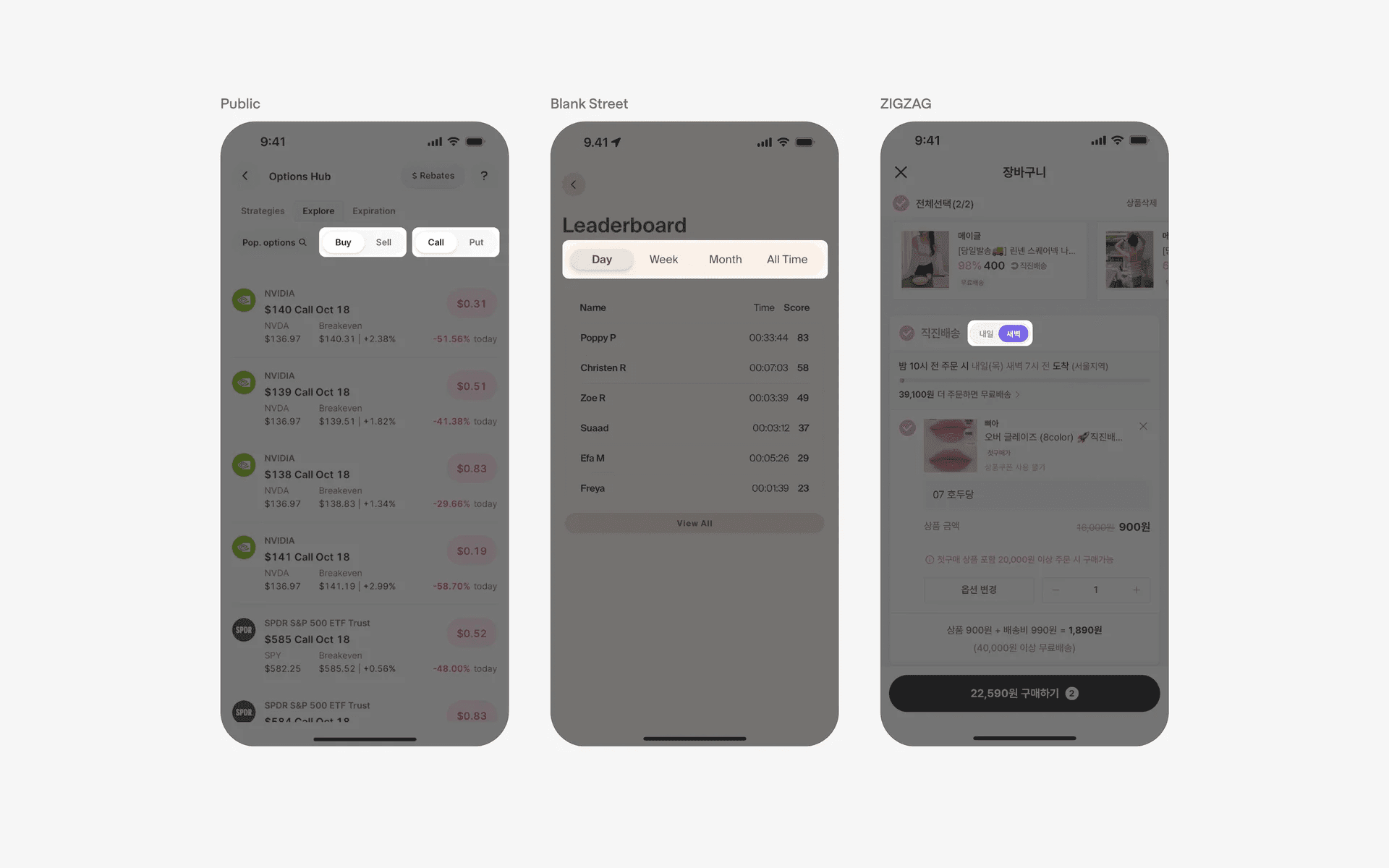
Examples of segmented controls with circular corner radius.
2. Pill-shaped segmented control
If you want to more fancy, we've also seen segmented control options that are pill-shaped.
This means that one side of the segmented control has zero corner radius, and the other side has a rounded corner.
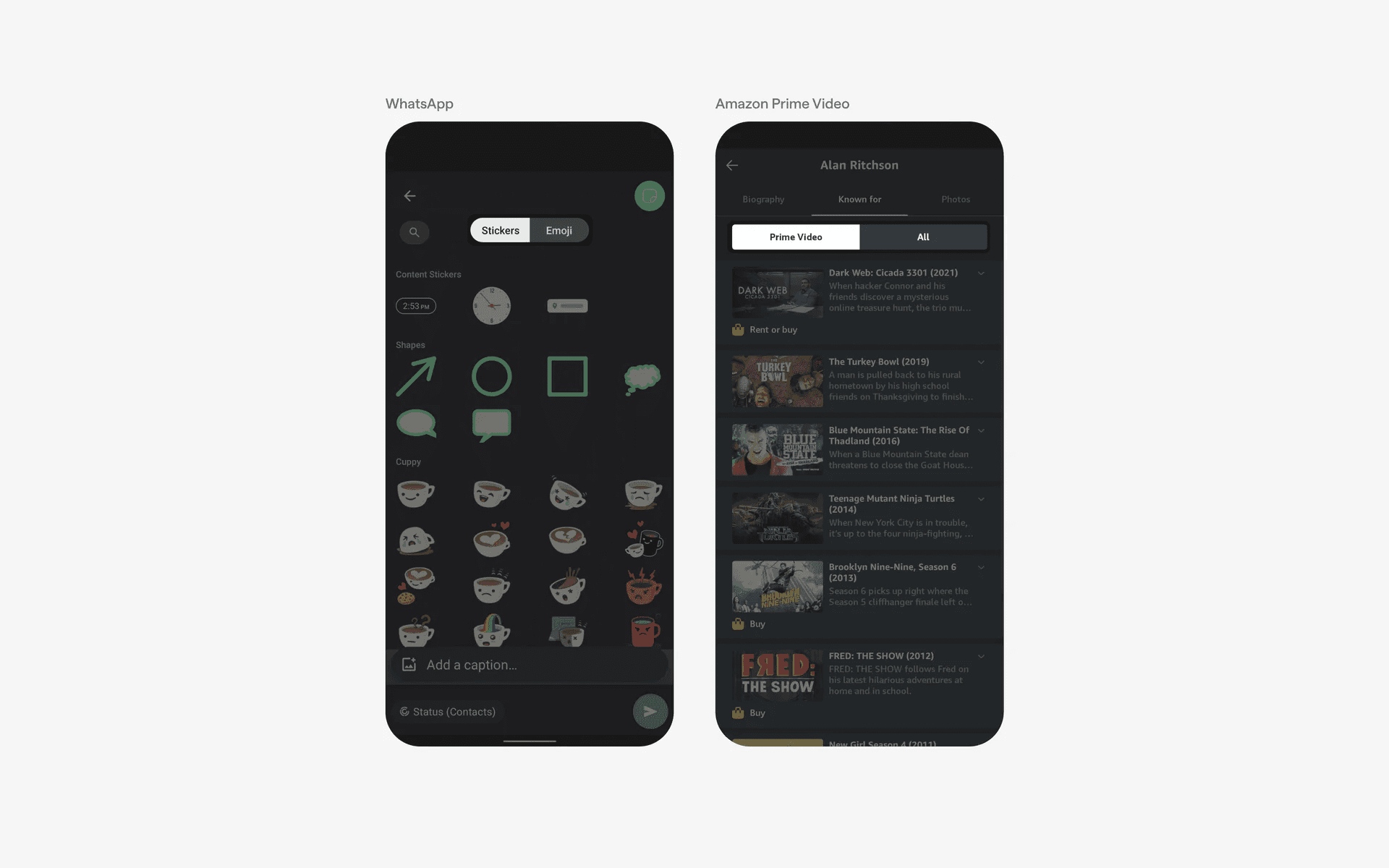
Examples of segmented control with pill shape
3. Segmented control with stacked text labels
If you need to add more context to your segmented control, consider using stacked text labels. The tradeoff here is that you take up more vertical space, and the segmented control is less compact, but the added clarity might be worth it.
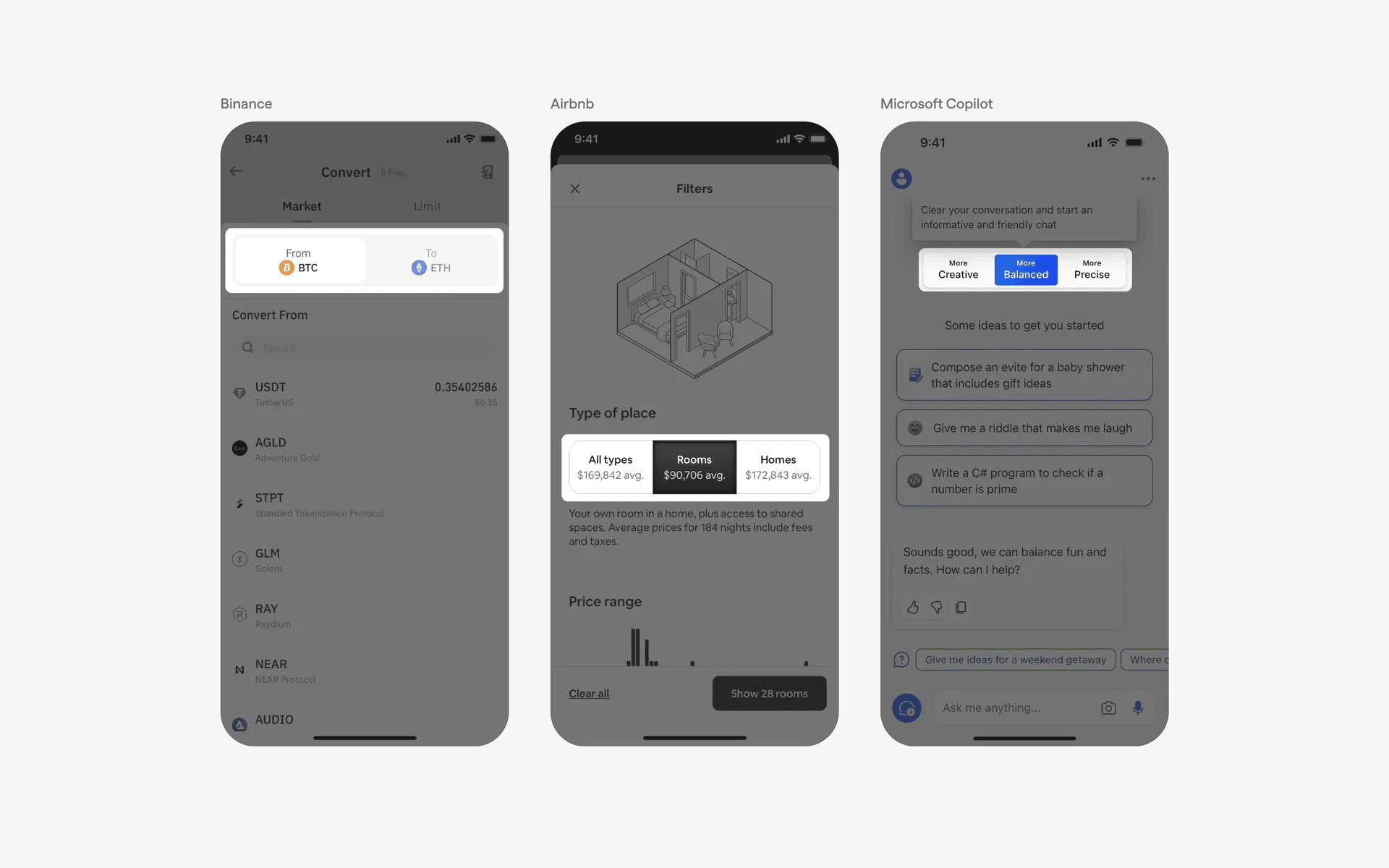
Examples of segmented control with stacked text labels
4. Segmented control with icons only
To reduce cognitive load, you can opt for icon-only segmented control to accomodate more options for a tighter space. However, the icons must be clear and distinct - if not, you may risk confusing users.
This is approach is popular if you have multiple segments and you don't want to take up too much space.
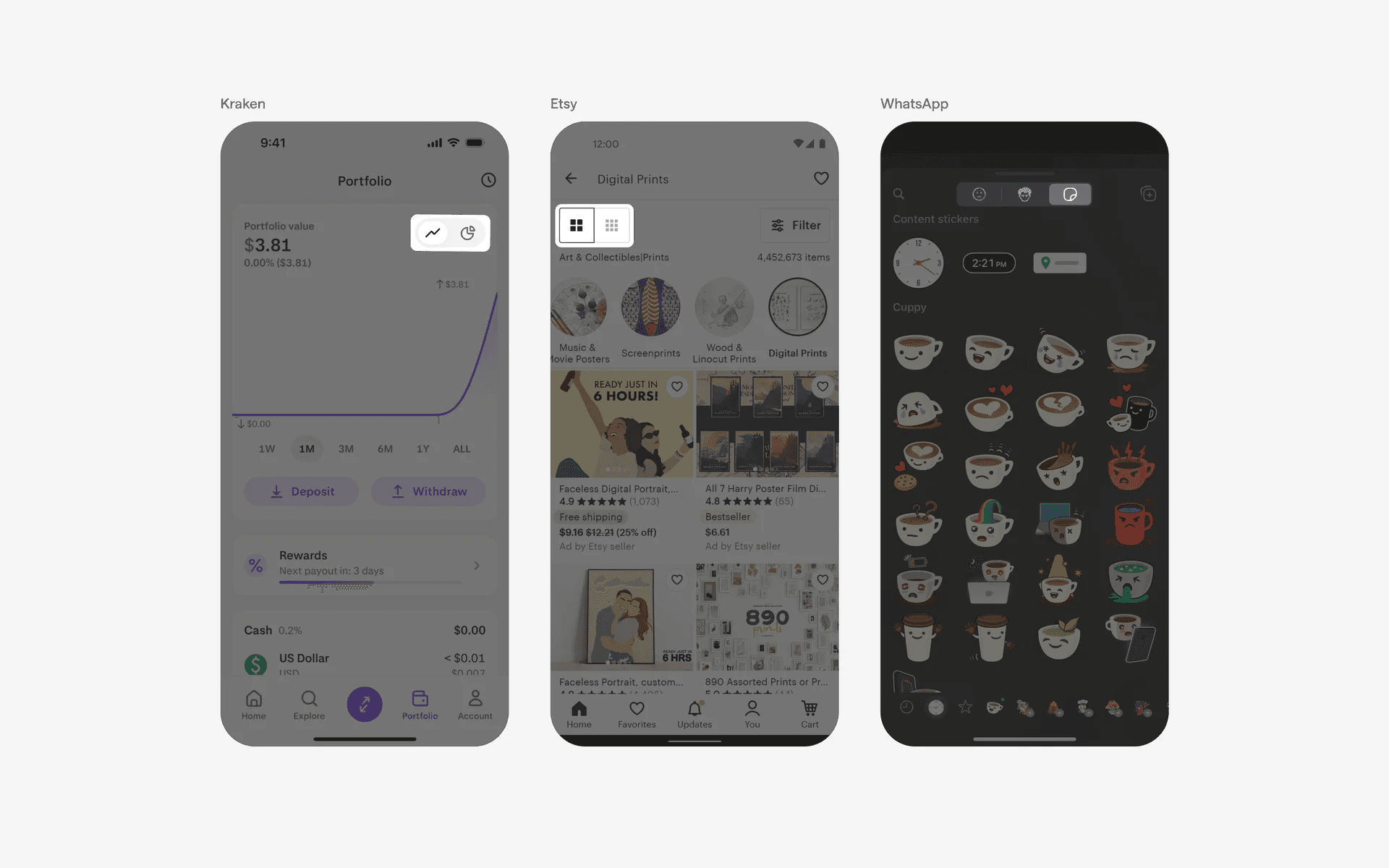
Examples of toggle switches with track labels
When to use segmented controls?
1. Navigation
Segmented controls can be used as a primary navigation element to switch between different sections or views within an app.
For example, a news app might use a segmented control at the top of the screen to allow users to switch between categories like "Top Stories," "Sports," and "Entertainment.”
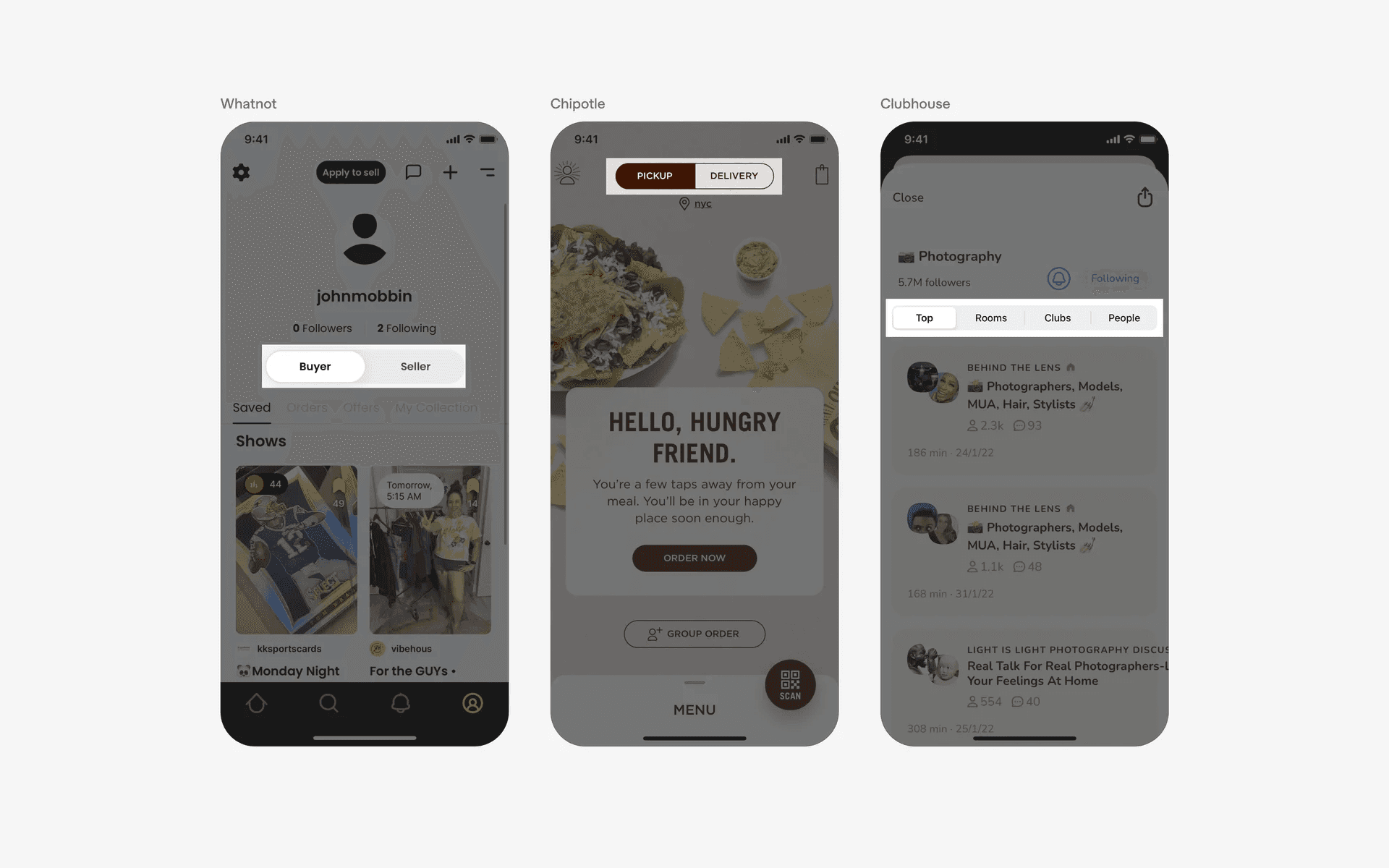
Examples of segmented control tabs in navigational context
2. Settings & preferences
Segmented controls can be used in settings screens or preference panels to allow users to choose between different options or modes.
For instance, a photo editing app might use a segmented control to let users select a brush type, such as "Pencil," "Marker," or "Eraser.”
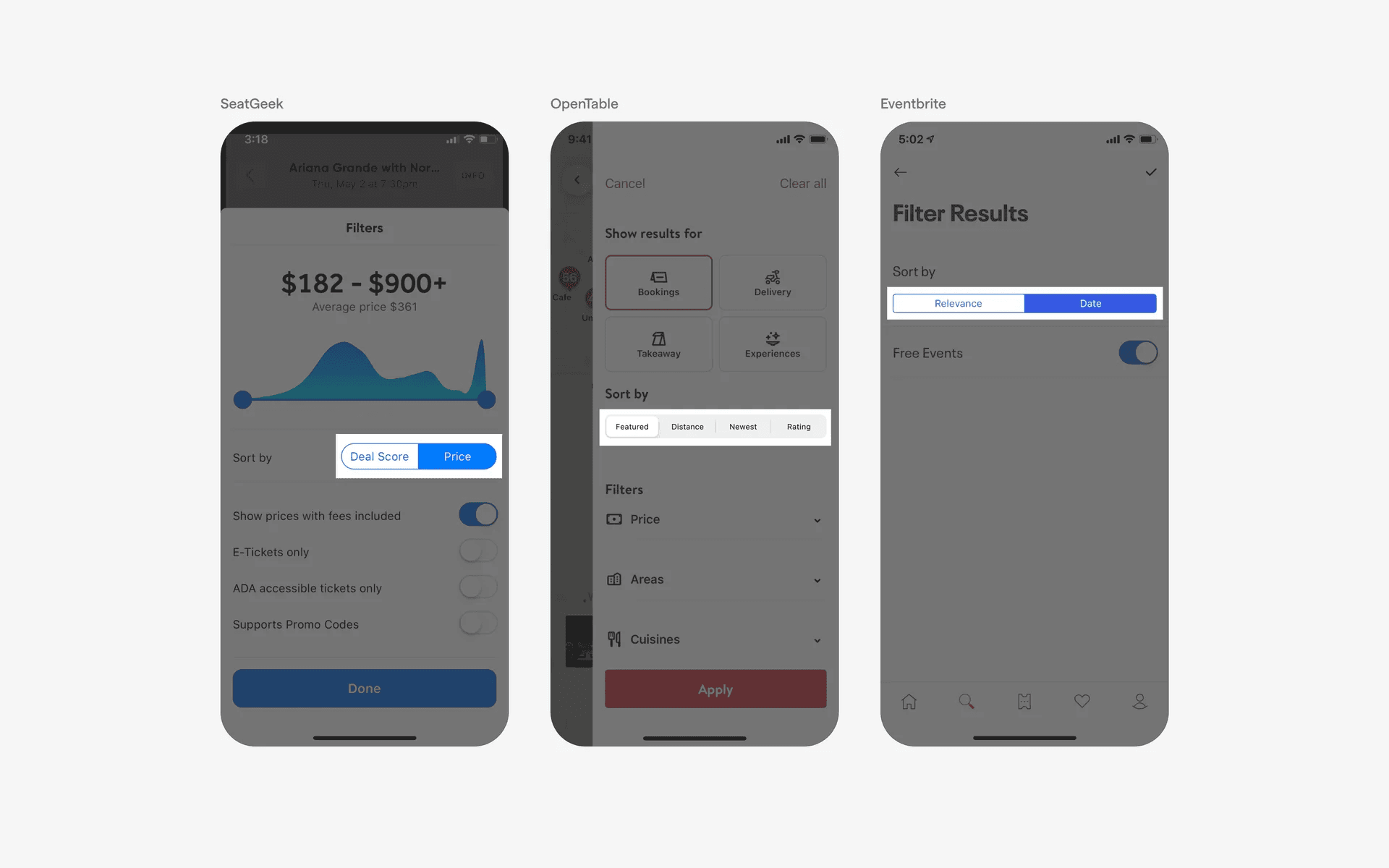
Examples of segmented control options in settings & preferences context
3. Filter & sorting
In apps that display lists or grids of content, segmented controls can be used to allow users to filter or sort the content based on different criteria.
For example, an e-commerce app might use a segmented control to let users sort products by "Price," "Popularity," or "Newest Arrivals.”
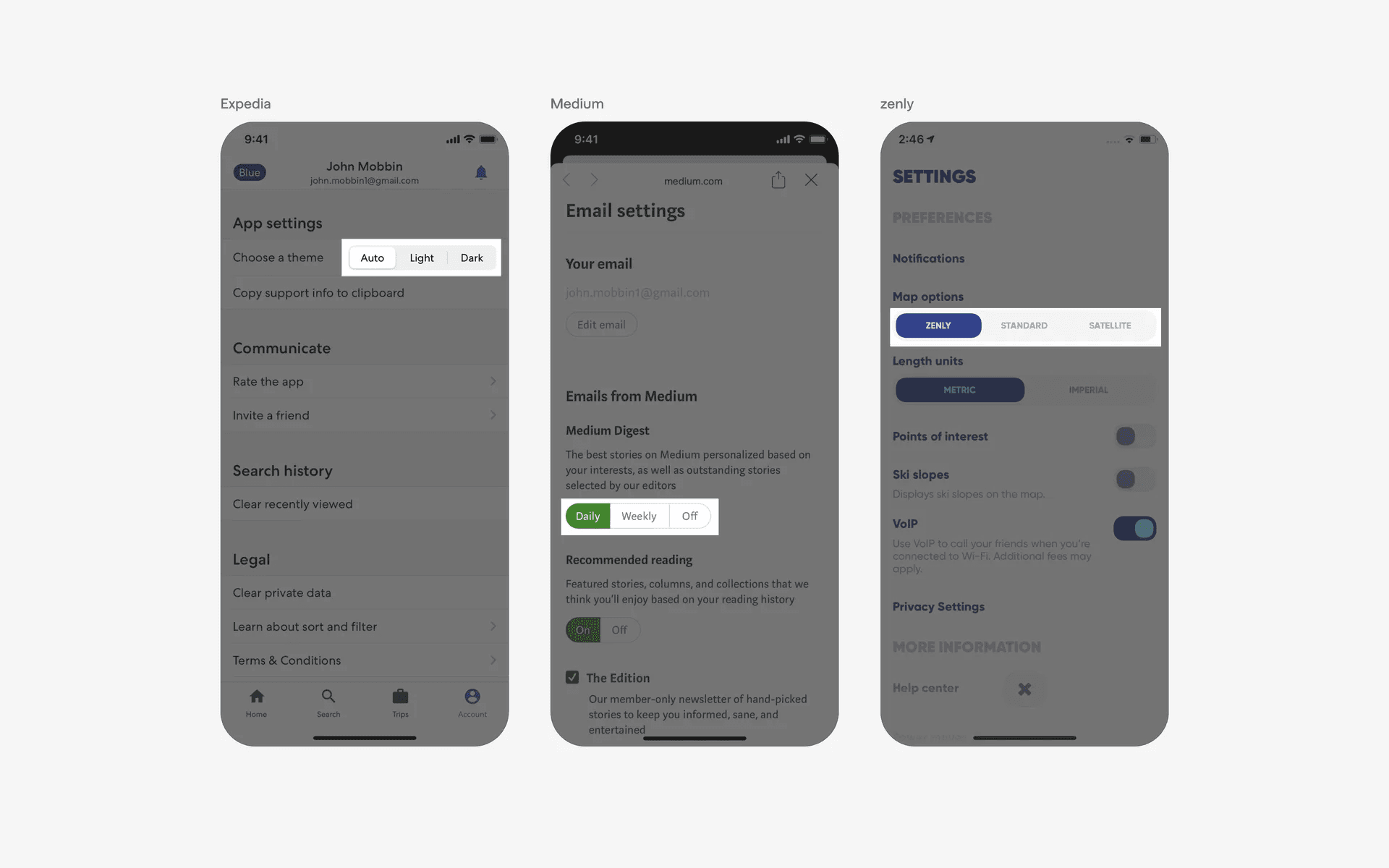
Examples of segmented control options in filter & sorting context.
Conflicting UI elements: Switches, Tabs
1. Segmented control v.s. Switch
A switch is a toggle shaped button used to toggle between two usually binary options, while a segmented control is a group of buttons used to select one option out of two or sometimes several.
To select an option, a segmented control can be activated by tapping anyone one of its inactive segments, while a switch is activated by tapping it's thumb.
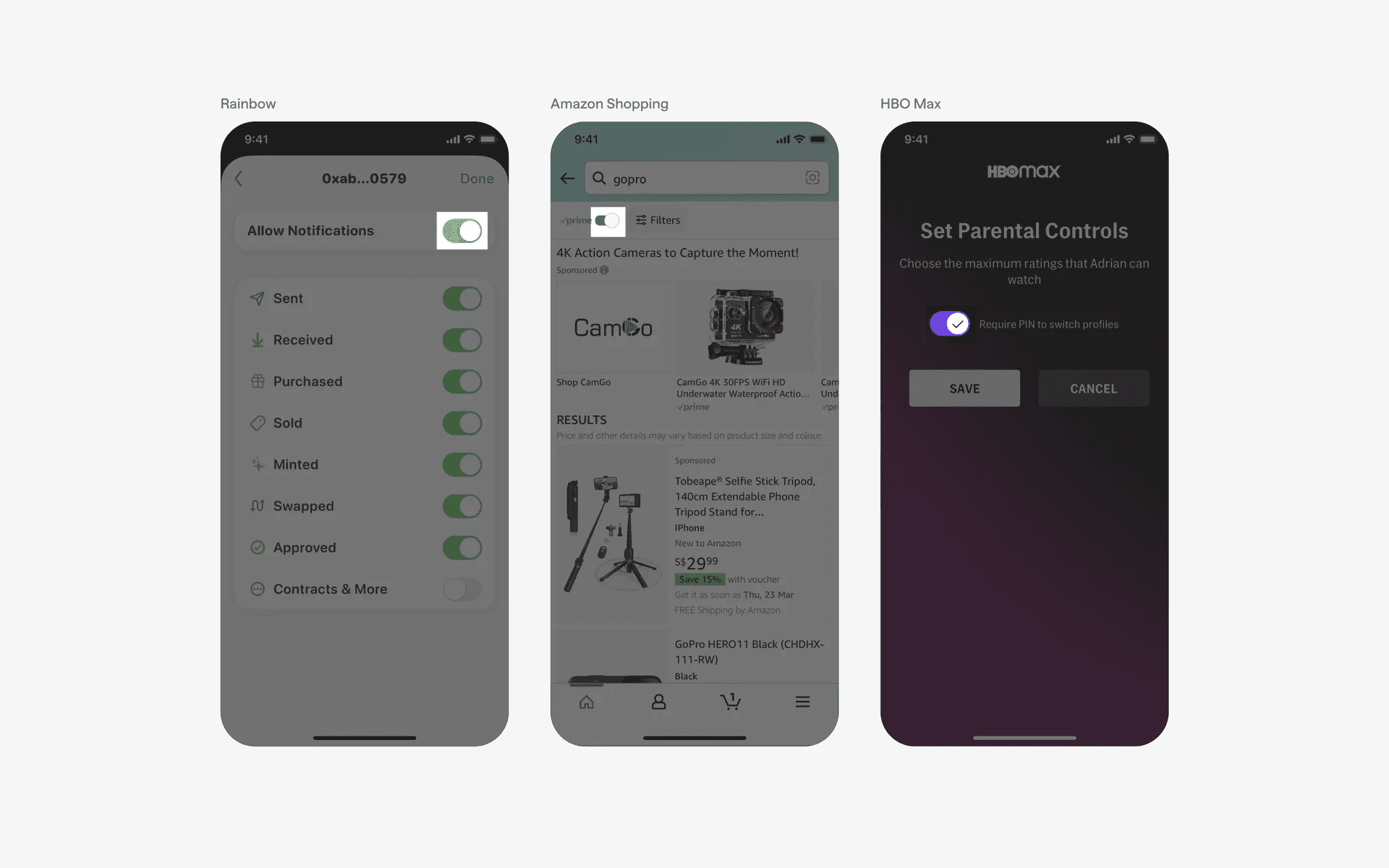
Examples of switches.
2. Segmented control v.s. Tab
While tabs and segmented control can serve the same purpose of selecting a view, the items in a segmented control are always connected by the track.
If the items are separated (not connected by a track), then it becomes a tab.
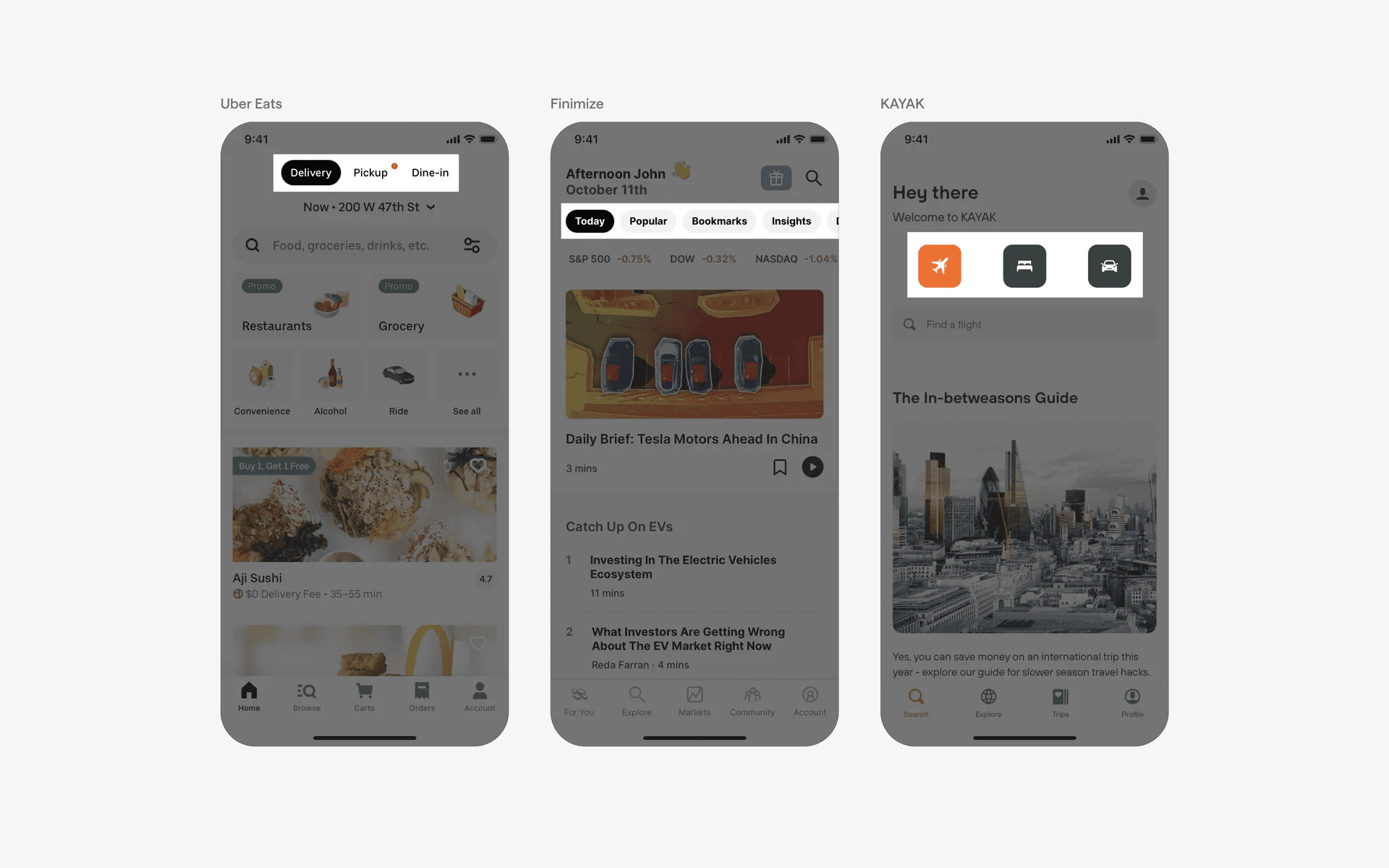
Examples of tabs.