Zomp
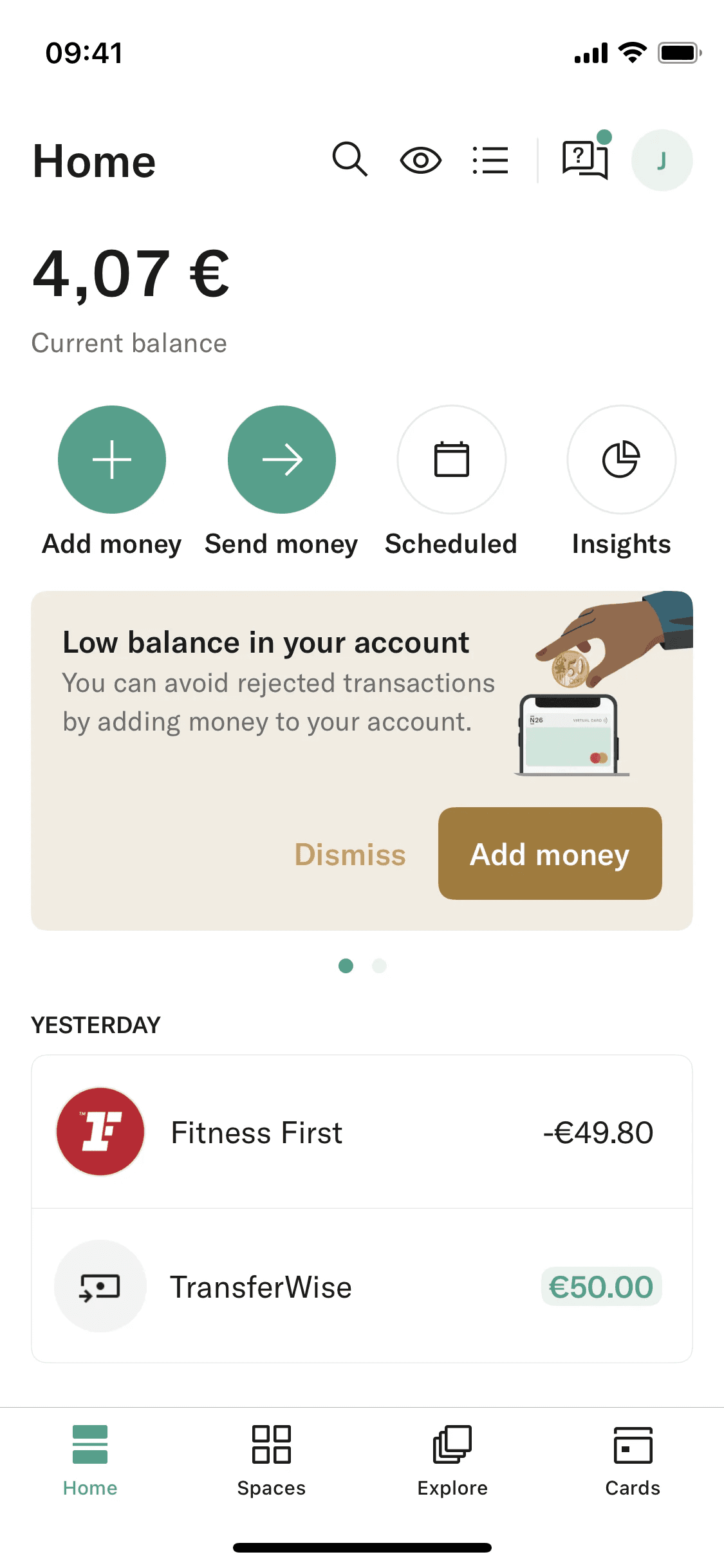
Meet Zomp (#36A18B), a captivating greenish-cyan that commands attention. Its unique position between cool blue and earthy green gives it a distinct vibrancy, making it a memorable choice for any design palette without being overpowering.
Zomp Code Conversions
HEX
#36A18B
LAB
60, -36, 3
RGB
54, 161, 139
XYZ
18.9, 28.1, 28.9
HSL
168°, 50%, 42%
LCH
60, 36, 176°
HSB
168°, 66%, 63%
LUV
60, -42, 9
HWB
168°, 21%, 37%
Zomp Color Harmonies
Analogous
An analogous scheme pairs Zomp with its neighbors on the color wheel, producing a cohesive and tranquil visual harmony for your designs.
Complementary
Complementary colors sit opposite each other on the color wheel. Paired with Zomp, they create a visually striking and high-contrast combination.
Split Complementary
A split complementary scheme for Zomp uses the two hues on either side of its direct complement, creating a high-contrast look with more nuance.
Triadic
A triadic palette is built from three colors equidistant on the color wheel. Using Zomp, these combinations offer a bold and balanced sense of contrast.
Tetradic
Tetradic palettes use two pairs of complementary colors, forming a rectangle on the color wheel. This creates a vibrant scheme, shown here with Zomp.
Square
A square color scheme pairs Zomp with three other colors, all equidistant on the color wheel, creating a bold, high-contrast palette.
Zomp Contrast Simulation
Zomp Color Variations
Shades
Shades are darker versions of Zomp, created by adding black for more depth and weight.
Tints
Tints are lighter versions of Zomp, created by mixing in white for a softer appearance.
Tones
Tones are muted versions of Zomp, created by adding gray to soften its saturation.
Hues
Hues are variations of Zomp that differ in intensity and temperature, affecting the color’s mood.
What Interfaces Use Colors Like Zomp?