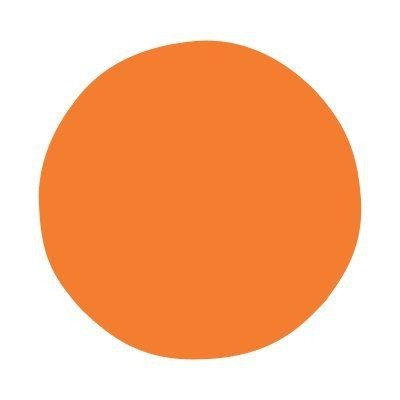
Pumpkin
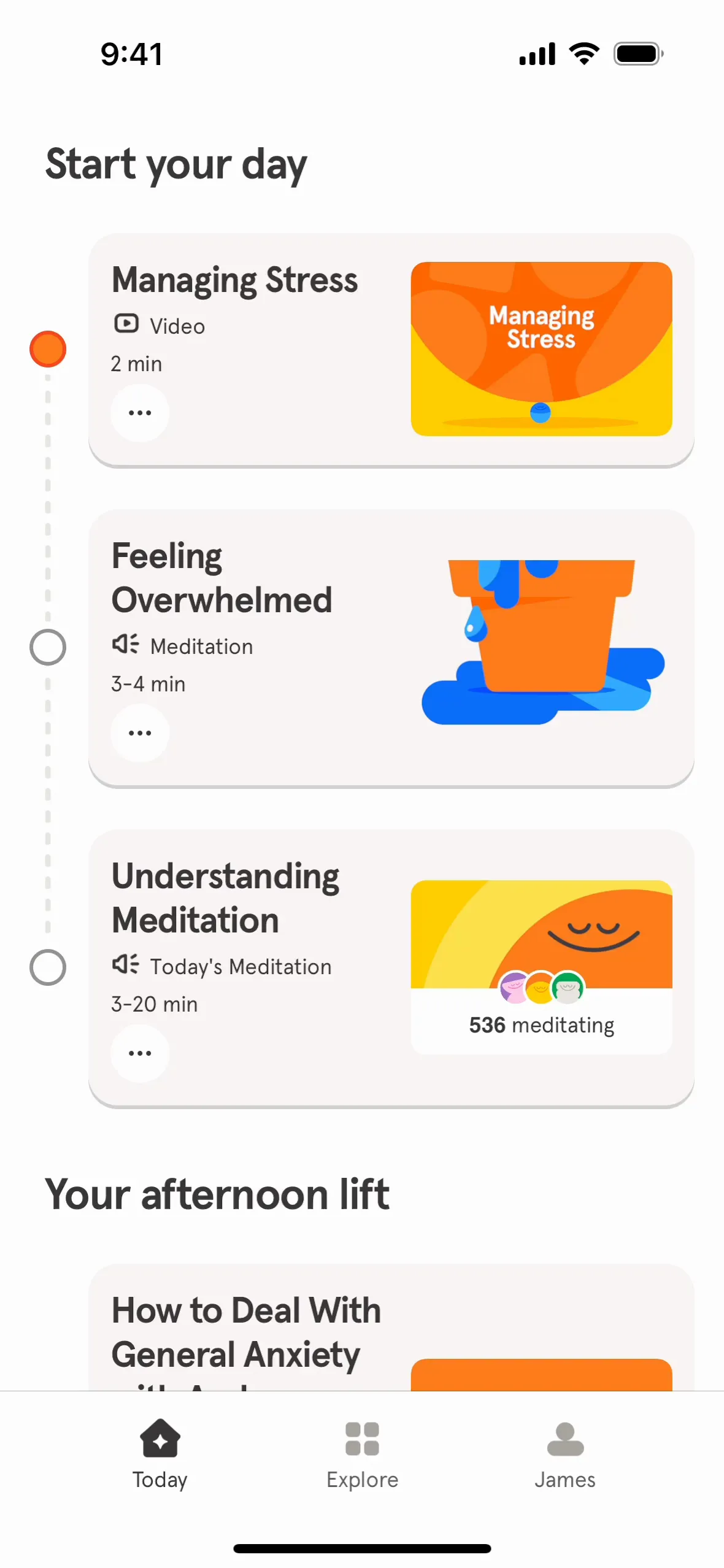
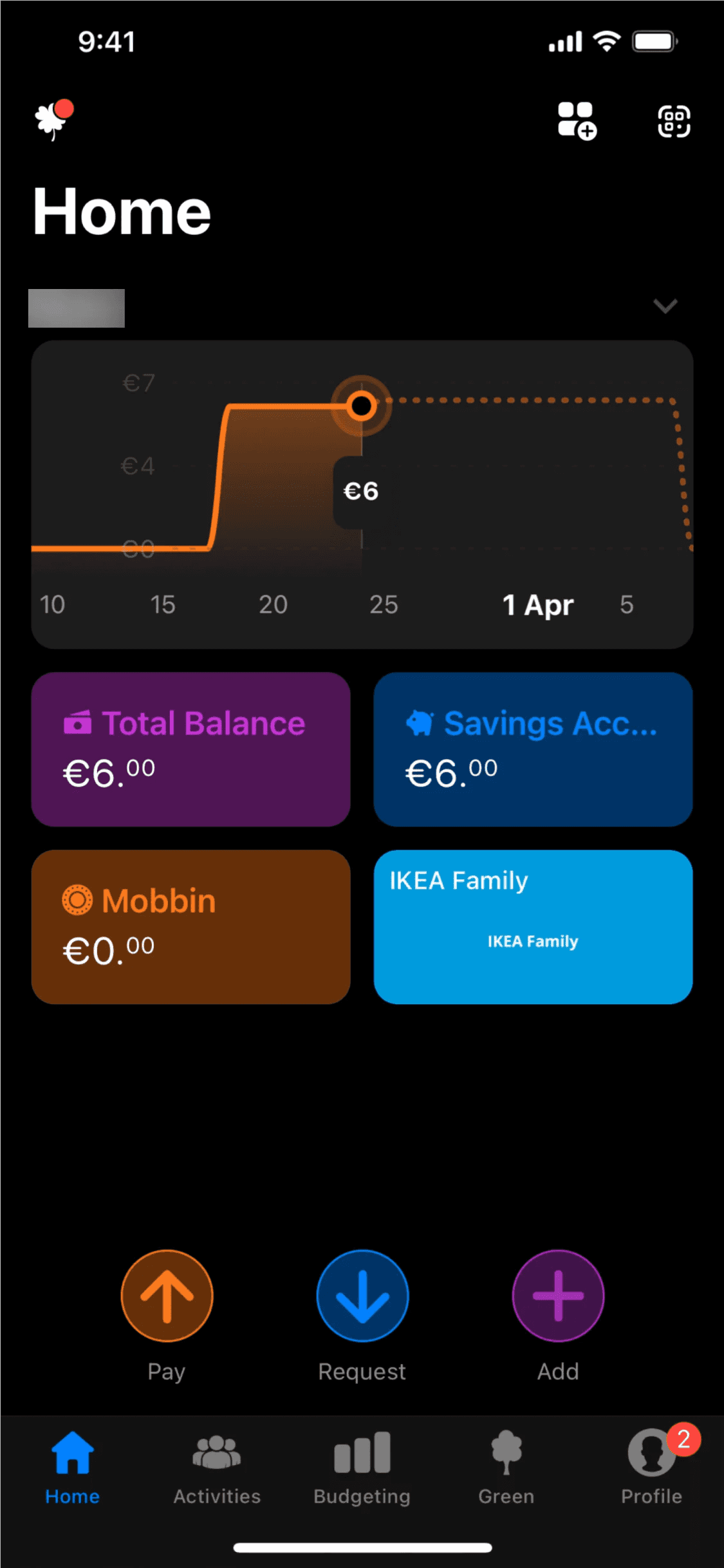
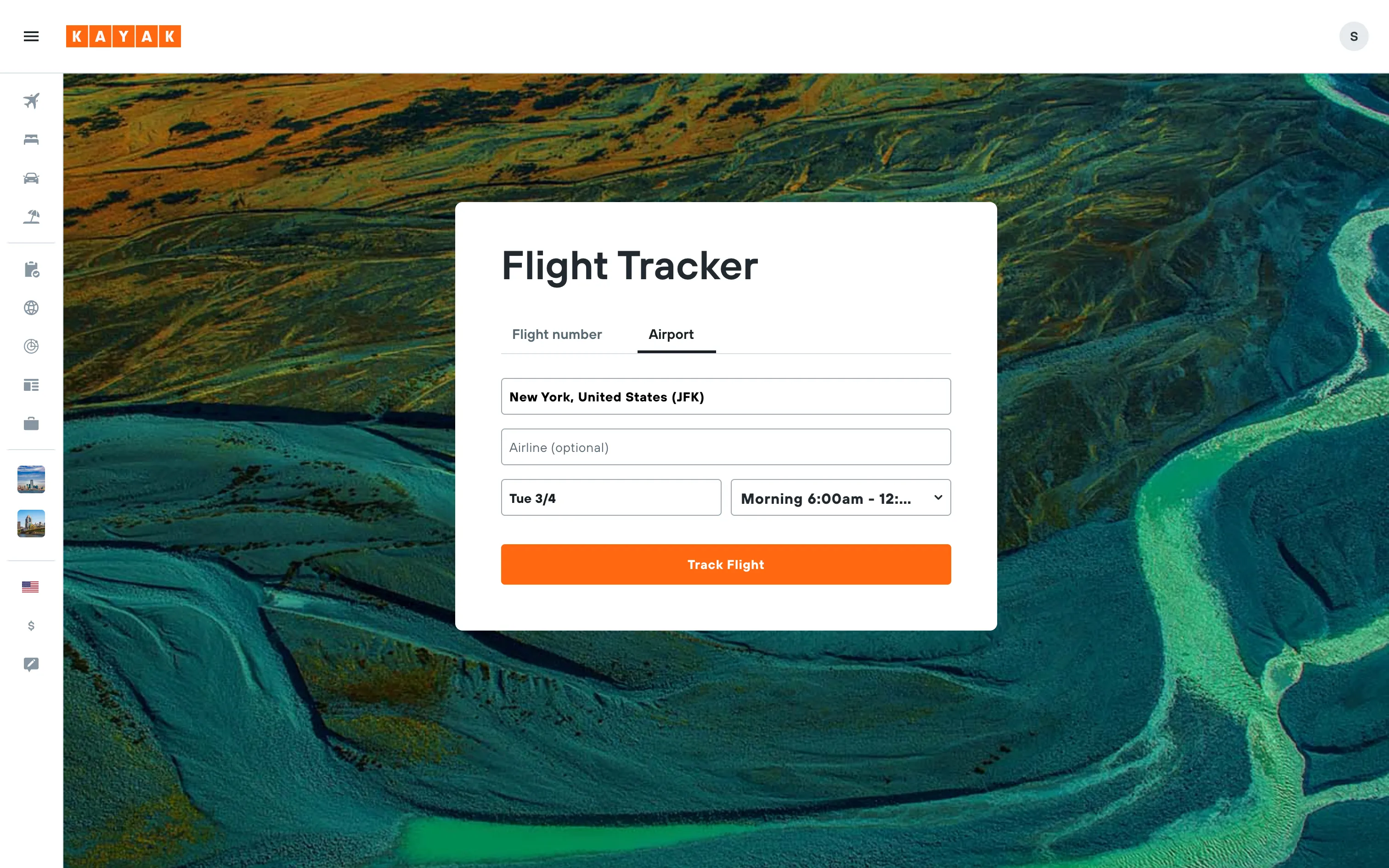
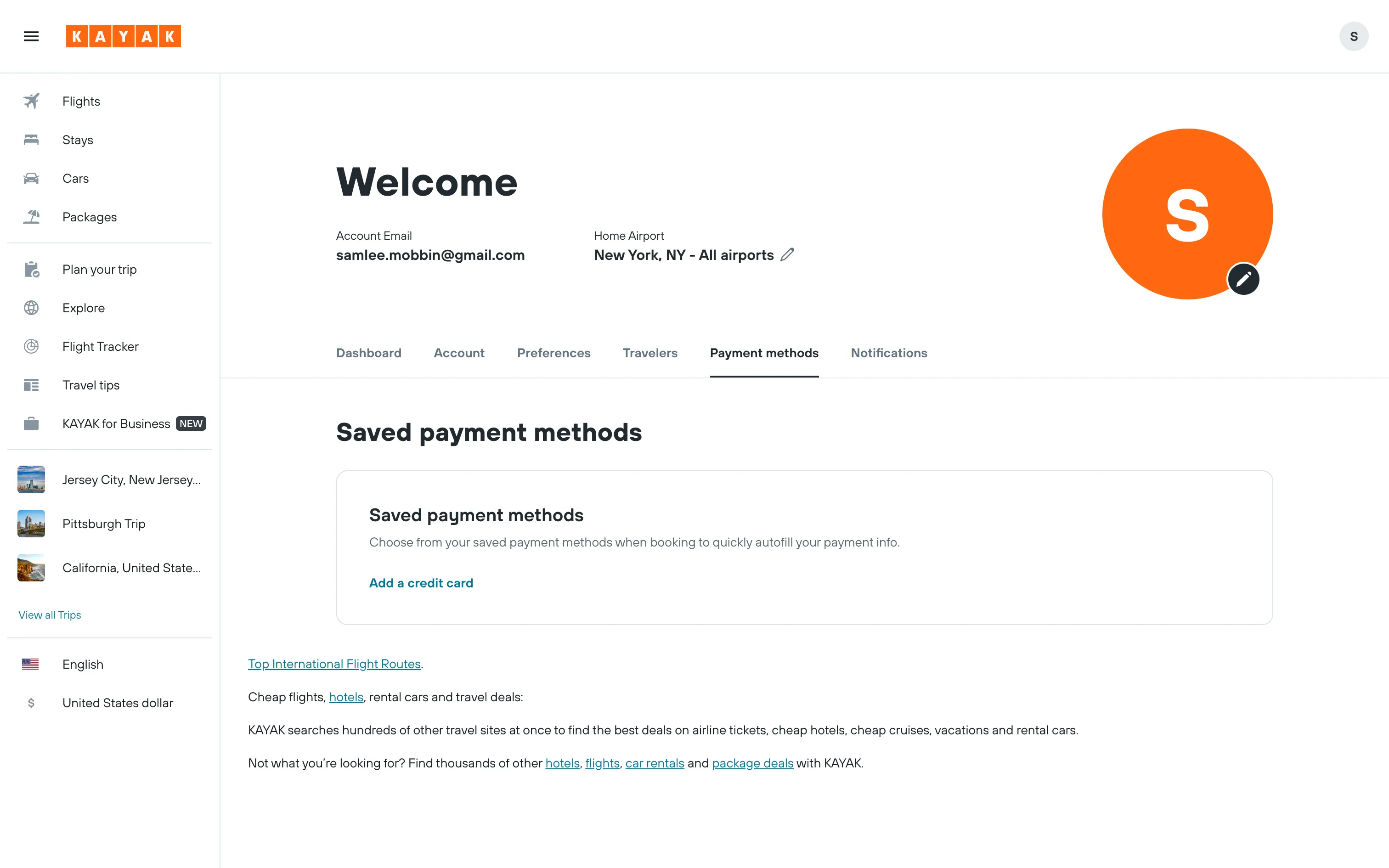
Meet Pumpkin (#FF7518), a vibrant orange that commands attention without being overwhelming. Its rich, saturated tone sits perfectly between red and yellow, offering a burst of warmth and energy that makes it a compelling choice for creating focal points in any interface.
Pumpkin Code Conversions
HEX
#FF7518
LAB
65, 48, 68
RGB
255, 117, 24
XYZ
47.8, 34.1, 4.9
HSL
24°, 100%, 55%
LCH
65, 84, 55°
HSB
24°, 91%, 100%
LUV
65, 114, 56
HWB
24°, 9%, 0%
Pumpkin Color Harmonies
Analogous
Analogous colors sit side-by-side on the color wheel. When paired with Pumpkin, they produce a rich, cohesive look that feels both calm and composed.
Complementary
Complementary colors sit on opposite ends of the color wheel. Pairing Pumpkin with its opposite creates a vibrant combination with maximum visual contrast.
Split Complementary
A split complementary scheme for Pumpkin uses the two colors adjacent to its direct complement, offering high contrast with more nuanced visual harmony.
Triadic
Triadic palettes are built from three colors equidistant on the color wheel. For Pumpkin, this results in a bold and balanced combination of hues.
Tetradic
A tetradic palette for Pumpkin uses two sets of complementary colors, forming a rectangle on the color wheel for a vibrant combination.
Square
A square color scheme uses four colors spaced evenly on the color wheel. With Pumpkin as the base, this combination produces a vibrant, high-contrast palette.
Pumpkin Contrast Simulation
Pumpkin Color Variations
Shades
Shades are darker versions of Pumpkin, created by adding black for more visual weight.
Tints
By mixing Pumpkin with white, you create tints—lighter, softer variations of the original color.
Tones
Tones of Pumpkin are created by adding gray, resulting in a softer, desaturated look.
Hues
Hues are variations of Pumpkin that alter its intensity and temperature, creating different moods.
What Interfaces Use Colors Like Pumpkin?