Neon Fuchsia

Meet Neon Fuchsia (#FE59C2), a color that refuses to be ignored. Its intense saturation and electric glow make it a standout choice for any design palette, immediately drawing the eye with its unapologetic brightness. This shade commands attention from the very first glance.

What color is Neon Fuchsia?

Neon Fuchsia is an intensely saturated, electric pink that sits on the spectrum between magenta and purple. Its high brightness gives it a characteristic luminous quality that appears to glow.As a hue, it has a warm temperature, stemming from a strong red base balanced with cool, purplish undertones.

What is the meaning of Neon Fuchsia?

Neon Fuchsia is a color that doesn't whisper; it shouts. It embodies a sense of bold confidence and vibrant energy, combining the playful passion of pink with a touch of purple's creativity to evoke excitement and unapologetic fun.This intense hue often symbolizes individuality and a break from the ordinary. It makes a powerful statement of spontaneity and high-octane joy.

How do I use Neon Fuchsia (#FE59C2) in UI design?

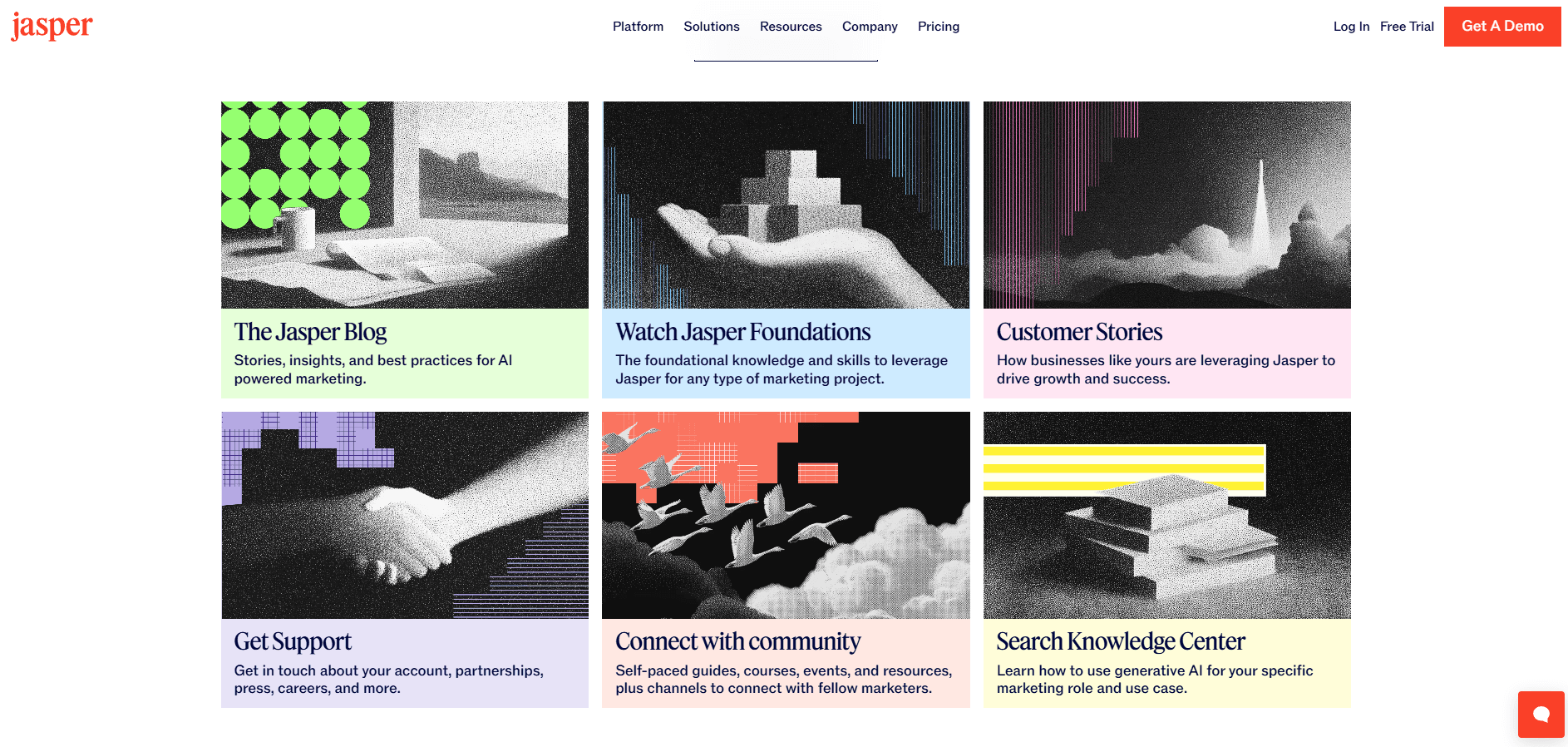
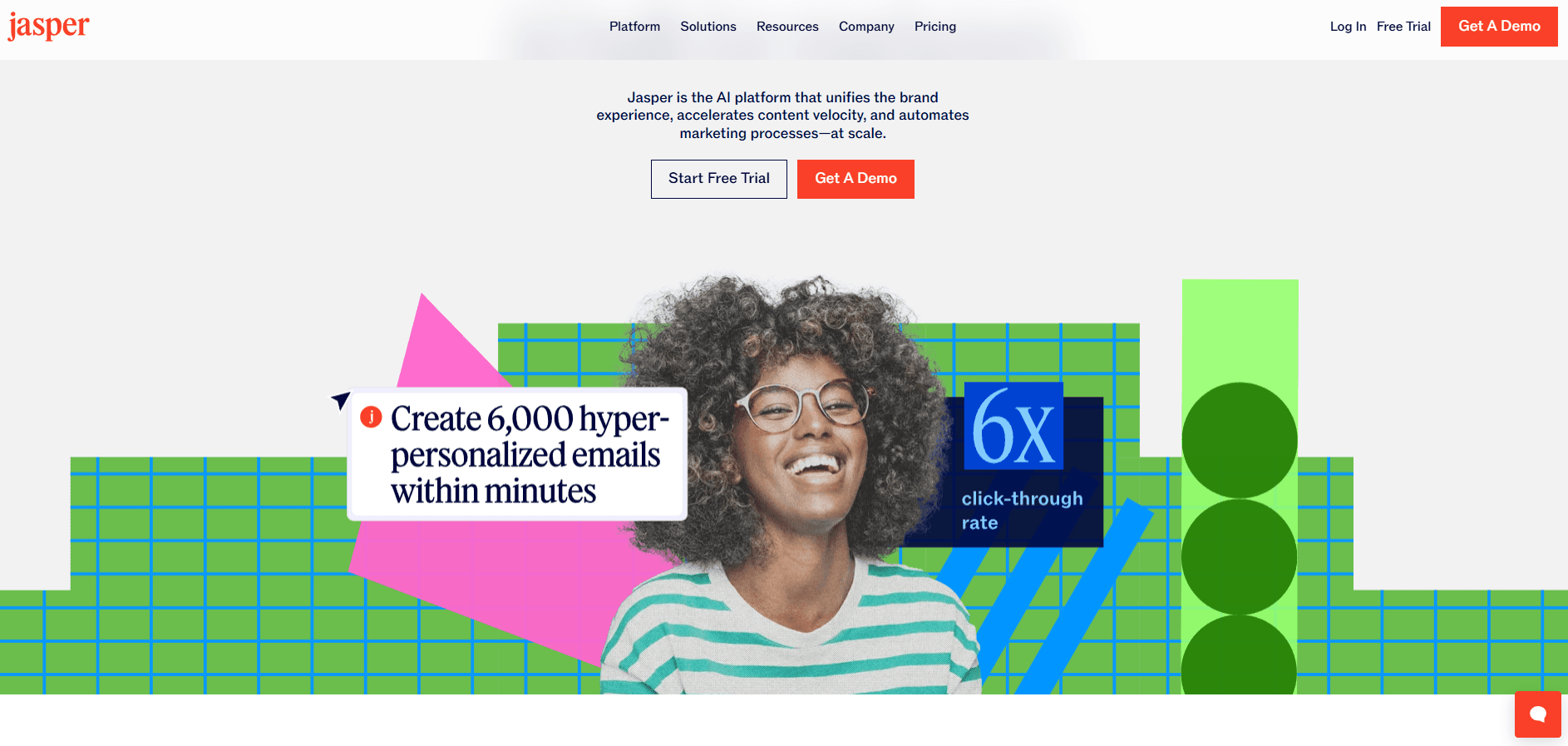
Given its intensity, Neon Fuchsia (#FE59C2) works best as a potent accent color for key elements like buttons, links, or notification badges. It creates a sharp, modern look when set against dark neutrals like charcoal or black. For a more daring, maximalist style, you can pair it with other electric hues like cyan or lime green, but always verify the contrast ratios to keep your interface accessible.Not many companies build their brand around a color this bold, which can make it a memorable choice for those wanting to stand out. The AI platform Jasper, for example, uses a similar energetic pink to create a distinctive visual identity that cuts through the noise.Use the tools below to explore curated palettes, test color contrast for accessibility, and preview Neon Fuchsia in real UI components of top brands.

Using Neon Fuchsia color codes

To apply Neon Fuchsia in your work, you'll need its specific hex code, #FE59C2. This is the most common format for specifying colors in web design, directly usable in CSS and HTML.Different mediums require different color models. The hex code #FE59C2 can be translated into other formats like RGB for digital screens or CMYK for print projects. Models such as HSL offer a more intuitive way to modify color attributes like saturation and lightness.We've converted #FE59C2 into a range of popular formats for you. Find the code you need below and copy it for your project.

Neon Fuchsia

#FE59C2

Access our full UI & UX library today.

What color is Neon Fuchsia?

Neon Fuchsia is an intensely saturated, electric pink that sits on the spectrum between magenta and purple. Its high brightness gives it a characteristic luminous quality that appears to glow.As a hue, it has a warm temperature, stemming from a strong red base balanced with cool, purplish undertones.

What is the meaning of Neon Fuchsia?

Neon Fuchsia is a color that doesn't whisper; it shouts. It embodies a sense of bold confidence and vibrant energy, combining the playful passion of pink with a touch of purple's creativity to evoke excitement and unapologetic fun.This intense hue often symbolizes individuality and a break from the ordinary. It makes a powerful statement of spontaneity and high-octane joy.

How do I use Neon Fuchsia (#FE59C2) in UI design?

Given its intensity, Neon Fuchsia (#FE59C2) works best as a potent accent color for key elements like buttons, links, or notification badges. It creates a sharp, modern look when set against dark neutrals like charcoal or black. For a more daring, maximalist style, you can pair it with other electric hues like cyan or lime green, but always verify the contrast ratios to keep your interface accessible.Not many companies build their brand around a color this bold, which can make it a memorable choice for those wanting to stand out. The AI platform Jasper, for example, uses a similar energetic pink to create a distinctive visual identity that cuts through the noise.Use the tools below to explore curated palettes, test color contrast for accessibility, and preview Neon Fuchsia in real UI components of top brands.

Using Neon Fuchsia color codes

To apply Neon Fuchsia in your work, you'll need its specific hex code, #FE59C2. This is the most common format for specifying colors in web design, directly usable in CSS and HTML.Different mediums require different color models. The hex code #FE59C2 can be translated into other formats like RGB for digital screens or CMYK for print projects. Models such as HSL offer a more intuitive way to modify color attributes like saturation and lightness.We've converted #FE59C2 into a range of popular formats for you. Find the code you need below and copy it for your project.

Neon Fuchsia Code Conversions

HEX

#FE59C2

LAB

63, 72, -22

RGB

254, 89, 194

XYZ

54.2, 32.1, 54.4

HSL

322°, 99%, 67%

LCH

63, 75, 343°

HSB

322°, 65%, 100%

LUV

63, 93, -45

CMYK

0, 65, 24, 0

CMYK

0, 65, 24, 0

HWB

322°, 35%, 0%

Neon Fuchsia Color Harmonies

Analogous

By selecting colors adjacent to Neon Fuchsia on the color wheel, you create an analogous scheme that feels cohesive and naturally serene.

#E759FE

#FE59C2

#FE5970

#E759FE

#FE59C2

#FE5970

Complementary

Complementary colors sit opposite each other on the color wheel. Pairing Neon Fuchsia with its complement creates a striking, high-contrast visual effect.

#FE59C2

#59FE95

#FE59C2

#59FE95

Split Complementary

Split complementary colors for Neon Fuchsia offer a vibrant yet balanced palette by pairing it with the two colors adjacent to its direct complement.

#FE59C2

#70FE59

#59FEE7

#FE59C2

#70FE59

#59FEE7

Triadic

A triadic scheme pairs Neon Fuchsia with two other colors, equally spaced on the color wheel, for a bold and harmonious effect.

#FE59C2

#C2FE59

#59C2FE

#FE59C2

#C2FE59

#59C2FE

Tetradic

A tetradic scheme for Neon Fuchsia uses two pairs of complementary colors, creating a rich and vibrant four-color palette for your designs.

#FE59C2

#FEE759

#59FE95

#5970FE

#FE59C2

#FEE759

#59FE95

#5970FE

Square

A square color scheme uses four colors equidistant on the color wheel, creating a vibrant, high-contrast palette with Neon Fuchsia at its core.

#FE59C2

#FEE759

#59FE95

#5970FE

#FE59C2

#FEE759

#59FE95

#5970FE

Neon Fuchsia Contrast Simulation

Text Color

#

Background Color

#

7.42

Excellent

Small Text
Pass
Large Text
Pass
Graphic Components
Pass

Your Catchy Large Text Goes Here

A high contrast makes anything easier to read, especially small text.

Text Color

#

Background Color

#

Your Catchy Large Text Goes Here

A high contrast makes anything easier to read, especially small text.

7.42

Excellent

Small Text
Pass
Large Text
Pass
Graphic Components
Pass

Neon Fuchsia Color Variations

Shades

By adding black to Neon Fuchsia, you create shades that add depth and weight.

#FE59C2

#DA4CA6

#B5408B

#91336F

#6D2653

#491937

#240D1C

#000000

#FE59C2

#DA4CA6

#B5408B

#91336F

#6D2653

#491937

#240D1C

#000000

Tints

Tints of Neon Fuchsia are created by adding white, resulting in softer, lighter variations.

#FE59C2

#FE71CB

#FE88D3

#FEA0DC

#FFB8E5

#FFD0EE

#FFE7F6

#FFFFFF

#FE59C2

#FE71CB

#FE88D3

#FEA0DC

#FFB8E5

#FFD0EE

#FFE7F6

#FFFFFF

Tones

Tones of Neon Fuchsia are created by adding gray, resulting in softer, more muted variations.

#FE59C2

#EC5FB9

#DA64AF

#C86AA6

#B66F9C

#A47593

#927A89

#808080

#FE59C2

#EC5FB9

#DA64AF

#C86AA6

#B66F9C

#A47593

#927A89

#808080

Hues

Hues are variations of Neon Fuchsia, differing in intensity or temperature to create unique visual effects.

#FE59C2

#FE6C59

#FEE759

#99FE59

#59FE95

#59EBFE

#5970FE

#BE59FE

#FE59C2

#FE6C59

#FEE759

#99FE59

#59FE95

#59EBFE

#5970FE

#BE59FE

What Interfaces Use Colors Like Neon Fuchsia?
Never run out of
inspiration again.

Use Mobbin for free as long as you like or get full access
with any of our paid plans.

  • Coinbase

  • Wise

  • Headspace

  • Airbnb

  • Uber

  • Nike

  • Pinterest

  • ChatGPT

  • Shopify

  • Loom

  • Creme

  • Mailchimp

  • Twitch

  • Spotify

  • Apple TV

  • Shop

  • Cosmos

  • Retro

  • Notion

  • Dropbox

Never run out of
inspiration again.

Use Mobbin for free as long as you like or get full access with any of our paid plans.

  • Coinbase

  • Wise

  • Headspace

  • Airbnb

  • Uber

  • Nike

  • Pinterest

  • ChatGPT

  • Shopify

  • Loom

  • Creme

  • Mailchimp

  • Twitch

  • Spotify

  • Apple TV

  • Shop

  • Cosmos

  • Retro

  • Notion

  • Dropbox

© Mobbin 2018-2026
© Mobbin 2018-2026
© Mobbin 2018-2026
© Mobbin 2018-2026
© Mobbin 2018-2026
© Mobbin 2018-2026