Ivory
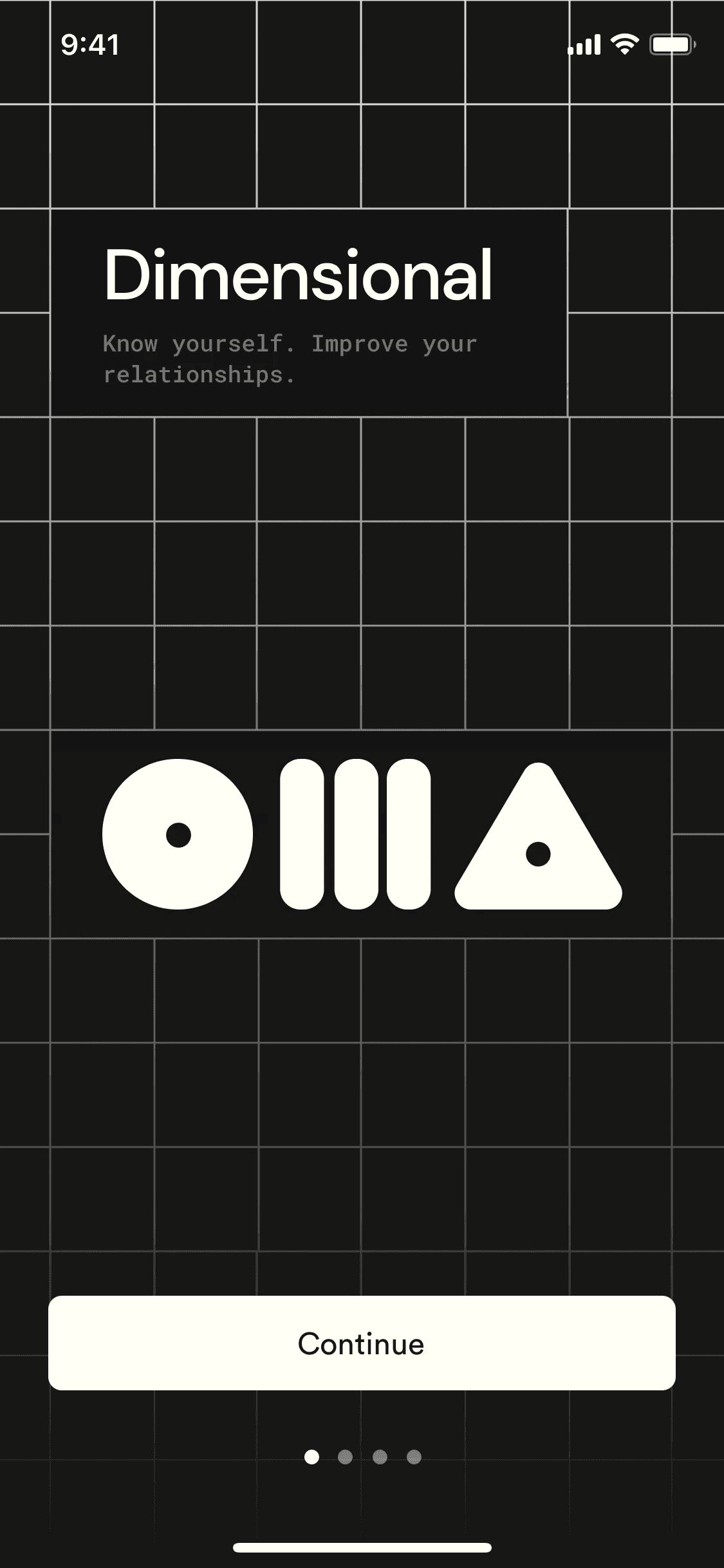
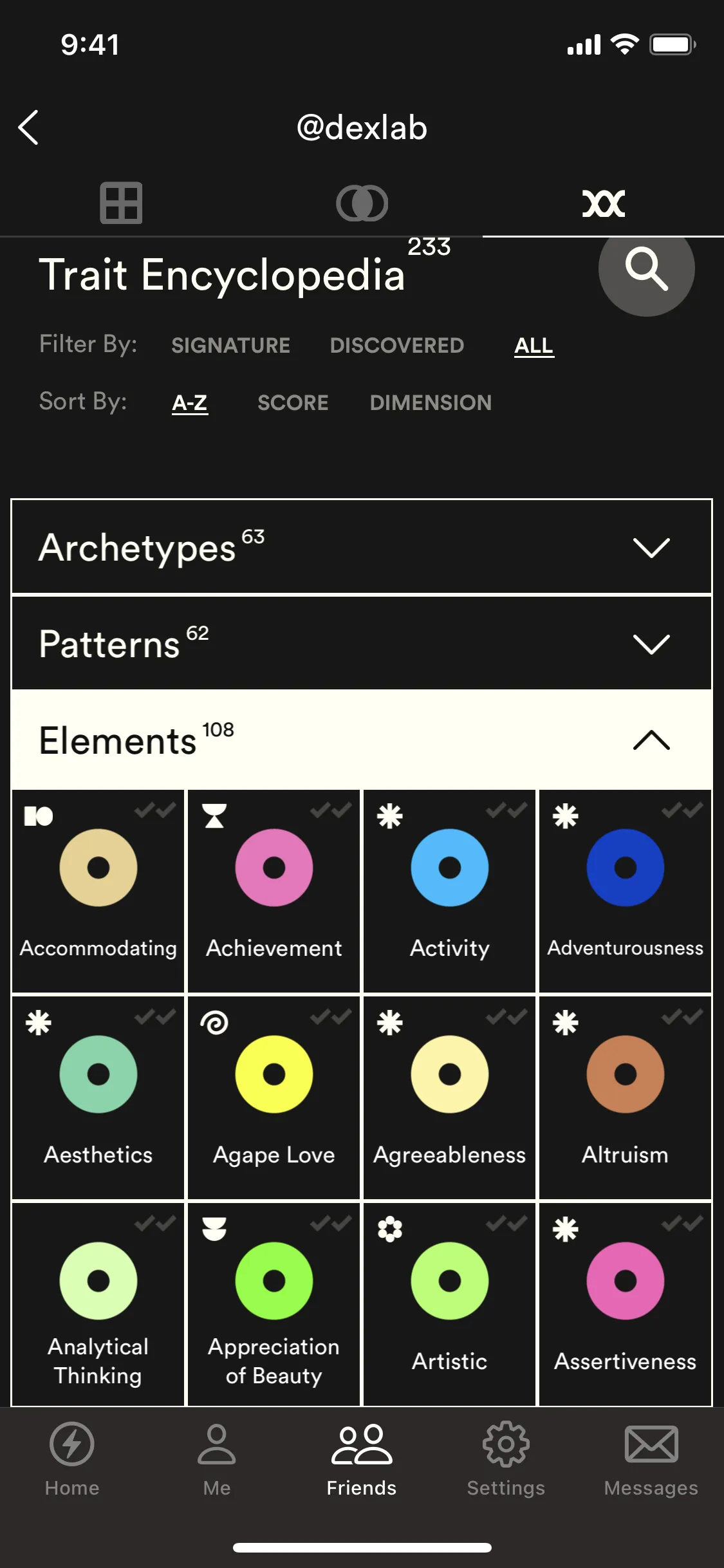
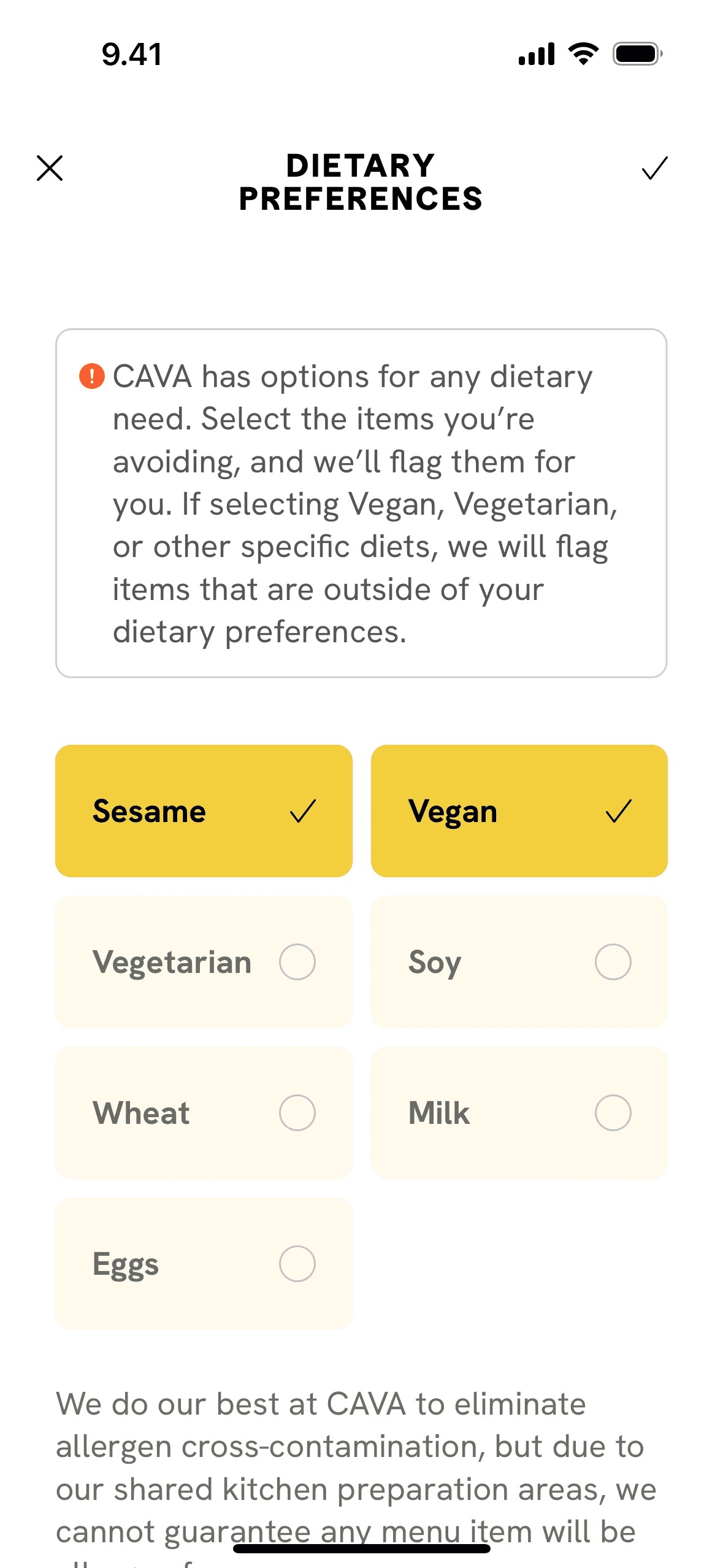
Ivory (#FFFFF0) is a refined off-white with a whisper of yellow. This subtle warmth distinguishes it from pure white, lending it a natural luminosity. For designers, it offers a sophisticated foundation that feels both clean and approachable, ideal for creating nuanced user interfaces.
Ivory Code Conversions
HEX
#FFFFF0
LAB
100, -3, 7
RGB
255, 255, 240
XYZ
92.7, 99.1, 96.7
HSL
60°, 100%, 97%
LCH
100, 8, 110°
HSB
60°, 6%, 100%
LUV
100, 1, 11
HWB
60°, 94%, 0%
Ivory Color Harmonies
Analogous
Analogous colors are adjacent to Ivory on the color wheel. This combination produces a cohesive and tranquil palette, ideal for calm interfaces.
Complementary
Complementary colors sit directly opposite each other on the color wheel. Paired with a soft neutral like Ivory, they create a striking, high-contrast effect.
Split Complementary
For a vibrant yet balanced palette, Ivory's split complementary scheme pairs it with the two colors adjacent to its direct opposite on the color wheel.
Triadic
A triadic scheme for Ivory involves two other colors equally spaced on the color wheel, creating a vibrant and balanced high-contrast palette.
Tetradic
A tetradic palette combines Ivory with three other hues, forming two complementary pairs in a rectangle across the color wheel for rich, versatile designs.
Square
Using Ivory as a base, a square scheme adds three equidistant colors from the wheel for a lively, high-contrast combination.
Ivory Contrast Simulation
Ivory Color Variations
Shades
Adding black to Ivory produces darker shades, which give the color more depth and weight.
Tints
Tints of Ivory are created by adding white, resulting in softer, lighter variations.
Tones
Tones are muted versions of Ivory, made by adding gray to soften its saturation.
Hues
Ivory's hues are variations in temperature and intensity, subtly altering the overall design feel.
What Interfaces Use Colors Like Ivory?