Google Green

Meet Google Green (#34A853), a vibrant hue that sits perfectly between classic green and a brighter, more digital teal. Its striking quality comes from this balance, offering a fresh, energetic feel without being overwhelmingly neon. It's a color that feels both familiar and distinctly modern.

What color is Google Green?

Google Green is a vibrant, medium-dark shade of green with a crisp, digital feel.It carries cool undertones, giving it a fresh quality without straying into teal or cyan territory.

What is the meaning of Google Green?

Google Green, or #34A853, taps into the psychology of growth and prosperity, suggesting a connection to the natural world.It evokes feelings of safety and harmony, reflecting the accessible and helpful character of the brand’s products.

How do I use Google Green (#34A853) in UI design?

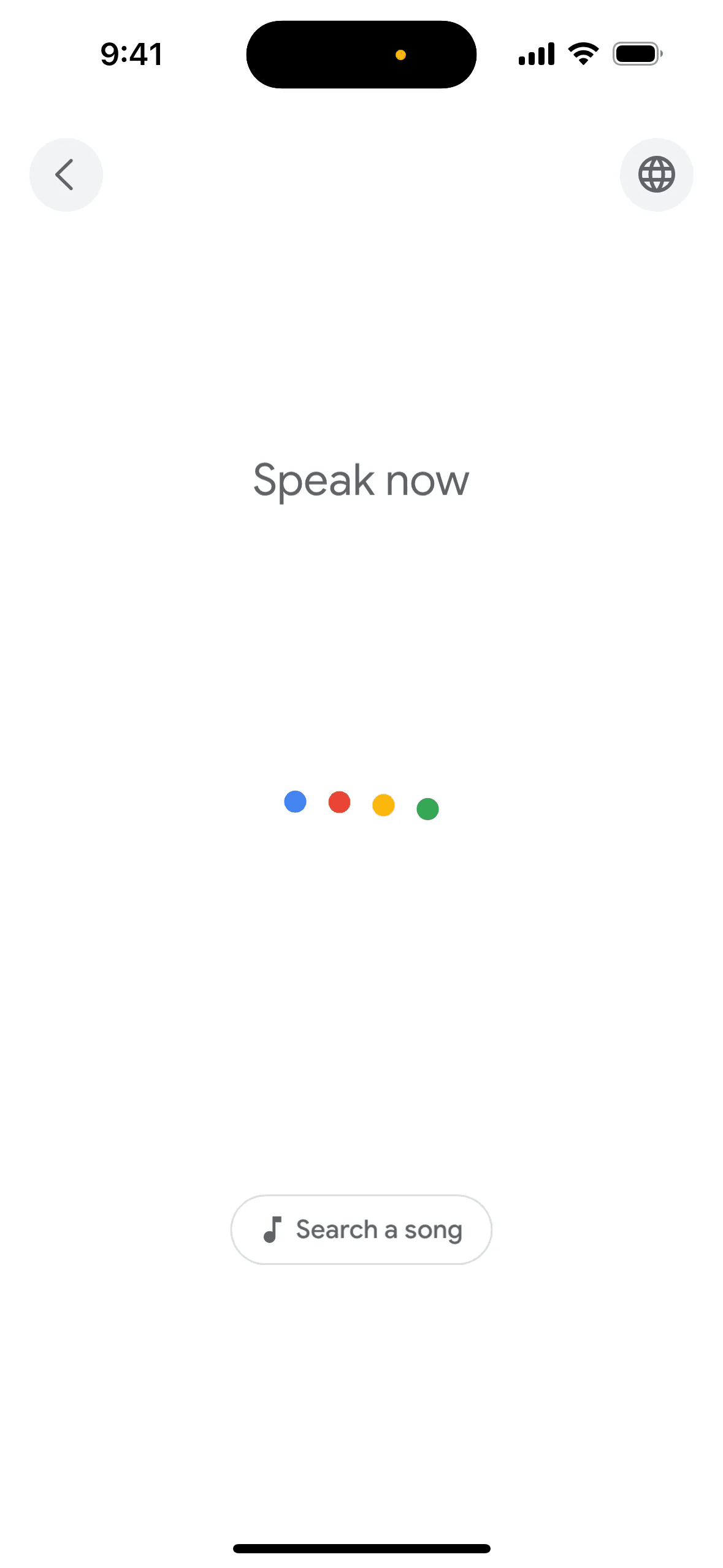
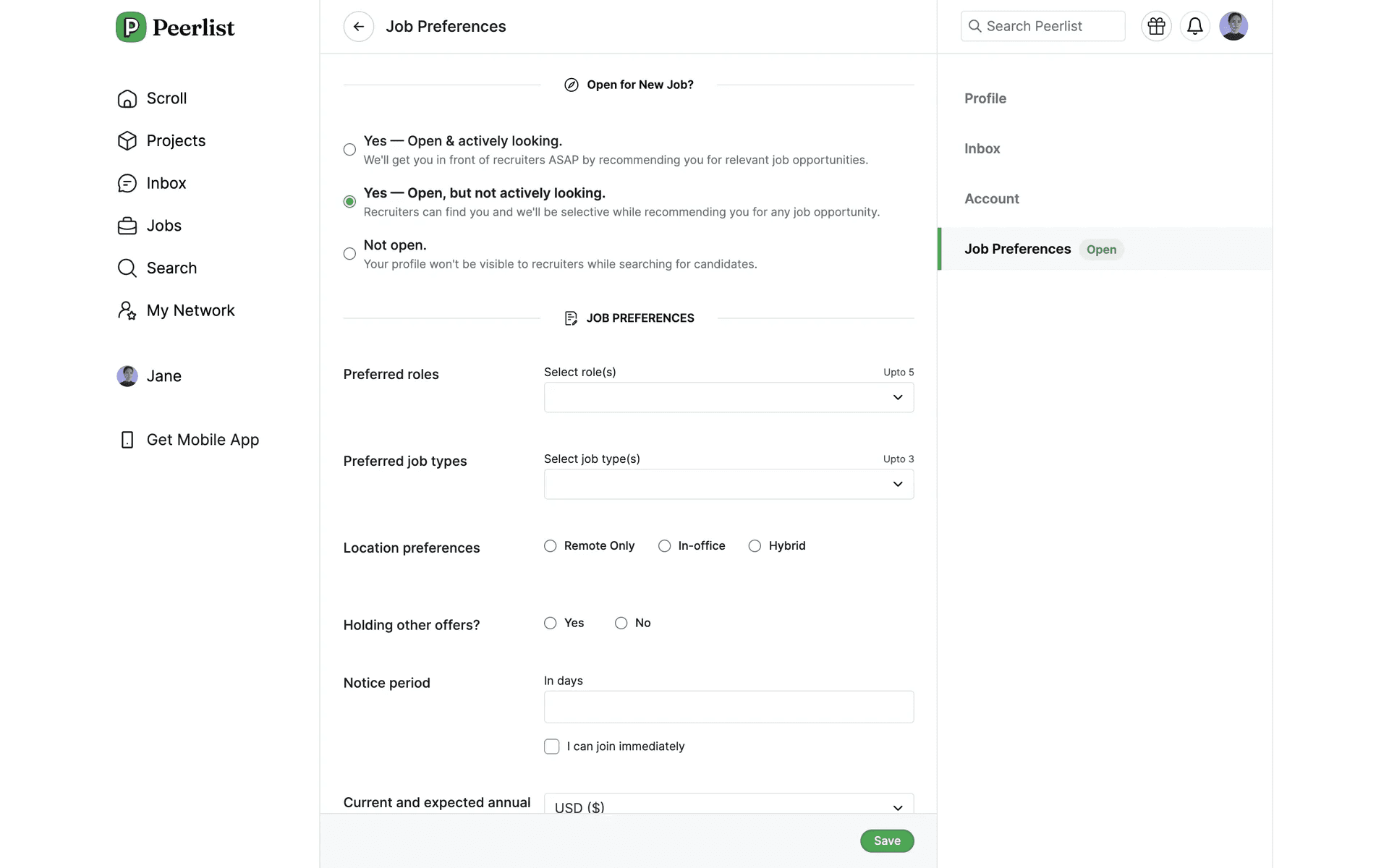
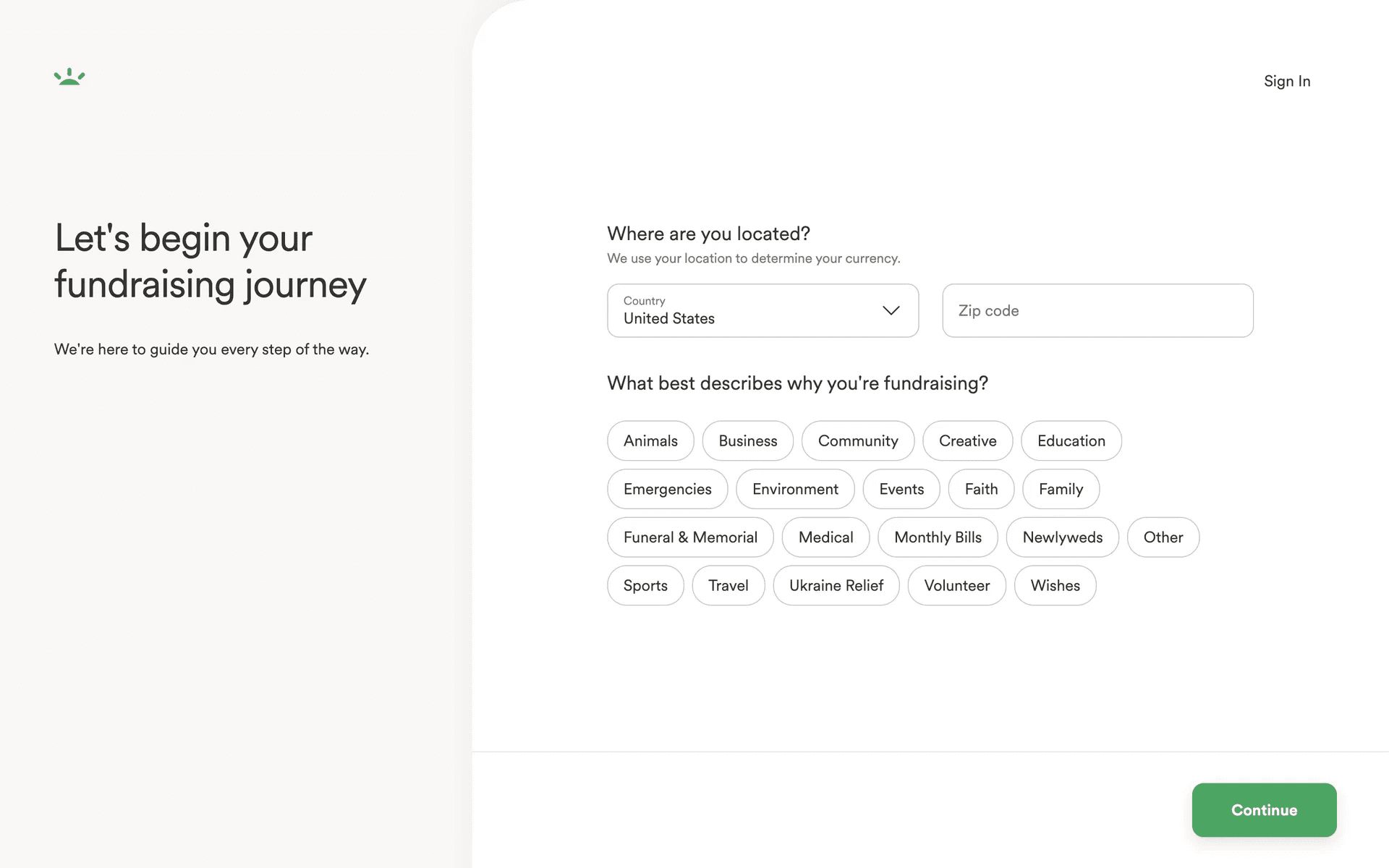
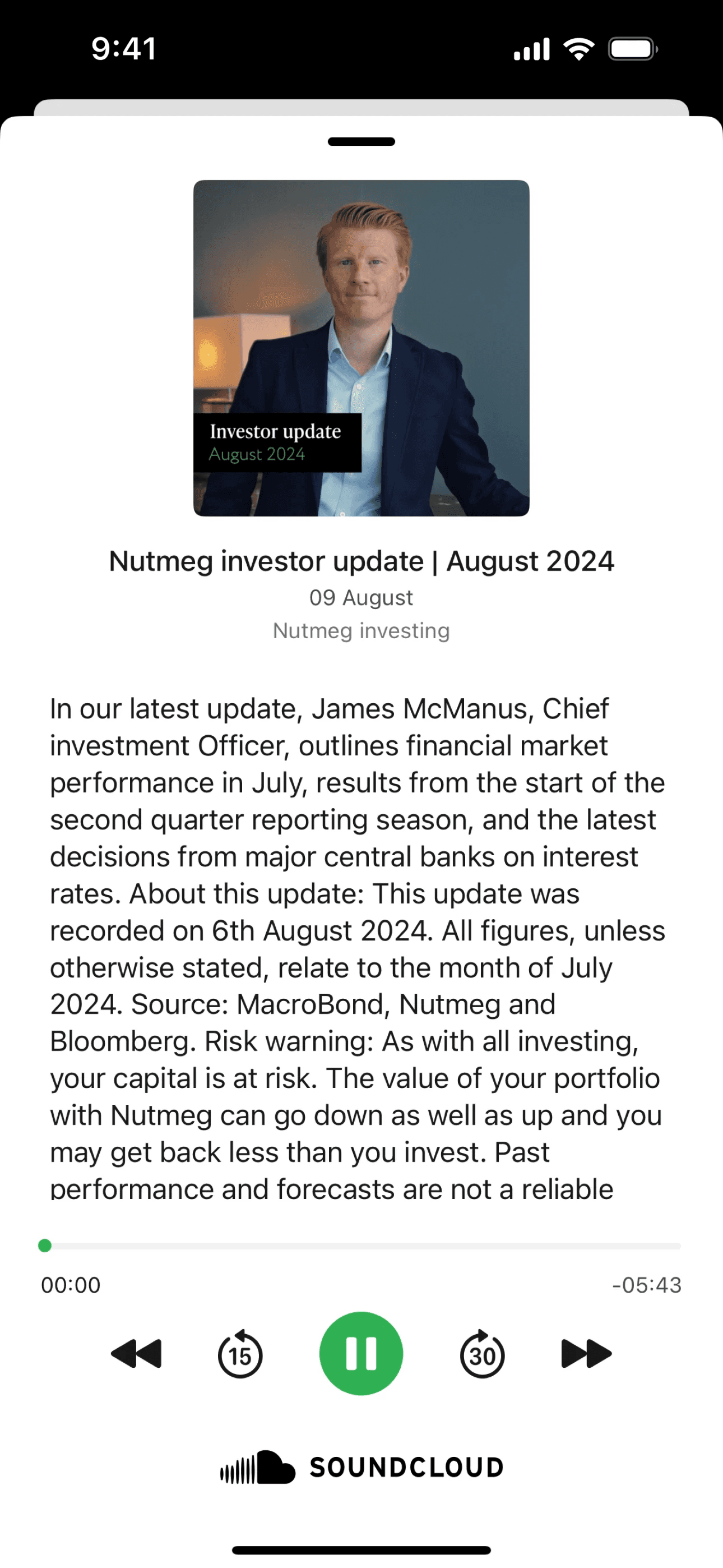
Google Green (#34A853) shines as a vibrant accent color. For maximum impact, pair it with a generous amount of white space and neutral grays to make your calls-to-action pop. It also works well in split-complementary schemes, creating a lively and balanced interface when used alongside shades of orange and violet.Several prominent brands, including Google itself, Google Maps, GoFundMe, Nutmeg, and Peerlist, use a similar energetic green. They often apply it to key interactive elements to guide users toward positive actions, such as making a donation or starting a journey.To see how Google Green can fit into your own work, use the tools below. You can explore curated palettes, test color contrast for accessibility, and preview #34A853 in real UI components from top brands.

Using Google Green color codes

The most direct way to apply Google Green in your digital work is by using its hex code, #34A853. This six-digit format is the standard for specifying colors in web design and is instantly recognized by browsers and most design software.Depending on your medium, you may need to convert #34A853 into other color models. For digital displays, you'll use RGB (Red, Green, Blue), which defines color through light. For print projects, you'll need CMYK (Cyan, Magenta, Yellow, Key/Black), a subtractive model for ink on paper. Other useful codes include HSL (Hue, Saturation, Lightness), which provides an intuitive way to make color adjustments.To get you started, we've converted #34A853 into a range of popular formats. You can find and copy the exact codes you need for your project below.

Google Green

#34A853

Access our full UI & UX library today.

What color is Google Green?

Google Green is a vibrant, medium-dark shade of green with a crisp, digital feel.It carries cool undertones, giving it a fresh quality without straying into teal or cyan territory.

What is the meaning of Google Green?

Google Green, or #34A853, taps into the psychology of growth and prosperity, suggesting a connection to the natural world.It evokes feelings of safety and harmony, reflecting the accessible and helpful character of the brand’s products.

How do I use Google Green (#34A853) in UI design?

Google Green (#34A853) shines as a vibrant accent color. For maximum impact, pair it with a generous amount of white space and neutral grays to make your calls-to-action pop. It also works well in split-complementary schemes, creating a lively and balanced interface when used alongside shades of orange and violet.Several prominent brands, including Google itself, Google Maps, GoFundMe, Nutmeg, and Peerlist, use a similar energetic green. They often apply it to key interactive elements to guide users toward positive actions, such as making a donation or starting a journey.To see how Google Green can fit into your own work, use the tools below. You can explore curated palettes, test color contrast for accessibility, and preview #34A853 in real UI components from top brands.

Using Google Green color codes

The most direct way to apply Google Green in your digital work is by using its hex code, #34A853. This six-digit format is the standard for specifying colors in web design and is instantly recognized by browsers and most design software.Depending on your medium, you may need to convert #34A853 into other color models. For digital displays, you'll use RGB (Red, Green, Blue), which defines color through light. For print projects, you'll need CMYK (Cyan, Magenta, Yellow, Key/Black), a subtractive model for ink on paper. Other useful codes include HSL (Hue, Saturation, Lightness), which provides an intuitive way to make color adjustments.To get you started, we've converted #34A853 into a range of popular formats. You can find and copy the exact codes you need for your project below.

Google Green Code Conversions

HEX

#34A853

LAB

61, -51, 35

RGB

52, 168, 83

XYZ

17.0, 29.4, 13.0

HSL

136°, 53%, 43%

LCH

61, 61, 146°

HSB

136°, 69%, 66%

LUV

61, -48, 51

CMYK

69, 0, 51, 34

CMYK

69, 0, 51, 34

HWB

136°, 20%, 34%

Google Green Color Harmonies

Analogous

Analogous schemes pair Google Green with its neighbors on the color wheel. This combination results in a visually pleasing and naturally harmonious color palette.

#4FA834

#34A853

#34A88D

#4FA834

#34A853

#34A88D

Complementary

Complementary colors sit directly opposite each other on the color wheel. When paired with Google Green, they create a striking, high-contrast visual effect.

#34A853

#A83489

#34A853

#A83489

Split Complementary

A split complementary palette for Google Green uses the two colors next to its direct complement, offering high contrast with more nuanced harmony.

#34A853

#8D34A8

#A8344F

#34A853

#8D34A8

#A8344F

Triadic

A triadic scheme pairs Google Green with two other colors, all equally spaced on the color wheel, for a high-contrast, harmonious effect.

#34A853

#5334A8

#A85334

#34A853

#5334A8

#A85334

Tetradic

A tetradic scheme pairs Google Green with its complement, plus another complementary pair, creating a rich, four-color palette with plenty of contrast.

#34A853

#344FA8

#A83489

#A88D34

#34A853

#344FA8

#A83489

#A88D34

Square

A square scheme pairs Google Green with three other colors, all evenly spaced on the color wheel for a vibrant, high-contrast effect.

#34A853

#344FA8

#A83489

#A88D34

#34A853

#344FA8

#A83489

#A88D34

Google Green Contrast Simulation

Text Color

#

Background Color

#

6.87

Good

Small Text
Pass
Large Text
Pass
Graphic Components
Pass

Your Catchy Large Text Goes Here

A high contrast makes anything easier to read, especially small text.

Text Color

#

Background Color

#

Your Catchy Large Text Goes Here

A high contrast makes anything easier to read, especially small text.

6.87

Good

Small Text
Pass
Large Text
Pass
Graphic Components
Pass

Google Green Color Variations

Shades

Shades are darker versions of Google Green, created by adding black for more depth and weight.

#34A853

#2D9047

#25783B

#1E602F

#164824

#0F3018

#07180C

#000000

#34A853

#2D9047

#25783B

#1E602F

#164824

#0F3018

#07180C

#000000

Tints

Tints of Google Green are created by adding white, resulting in lighter, softer variations.

#34A853

#51B46C

#6EC184

#8BCD9D

#A8DAB5

#C5E6CE

#E2F3E6

#FFFFFF

#34A853

#51B46C

#6EC184

#8BCD9D

#A8DAB5

#C5E6CE

#E2F3E6

#FFFFFF

Tones

Tones are muted versions of Google Green, created by adding gray to soften its saturation.

#34A853

#3FA259

#4A9D60

#559766

#5F916D

#6A8B73

#75867A

#808080

#34A853

#3FA259

#4A9D60

#559766

#5F916D

#6A8B73

#75867A

#808080

Hues

Hues are variations of Google Green, differing in intensity or temperature to create distinct visual effects.

#34A853

#34A6A8

#344FA8

#7034A8

#A83489

#A83634

#A88D34

#6CA834

#34A853

#34A6A8

#344FA8

#7034A8

#A83489

#A83634

#A88D34

#6CA834

What Interfaces Use Colors Like Google Green?
Never run out of
inspiration again.

Use Mobbin for free as long as you like or get full access
with any of our paid plans.

  • Coinbase

  • Wise

  • Headspace

  • Airbnb

  • Uber

  • Nike

  • Pinterest

  • ChatGPT

  • Shopify

  • Loom

  • Creme

  • Mailchimp

  • Twitch

  • Spotify

  • Apple TV

  • Shop

  • Cosmos

  • Retro

  • Notion

  • Dropbox

Never run out of
inspiration again.

Use Mobbin for free as long as you like or get full access with any of our paid plans.

  • Coinbase

  • Wise

  • Headspace

  • Airbnb

  • Uber

  • Nike

  • Pinterest

  • ChatGPT

  • Shopify

  • Loom

  • Creme

  • Mailchimp

  • Twitch

  • Spotify

  • Apple TV

  • Shop

  • Cosmos

  • Retro

  • Notion

  • Dropbox

© Mobbin 2018-2026
© Mobbin 2018-2026
© Mobbin 2018-2026
© Mobbin 2018-2026
© Mobbin 2018-2026
© Mobbin 2018-2026