Google Chrome Red

Meet Google Chrome Red (#DE5246), a vibrant and energetic hue that commands attention. Its striking saturation and warm undertones give it a distinct personality, making it a memorable choice for any digital palette and a fascinating subject for design exploration.

What color is Google Chrome Red?

Google Chrome Red is a bright, warm red that sits comfortably between a pure primary red and a softer vermilion.It has a distinct orange undertone, giving it an energetic quality without the intensity of a pure, saturated red.

What is the meaning of Google Chrome Red?

Google Chrome Red (#DE5246) is a color of action and energy, reflecting the browser's core promise of speed and efficiency.It's a confident, attention-grabbing hue that symbolizes progress and forms a key part of Google's famously approachable and vibrant brand identity.

How do I use Google Chrome Red (#DE5246) in UI design?

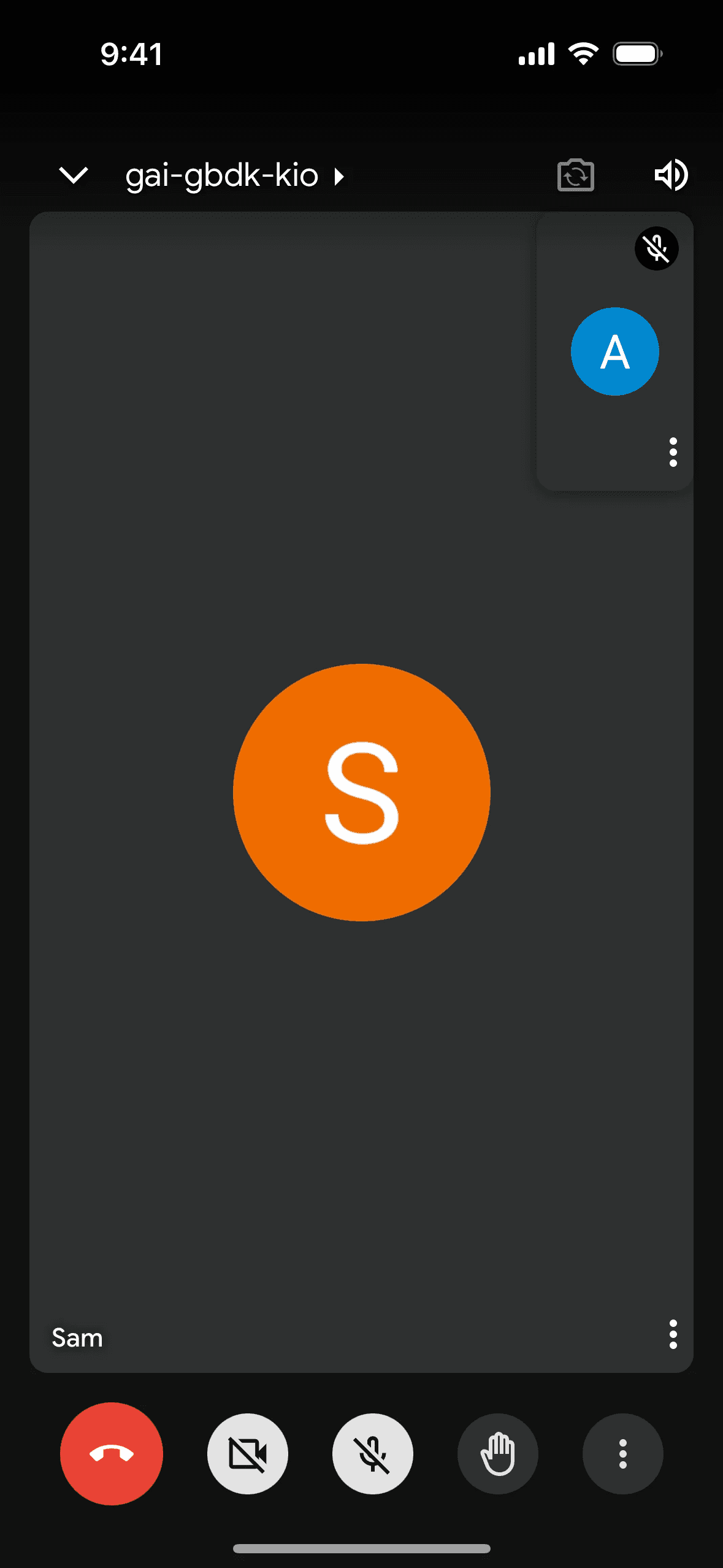
Given its high saturation, Google Chrome Red (#DE5246) is most effective as an accent color. Use it for key interface elements like buttons, notifications, or active states to draw attention without overwhelming the user. It pairs cleanly with neutral backgrounds like white or charcoal gray, which allows its warmth to stand out. For a more energetic composition, consider setting it against a contrasting cyan or a deep blue.This specific shade of red is a signature for several major tech products. You'll find similar hues in the branding for Google Maps, Gmail, and even Discord, where it often signifies notifications or primary actions.To see how it performs in practice, use the tools on this page. You can explore curated palettes, test color contrast for accessibility, and preview Google Chrome Red in real UI components from leading brands.

Using Google Chrome Red color codes

When working with Google Chrome Red, the hex code #DE5246 is your primary reference for any screen-based project. If your design needs to be printed, you will need to convert this code into a different format, like CMYK, for color accuracy on paper.Different color models serve specific purposes. RGB (Red, Green, Blue) and HEX are standards for digital displays, defining colors by mixing light. For print, CMYK (Cyan, Magenta, Yellow, Key/Black) is used, which works by subtracting brightness from a white background. Other models like HSL (Hue, Saturation, Lightness) offer a more intuitive way to modify colors, making it easier to create tints and shades.To make things easier, we've converted Google Chrome Red's #DE5246 hex code into a variety of popular color models. You can find and copy these values below for your projects.

Google Chrome Red

#DE5246

Access our full UI & UX library today.

What color is Google Chrome Red?

Google Chrome Red is a bright, warm red that sits comfortably between a pure primary red and a softer vermilion.It has a distinct orange undertone, giving it an energetic quality without the intensity of a pure, saturated red.

What is the meaning of Google Chrome Red?

Google Chrome Red (#DE5246) is a color of action and energy, reflecting the browser's core promise of speed and efficiency.It's a confident, attention-grabbing hue that symbolizes progress and forms a key part of Google's famously approachable and vibrant brand identity.

How do I use Google Chrome Red (#DE5246) in UI design?

Given its high saturation, Google Chrome Red (#DE5246) is most effective as an accent color. Use it for key interface elements like buttons, notifications, or active states to draw attention without overwhelming the user. It pairs cleanly with neutral backgrounds like white or charcoal gray, which allows its warmth to stand out. For a more energetic composition, consider setting it against a contrasting cyan or a deep blue.This specific shade of red is a signature for several major tech products. You'll find similar hues in the branding for Google Maps, Gmail, and even Discord, where it often signifies notifications or primary actions.To see how it performs in practice, use the tools on this page. You can explore curated palettes, test color contrast for accessibility, and preview Google Chrome Red in real UI components from leading brands.

Using Google Chrome Red color codes

When working with Google Chrome Red, the hex code #DE5246 is your primary reference for any screen-based project. If your design needs to be printed, you will need to convert this code into a different format, like CMYK, for color accuracy on paper.Different color models serve specific purposes. RGB (Red, Green, Blue) and HEX are standards for digital displays, defining colors by mixing light. For print, CMYK (Cyan, Magenta, Yellow, Key/Black) is used, which works by subtracting brightness from a white background. Other models like HSL (Hue, Saturation, Lightness) offer a more intuitive way to modify colors, making it easier to create tints and shades.To make things easier, we've converted Google Chrome Red's #DE5246 hex code into a variety of popular color models. You can find and copy these values below for your projects.

Google Chrome Red Code Conversions

HEX

#DE5246

LAB

54, 54, 36

RGB

222, 82, 70

XYZ

34.3, 22.0, 8.2

HSL

5°, 70%, 57%

LCH

54, 65, 34°

HSB

5°, 68%, 87%

LUV

54, 108, 29

CMYK

0, 63, 68, 13

CMYK

0, 63, 68, 13

HWB

5°, 27%, 13%

Google Chrome Red Color Harmonies

Analogous

Analogous colors are neighbors on the color wheel. For Google Chrome Red, these adjacent hues create a harmonious and visually pleasing palette.

#DE4686

#DE5246

#DE9E46

#DE4686

#DE5246

#DE9E46

Complementary

Complementary colors sit directly opposite each other on the color wheel. For Google Chrome Red, its complement creates a striking, high-contrast visual pairing.

#DE5246

#46D2DE

#DE5246

#46D2DE

Split Complementary

A split complementary scheme pairs Google Chrome Red with the two colors adjacent to its complement, creating a vibrant but less tense visual effect.

#DE5246

#46DE9E

#4686DE

#DE5246

#46DE9E

#4686DE

Triadic

A triadic scheme pairs Google Chrome Red with two other colors equidistant on the color wheel, resulting in a high-contrast, yet harmonious, palette.

#DE5246

#46DE52

#5246DE

#DE5246

#46DE52

#5246DE

Tetradic

A tetradic color scheme for Google Chrome Red uses two pairs of complementary colors, forming a rectangle on the color wheel for a vibrant palette.

#DE5246

#86DE46

#46D2DE

#9E46DE

#DE5246

#86DE46

#46D2DE

#9E46DE

Square

Square color schemes pair four colors equidistant on the color wheel. This arrangement, centered on Google Chrome Red, offers a rich, contrasting effect.

#DE5246

#86DE46

#46D2DE

#9E46DE

#DE5246

#86DE46

#46D2DE

#9E46DE

Google Chrome Red Contrast Simulation

Text Color

#

Background Color

#

5.40

Good

Small Text
Pass
Large Text
Pass
Graphic Components
Pass

Your Catchy Large Text Goes Here

A high contrast makes anything easier to read, especially small text.

Text Color

#

Background Color

#

Your Catchy Large Text Goes Here

A high contrast makes anything easier to read, especially small text.

5.40

Good

Small Text
Pass
Large Text
Pass
Graphic Components
Pass

Google Chrome Red Color Variations

Shades

Shades are darker versions of Google Chrome Red, made by adding black for depth and weight.

#DE5246

#BE463C

#9F3B32

#7F2F28

#5F231E

#3F1714

#200C0A

#000000

#DE5246

#BE463C

#9F3B32

#7F2F28

#5F231E

#3F1714

#200C0A

#000000

Tints

Tints of Google Chrome Red are made by mixing in white, resulting in lighter, softer variations.

#DE5246

#E36B60

#E7837B

#EC9C95

#F1B5B0

#F6CECA

#FAE6E5

#FFFFFF

#DE5246

#E36B60

#E7837B

#EC9C95

#F1B5B0

#F6CECA

#FAE6E5

#FFFFFF

Tones

Tones are created by adding gray to Google Chrome Red, resulting in softer, desaturated variations.

#DE5246

#D1594E

#C35F57

#B6665F

#A86C67

#9B736F

#8D7978

#808080

#DE5246

#D1594E

#C35F57

#B6665F

#A86C67

#9B736F

#8D7978

#808080

Hues

Hues are variations of Google Chrome Red, differing in intensity or temperature to create distinct moods.

#DE5246

#DEC446

#86DE46

#46DE78

#46D2DE

#4660DE

#9E46DE

#DE46AC

#DE5246

#DEC446

#86DE46

#46DE78

#46D2DE

#4660DE

#9E46DE

#DE46AC

What Interfaces Use Colors Like Google Chrome Red?

Never run out of
inspiration again.

Use Mobbin for free as long as you like or get full access
with any of our paid plans.

  • Coinbase

  • Wise

  • Headspace

  • Airbnb

  • Uber

  • Nike

  • Pinterest

  • ChatGPT

  • Shopify

  • Loom

  • Creme

  • Mailchimp

  • Twitch

  • Spotify

  • Apple TV

  • Shop

  • Cosmos

  • Retro

  • Notion

  • Dropbox

Never run out of
inspiration again.

Use Mobbin for free as long as you like or get full access with any of our paid plans.

  • Coinbase

  • Wise

  • Headspace

  • Airbnb

  • Uber

  • Nike

  • Pinterest

  • ChatGPT

  • Shopify

  • Loom

  • Creme

  • Mailchimp

  • Twitch

  • Spotify

  • Apple TV

  • Shop

  • Cosmos

  • Retro

  • Notion

  • Dropbox

© Mobbin 2018-2026
© Mobbin 2018-2026
© Mobbin 2018-2026
© Mobbin 2018-2026
© Mobbin 2018-2026
© Mobbin 2018-2026