Play Colors
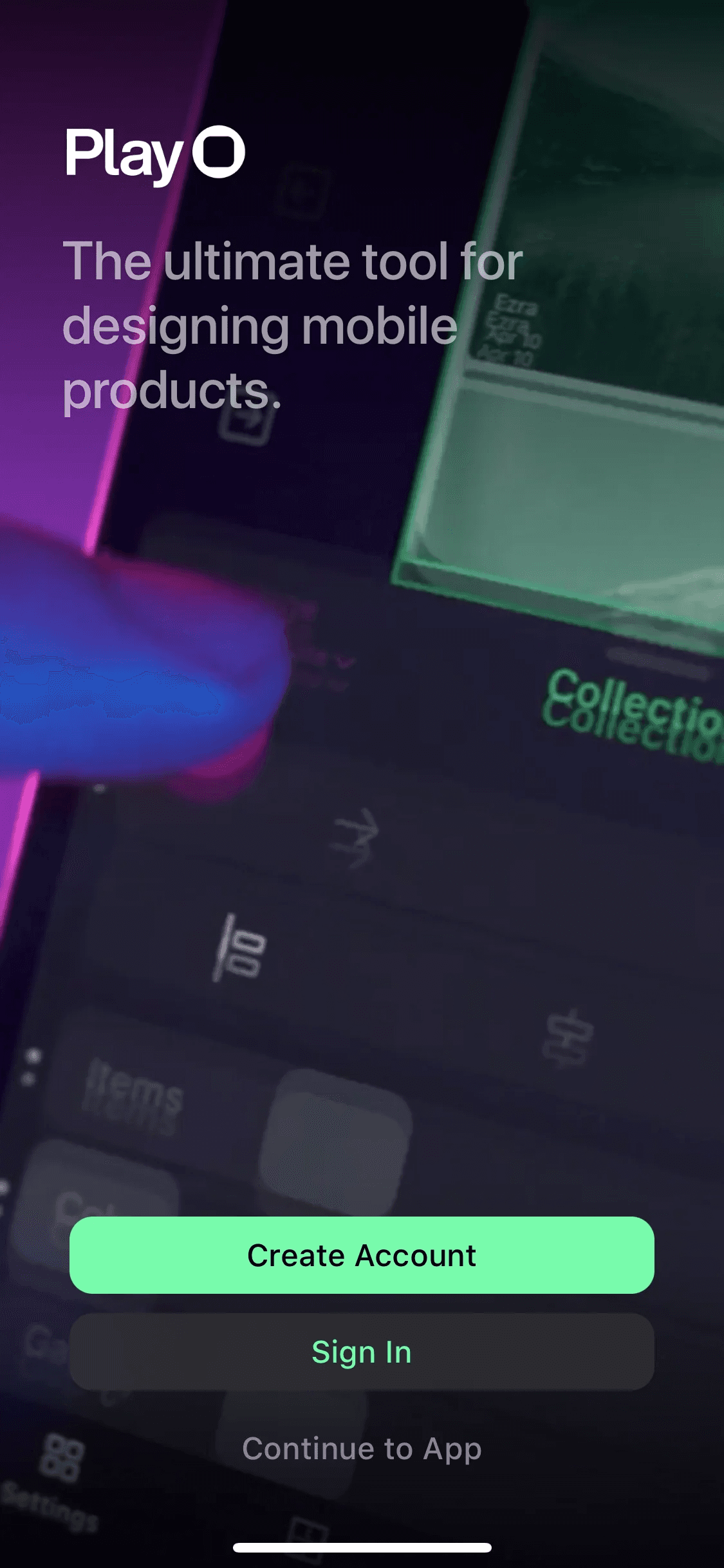
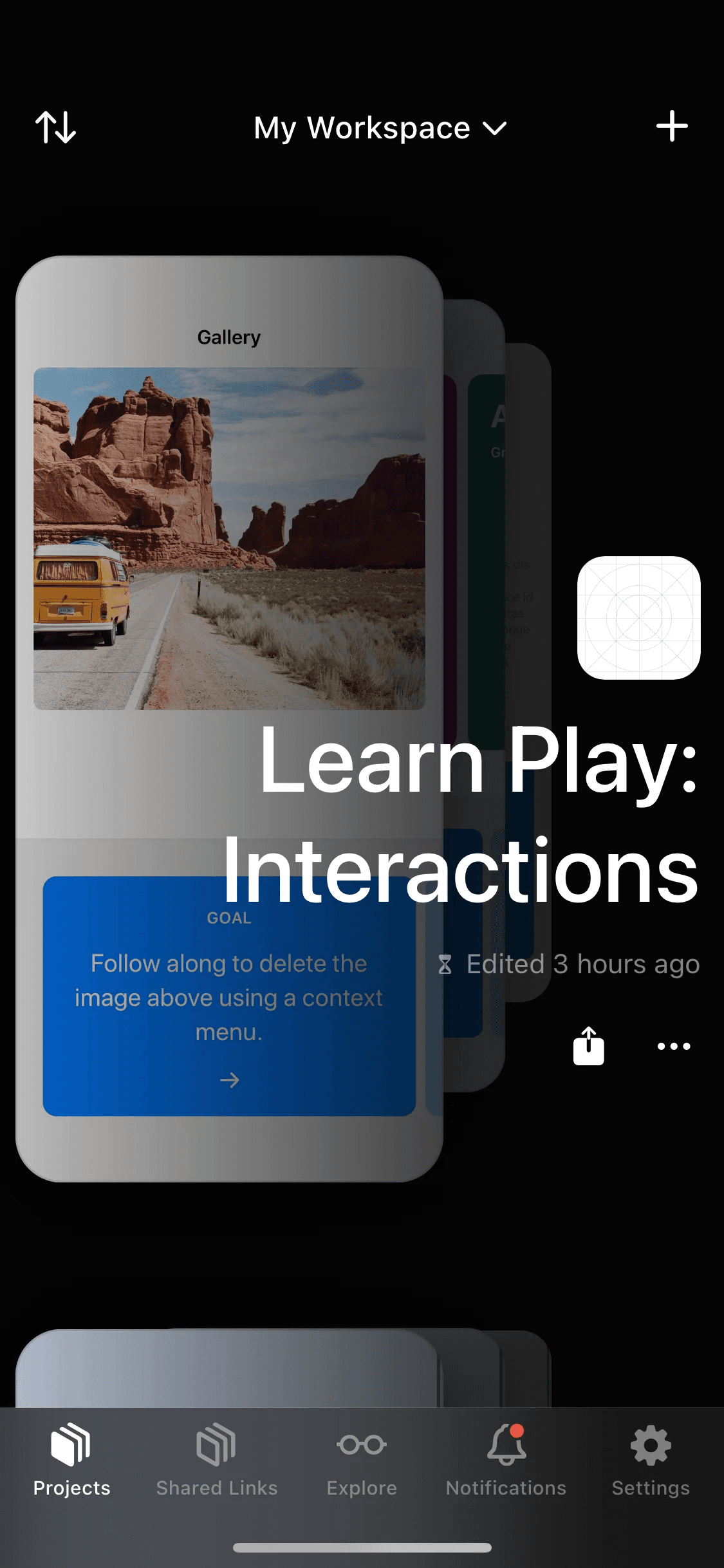
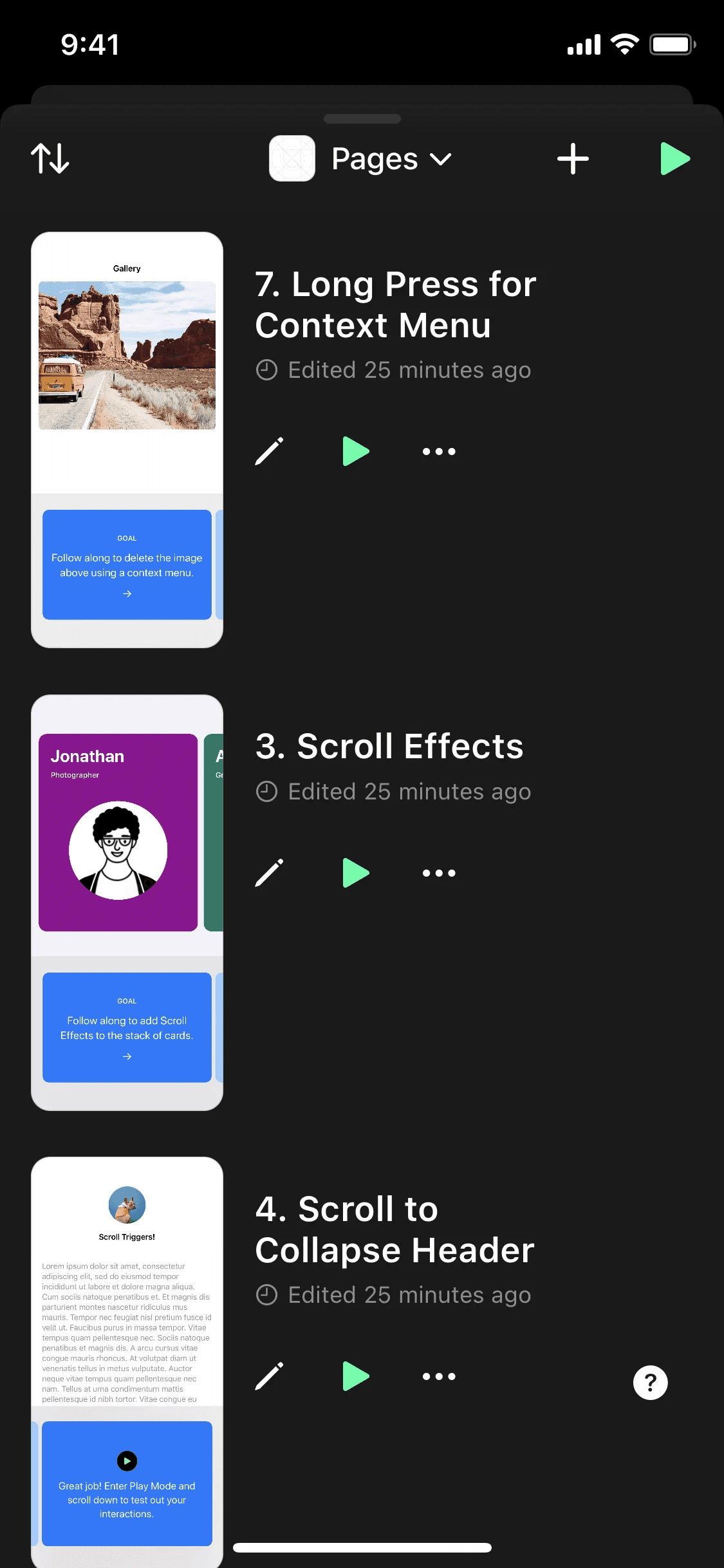
Rabbit 3 Times, Inc. created Play, an award-winning iOS and SwiftUI design tool. Its branding uses Black, Mountain Meadow, and Dove Gray for its interface designs. You can easily copy these colors in Hex, CMYK, RGB, and other popular formats.
What are the main colors in Play's color palette?
Play's main color palette is a simple yet effective trio: Black (#000000), Mountain Meadow (#14A86F), and Dove Gray (#707070). This combination provides a clean, modern foundation for their user interface, offering a great starting point for your own design explorations.
What do the colors in Play's app or website represent?
We believe Play's use of black establishes a professional and focused environment for your designs, while the energetic green accent sparks creativity and innovation, empowering you to build with confidence.
How did Play's color scheme come about?
We see Play's color scheme as being deeply rooted in the principles of modern UI design, chosen to evoke the creativity and fluidity you experience when building with native iOS components.
How does Play use color psychology in its interface designs?
While Play doesn't publicly detail its color psychology, we believe its palette provides a strong foundation for your designs. You can use the assertive black to guide user actions, the vibrant green to influence decisions, and the neutral gray to create a clean, focused user experience.
What are some other colors that complement Play's primary color?
To build on Play's strong foundation, we suggest introducing a vibrant accent like electric blue for a modern pop of contrast. For a more sophisticated and warm feel, you could also explore a deep burgundy or a rich ochre.
What other brands and colors can I find on Mobbin?
On our brand colors page, you can explore curated color palettes from top companies. We also offer access to thousands of UI designs from various brands, providing endless inspiration for your next color combination from real-world examples.
How can Mobbin help me stay up-to-date with the latest UI/UX trends?
Our platform offers an extensive, constantly updated library of mobile and web design patterns, showcasing the very latest in UI/UX—from evolving color palettes to innovative user flows. By exploring our collection, you can easily see what's current, understand emerging practices, and stay ahead of the curve in the design industry.
Why not try Mobbin today? You can use it for free for as long as you like, or get full access with one of our paid plans.
HEX
RGB
CMYK
HSB
HSL
#000000
0, 0, 0
0, 0, 0, 100
0°, 0%, 0%
0°, 0%, 0%
#707070
112, 112, 112
0, 0, 0, 56
0°, 0%, 44%
0°, 0%, 44%
#14a86f
20, 168, 111
88, 0, 34, 34
157°, 88%, 66%
157°, 79%, 37%
Access our full UI & UX library today.
What are the main colors in Play's color palette?
Play's main color palette is a simple yet effective trio: Black (#000000), Mountain Meadow (#14A86F), and Dove Gray (#707070). This combination provides a clean, modern foundation for their user interface, offering a great starting point for your own design explorations.
What do the colors in Play's app or website represent?
We believe Play's use of black establishes a professional and focused environment for your designs, while the energetic green accent sparks creativity and innovation, empowering you to build with confidence.
How did Play's color scheme come about?
We see Play's color scheme as being deeply rooted in the principles of modern UI design, chosen to evoke the creativity and fluidity you experience when building with native iOS components.
How does Play use color psychology in its interface designs?
While Play doesn't publicly detail its color psychology, we believe its palette provides a strong foundation for your designs. You can use the assertive black to guide user actions, the vibrant green to influence decisions, and the neutral gray to create a clean, focused user experience.
What are some other colors that complement Play's primary color?
To build on Play's strong foundation, we suggest introducing a vibrant accent like electric blue for a modern pop of contrast. For a more sophisticated and warm feel, you could also explore a deep burgundy or a rich ochre.
What other brands and colors can I find on Mobbin?
On our brand colors page, you can explore curated color palettes from top companies. We also offer access to thousands of UI designs from various brands, providing endless inspiration for your next color combination from real-world examples.
How can Mobbin help me stay up-to-date with the latest UI/UX trends?
Our platform offers an extensive, constantly updated library of mobile and web design patterns, showcasing the very latest in UI/UX—from evolving color palettes to innovative user flows. By exploring our collection, you can easily see what's current, understand emerging practices, and stay ahead of the curve in the design industry.
Why not try Mobbin today? You can use it for free for as long as you like, or get full access with one of our paid plans.
From palette to product

Trending brand colors
Badoo
Date Honestly
Badoo
Date Honestly
Balance
Meditation that adapts to you.
Balance
Meditation that adapts to you.

Basecamp
JUST LET ME DO MY JOB.
Basecamp
JUST LET ME DO MY JOB.

BeReal.
Your daily dose of real life.
BeReal.
Your daily dose of real life.
Bear
Write beautifully.
Bear
Write beautifully.

Behance
Showcase and discover the latest work from top online portfolios by creative professionals across industries.
Behance
Showcase and discover the latest work from top online portfolios by creative professionals across industries.
Never run out of
inspiration again.
Use Mobbin for free as long as you like or get full access
with any of our paid plans.

Coinbase
Wise
Headspace

Airbnb

Uber
Nike

Pinterest
ChatGPT

Shopify
Loom
Creme

Mailchimp

Twitch

Spotify

Apple TV

Shop

Cosmos
Retro
Notion

Dropbox
Never run out of
inspiration again.
Use Mobbin for free as long as you like or get full access
with any of our paid plans.
Coinbase
Wise
Headspace
Airbnb
Uber
Nike
Pinterest
ChatGPT
Shopify
Loom
Creme
Mailchimp
Twitch
Spotify
Apple TV
Shop
Cosmos
Retro
Notion
Dropbox
Never run out of
inspiration again.
Use Mobbin for free as long as you like or get full access with any of our paid plans.
Coinbase
Wise
Headspace
Airbnb
Uber
Nike
Pinterest
ChatGPT
Shopify
Loom
Creme
Mailchimp
Twitch
Spotify
Apple TV
Shop
Cosmos
Retro
Notion
Dropbox
Never run out of
inspiration again.
Use Mobbin for free as long as you like or get full access
with any of our paid plans.
Coinbase
Wise
Headspace
Airbnb
Uber
Nike
Pinterest
ChatGPT
Shopify
Loom
Creme
Mailchimp
Twitch
Spotify
Apple TV
Shop
Cosmos
Retro
Notion
Dropbox