
ClickUp Colors
ClickUp is a popular all-in-one productivity app for managing tasks and projects. Its branding and interface feature a vibrant mix of purples, pinks, blues, and yellows. You can easily copy these colors in Hex, CMYK, RGB, and other popular formats here.
What are the main colors in ClickUp's color palette?
ClickUp's main color palette gives you a versatile range to work with, combining core colors like Shark (#292D34), White (#FFFFFF), and Cornflower Blue (#7B68EE) with vibrant accents such as Hot Pink (#FD71AF), Malibu (#49CCF9), and Supernova (#FFC800).
What do the colors in ClickUp's app or website represent?
The deep charcoal, or Shark, grounds your experience in professionalism and stability, creating a reliable foundation for productivity. We see the vibrant pops of color—from Cornflower Blue to Hot Pink—as reflections of the creative energy and versatility ClickUp brings to managing every unique workflow you can imagine.
How did ClickUp's color scheme come about?
ClickUp's dynamic color system is deeply tied to its identity as a flexible, all-in-one platform, designed to help you organize a complex world of work with clarity and energy.
How does ClickUp use color psychology in its interface designs?
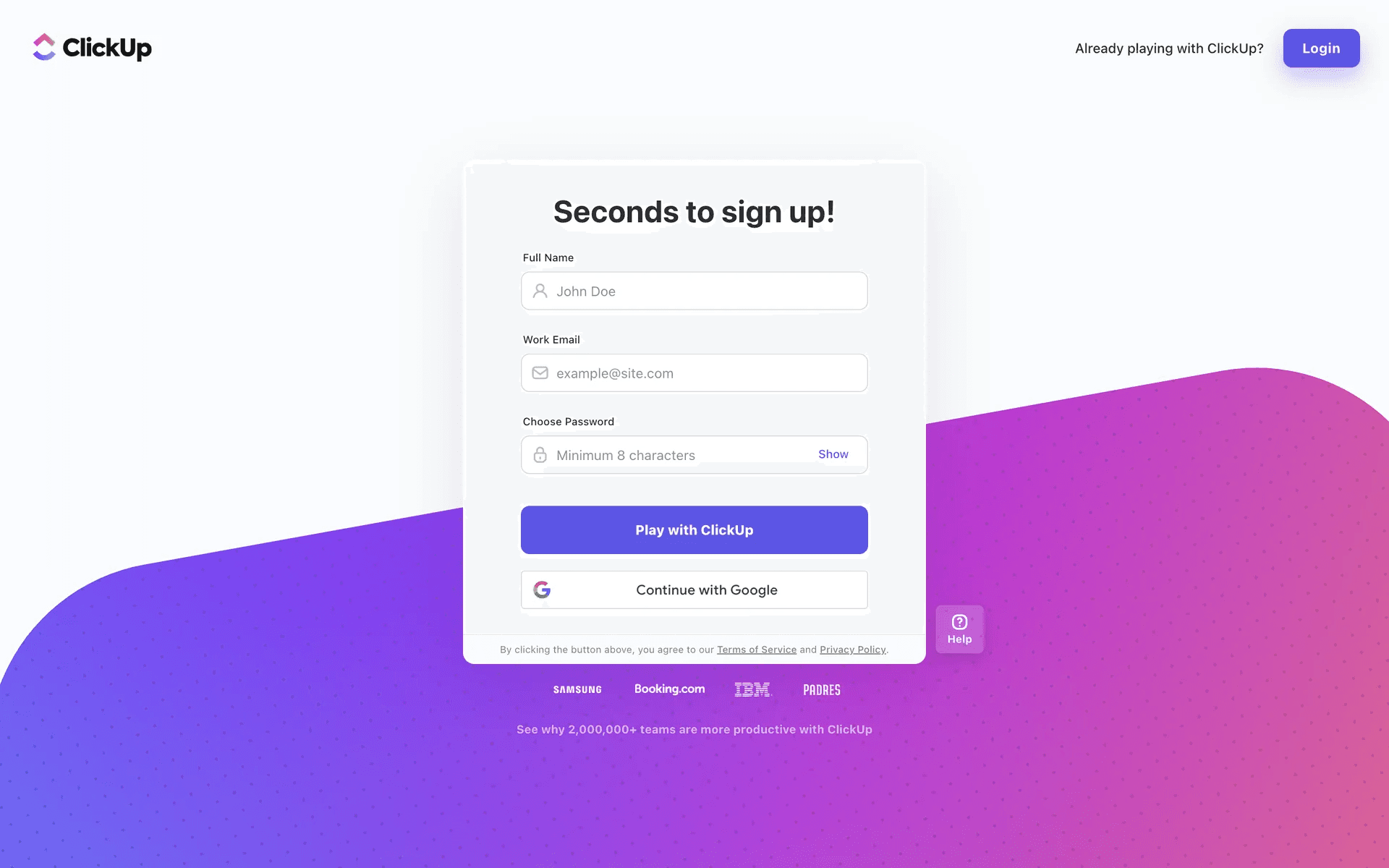
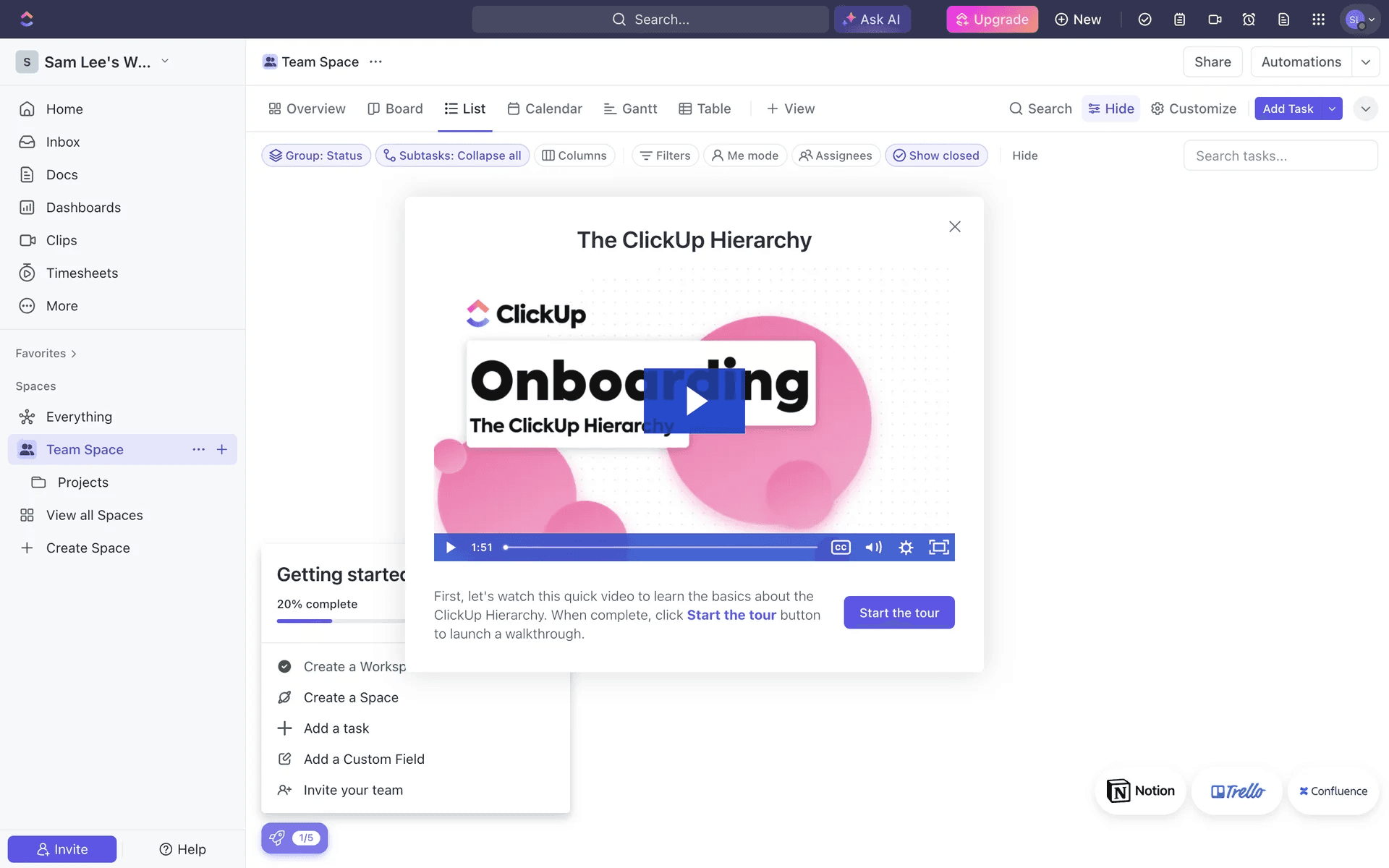
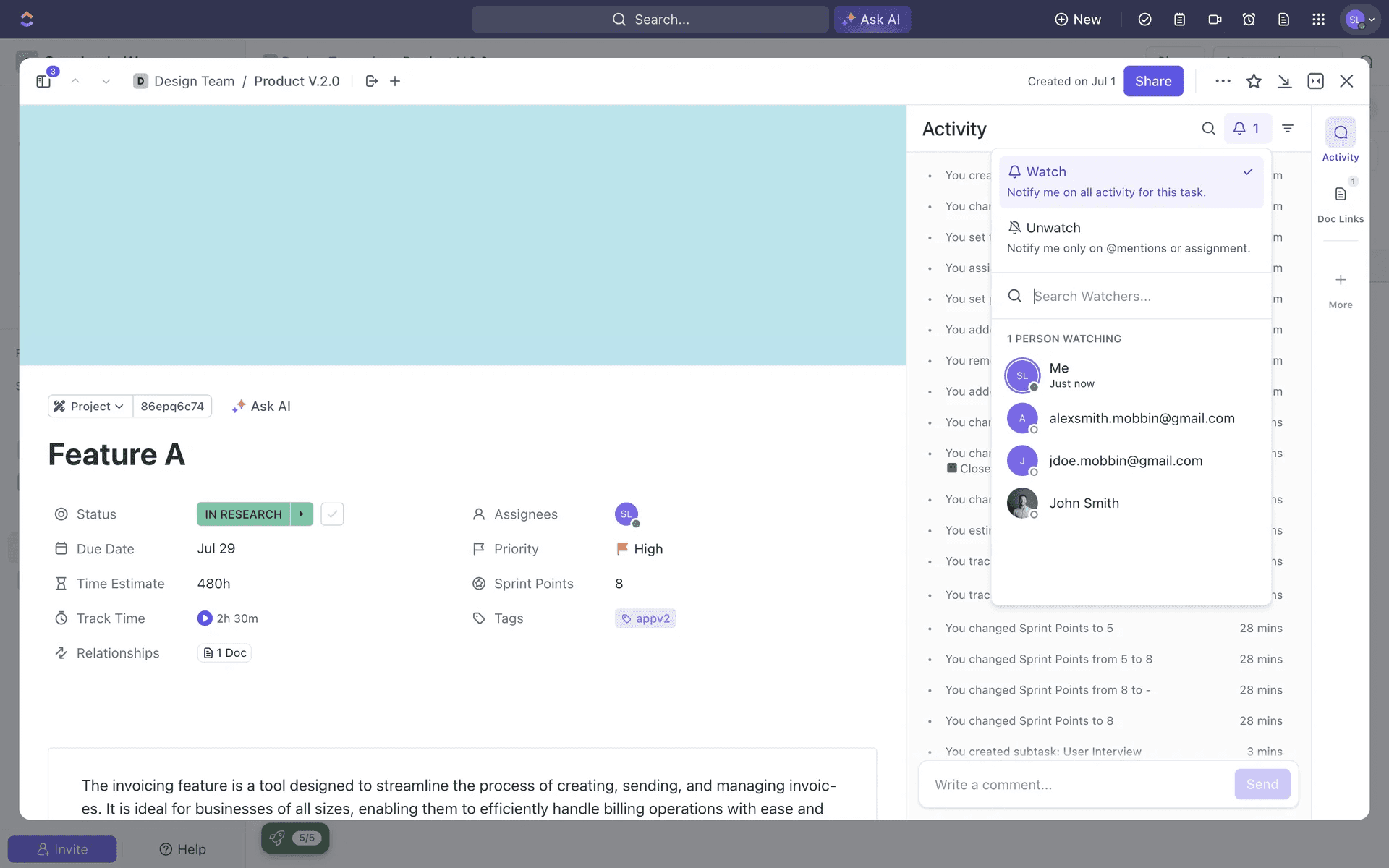
In our analysis, we see ClickUp masterfully uses its vibrant palette to create clarity; Cornflower Blue guides you toward primary actions, while the brighter accents help you instantly differentiate statuses and priorities against the clean, neutral backdrops.
What are some other colors that complement ClickUp's primary color?
To build on ClickUp's dark charcoal base, we suggest exploring a deep emerald green for a touch of sophisticated energy, or a warm terracotta to introduce an earthy, grounding element to the palette. These choices can help you create a more nuanced and versatile visual identity beyond the existing vibrant accents.
What other brands and colors can I find on Mobbin?
On our brand colors page, you can explore curated color palettes from top companies. We also offer access to thousands of UI designs from various brands, providing endless inspiration for your next color combination.
How can Mobbin help me stay up-to-date with the latest UI/UX trends?
Our platform offers an extensive, constantly updated library of mobile and web design patterns, so you can see exactly how the best apps are handling everything from color usage to user flows. By exploring Mobbin, you can easily keep up with current design practices and stay ahead of the latest industry trends.
Try Mobbin today for free for as long as you like, or get full access with any of our paid plans.
HEX
RGB
CMYK
HSB
HSL
#292d34
41, 45, 52
21, 13, 0, 80
218°, 21%, 20%
218°, 12%, 18%
#ffffff
255, 255, 255
0, 0, 0, 0
0°, 0%, 100%
0°, 0%, 100%
#ffc800
255, 200, 0
0, 22, 100, 0
47°, 100%, 100%
47°, 100%, 50%
#fd71af
253, 113, 175
0, 55, 31, 1
333°, 55%, 99%
333°, 97%, 72%
#49ccf9
73, 204, 249
71, 18, 0, 2
195°, 71%, 98%
195°, 94%, 63%
#7b68ee
123, 104, 238
48, 56, 0, 7
249°, 56%, 93%
249°, 80%, 67%
Access our full UI & UX library today.
What are the main colors in ClickUp's color palette?
ClickUp's main color palette gives you a versatile range to work with, combining core colors like Shark (#292D34), White (#FFFFFF), and Cornflower Blue (#7B68EE) with vibrant accents such as Hot Pink (#FD71AF), Malibu (#49CCF9), and Supernova (#FFC800).
What do the colors in ClickUp's app or website represent?
The deep charcoal, or Shark, grounds your experience in professionalism and stability, creating a reliable foundation for productivity. We see the vibrant pops of color—from Cornflower Blue to Hot Pink—as reflections of the creative energy and versatility ClickUp brings to managing every unique workflow you can imagine.
How did ClickUp's color scheme come about?
ClickUp's dynamic color system is deeply tied to its identity as a flexible, all-in-one platform, designed to help you organize a complex world of work with clarity and energy.
How does ClickUp use color psychology in its interface designs?
In our analysis, we see ClickUp masterfully uses its vibrant palette to create clarity; Cornflower Blue guides you toward primary actions, while the brighter accents help you instantly differentiate statuses and priorities against the clean, neutral backdrops.
What are some other colors that complement ClickUp's primary color?
To build on ClickUp's dark charcoal base, we suggest exploring a deep emerald green for a touch of sophisticated energy, or a warm terracotta to introduce an earthy, grounding element to the palette. These choices can help you create a more nuanced and versatile visual identity beyond the existing vibrant accents.
What other brands and colors can I find on Mobbin?
On our brand colors page, you can explore curated color palettes from top companies. We also offer access to thousands of UI designs from various brands, providing endless inspiration for your next color combination.
How can Mobbin help me stay up-to-date with the latest UI/UX trends?
Our platform offers an extensive, constantly updated library of mobile and web design patterns, so you can see exactly how the best apps are handling everything from color usage to user flows. By exploring Mobbin, you can easily keep up with current design practices and stay ahead of the latest industry trends.
Try Mobbin today for free for as long as you like, or get full access with any of our paid plans.
From palette to product
Trending brand colors
Badoo
Date Honestly
Badoo
Date Honestly
Balance
Meditation that adapts to you.
Balance
Meditation that adapts to you.

Basecamp
JUST LET ME DO MY JOB.
Basecamp
JUST LET ME DO MY JOB.
BeReal.
Your daily dose of real life.
BeReal.
Your daily dose of real life.
Bear
Write beautifully.
Bear
Write beautifully.
Behance
Showcase and discover the latest work from top online portfolios by creative professionals across industries.
Behance
Showcase and discover the latest work from top online portfolios by creative professionals across industries.
Never run out of
inspiration again.
Use Mobbin for free as long as you like or get full access
with any of our paid plans.

Coinbase
Wise
Headspace
Airbnb

Uber
Nike

Pinterest
ChatGPT
Shopify
Loom
Creme
Mailchimp
Twitch

Spotify

Apple TV

Shop
Cosmos
Retro
Notion
Dropbox
Never run out of
inspiration again.
Use Mobbin for free as long as you like or get full access
with any of our paid plans.
Coinbase
Wise
Headspace
Airbnb
Uber
Nike
Pinterest
ChatGPT
Shopify
Loom
Creme
Mailchimp
Twitch
Spotify
Apple TV
Shop
Cosmos
Retro
Notion
Dropbox
Never run out of
inspiration again.
Use Mobbin for free as long as you like or get full access with any of our paid plans.
Coinbase
Wise
Headspace
Airbnb
Uber
Nike
Pinterest
ChatGPT
Shopify
Loom
Creme
Mailchimp
Twitch
Spotify
Apple TV
Shop
Cosmos
Retro
Notion
Dropbox
Never run out of
inspiration again.
Use Mobbin for free as long as you like or get full access
with any of our paid plans.
Coinbase
Wise
Headspace
Airbnb
Uber
Nike
Pinterest
ChatGPT
Shopify
Loom
Creme
Mailchimp
Twitch
Spotify
Apple TV
Shop
Cosmos
Retro
Notion
Dropbox