
Citymapper Colors
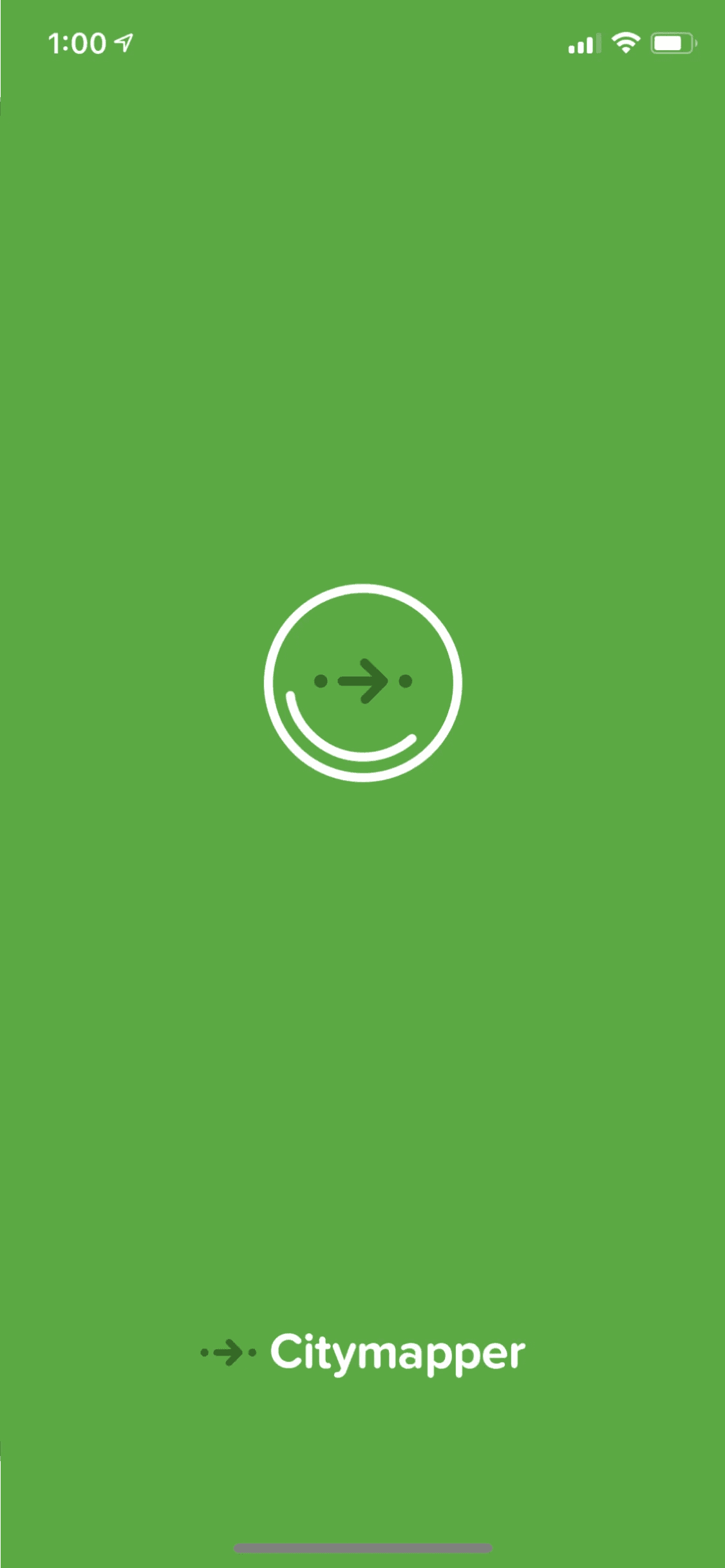
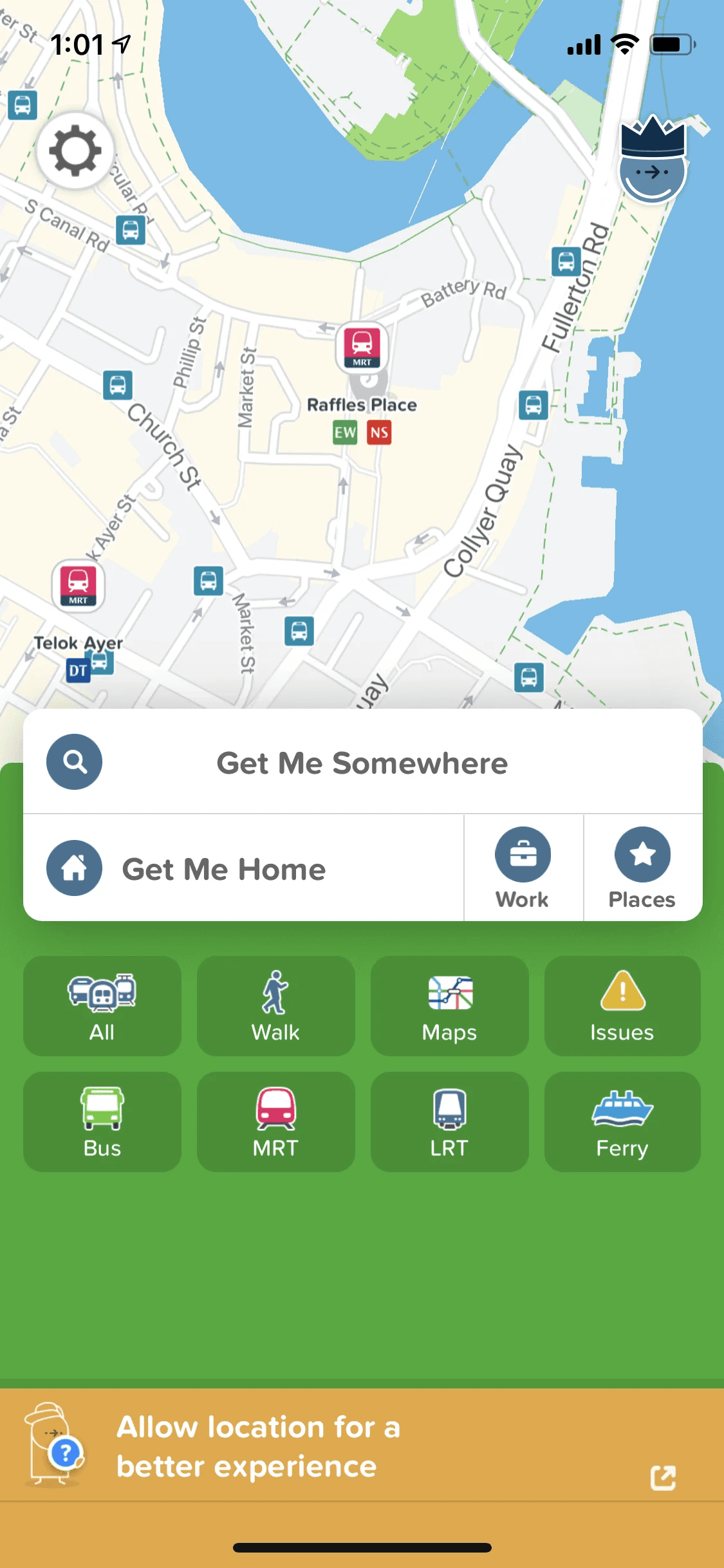
Citymapper is the ultimate transport app for making cities more usable and accessible. Its branding and interface designs prominently feature its signature Apple green, black, and white color palette. We've made it easy for you to copy these colors in Hex, CMYK, and RGB formats.
What are the main colors in Citymapper's color palette?
In our analysis of Citymapper, we've found its color palette is built around a vibrant Apple green, complemented by the classic and versatile duo of Black and White.
What do the colors in Citymapper's app or website represent?
We see Citymapper's signature green (#37AB2F) as a symbol of vitality and the "go" signal for efficient travel, a choice that makes your journey feel seamless. This vibrant hue is supported by a classic black and white pairing, ensuring the interface is as clear and direct as the routes it provides.
How did Citymapper's color scheme come about?
We believe Citymapper's iconic color scheme was a strategic choice to cut through the noise of a crowded market. This approach helps create an instantly recognizable visual language that makes navigating the urban jungle feel effortless for you.
How does Citymapper use color psychology in its interface designs?
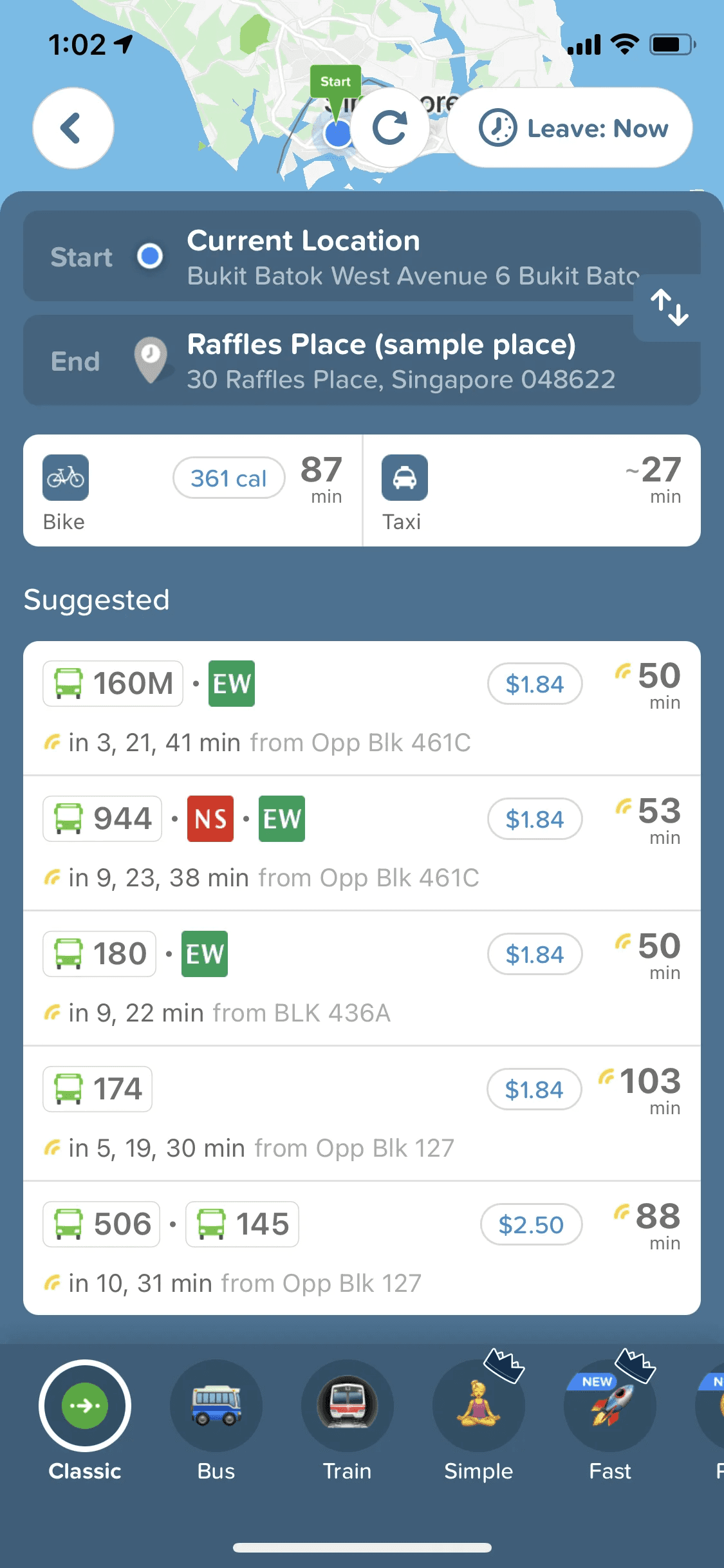
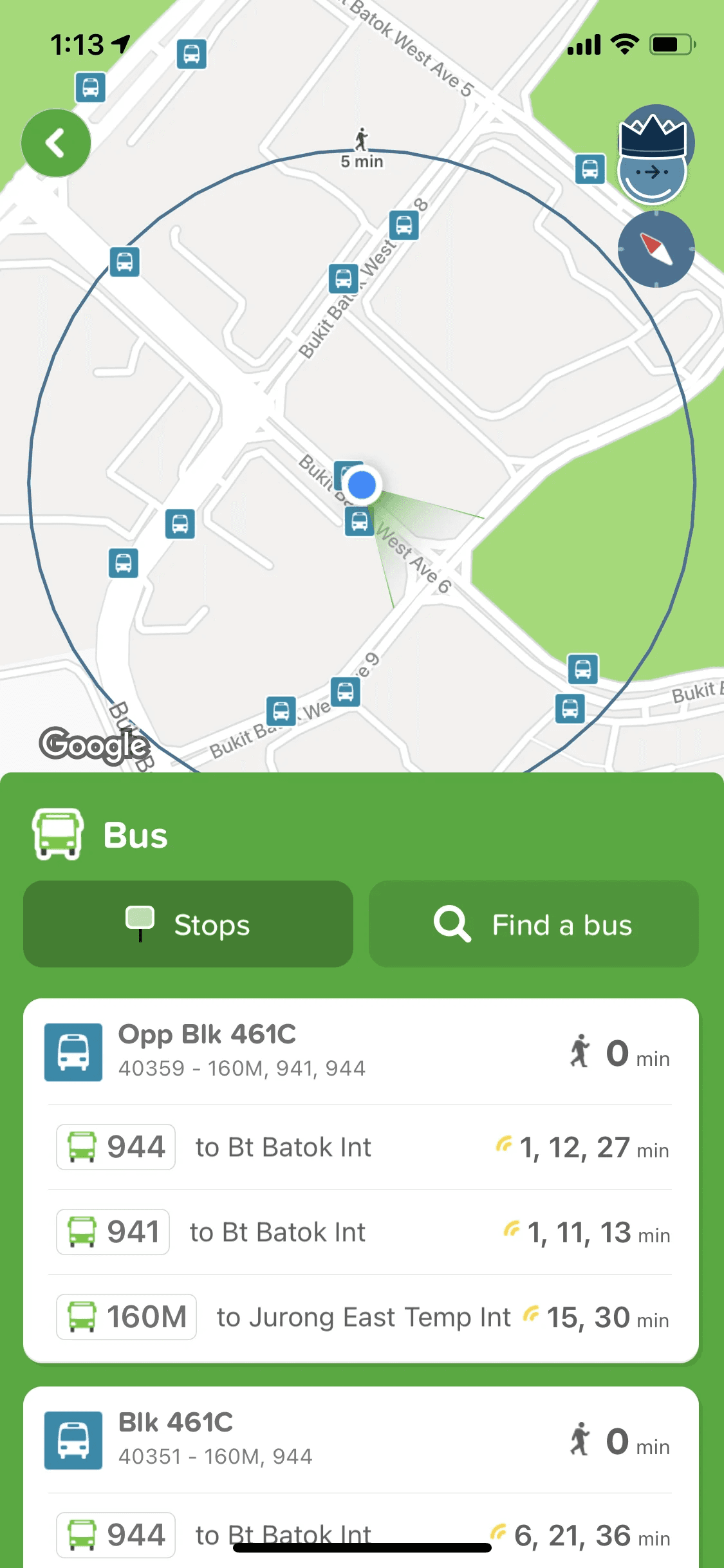
Citymapper strategically uses its signature green to signal "go" on primary actions and routes, creating an intuitive path forward for you. The high-contrast black and white palette enhances this clarity, focusing your attention on the journey details that matter most for an efficient trip.
What are some other colors that complement Citymapper's primary color?
To build on Citymapper's vibrant green, we suggest introducing an energetic yellow for a pop of contrast or a calming navy blue to ground the design with a touch of sophistication. A light gray could also offer a modern, neutral alternative to pure white for a softer feel.
What other brands and colors can I find on Mobbin?
Beyond Citymapper's iconic green, you can explore our curated brand colors page for palettes from top companies. We also offer access to thousands of UI designs from various brands, providing endless inspiration for your next color combination from real-world examples.
How can Mobbin help me stay up-to-date with the latest UI/UX trends?
With our extensive, constantly updated collection of mobile and web design patterns, you can see the latest trends in UI/UX—from color usage to user flows—and easily explore current practices to stay ahead in the industry.
You can try Mobbin today for free for as long as you like, or get full access with any of our paid plans.
HEX
RGB
CMYK
HSB
HSL
#37ab2f
55, 171, 47
68, 0, 73, 33
116°, 73%, 67%
116°, 57%, 43%
#ffffff
255, 255, 255
0, 0, 0, 0
0°, 0%, 100%
0°, 0%, 100%
#000000
0, 0, 0
0, 0, 0, 100
0°, 0%, 0%
0°, 0%, 0%
Access our full UI & UX library today.
What are the main colors in Citymapper's color palette?
In our analysis of Citymapper, we've found its color palette is built around a vibrant Apple green, complemented by the classic and versatile duo of Black and White.
What do the colors in Citymapper's app or website represent?
We see Citymapper's signature green (#37AB2F) as a symbol of vitality and the "go" signal for efficient travel, a choice that makes your journey feel seamless. This vibrant hue is supported by a classic black and white pairing, ensuring the interface is as clear and direct as the routes it provides.
How did Citymapper's color scheme come about?
We believe Citymapper's iconic color scheme was a strategic choice to cut through the noise of a crowded market. This approach helps create an instantly recognizable visual language that makes navigating the urban jungle feel effortless for you.
How does Citymapper use color psychology in its interface designs?
Citymapper strategically uses its signature green to signal "go" on primary actions and routes, creating an intuitive path forward for you. The high-contrast black and white palette enhances this clarity, focusing your attention on the journey details that matter most for an efficient trip.
What are some other colors that complement Citymapper's primary color?
To build on Citymapper's vibrant green, we suggest introducing an energetic yellow for a pop of contrast or a calming navy blue to ground the design with a touch of sophistication. A light gray could also offer a modern, neutral alternative to pure white for a softer feel.
What other brands and colors can I find on Mobbin?
Beyond Citymapper's iconic green, you can explore our curated brand colors page for palettes from top companies. We also offer access to thousands of UI designs from various brands, providing endless inspiration for your next color combination from real-world examples.
How can Mobbin help me stay up-to-date with the latest UI/UX trends?
With our extensive, constantly updated collection of mobile and web design patterns, you can see the latest trends in UI/UX—from color usage to user flows—and easily explore current practices to stay ahead in the industry.
You can try Mobbin today for free for as long as you like, or get full access with any of our paid plans.
From palette to product
Trending brand colors
Badoo
Date Honestly
Badoo
Date Honestly

Balance
Meditation that adapts to you.
Balance
Meditation that adapts to you.

Basecamp
JUST LET ME DO MY JOB.
Basecamp
JUST LET ME DO MY JOB.

BeReal.
Your daily dose of real life.
BeReal.
Your daily dose of real life.

Bear
Write beautifully.
Bear
Write beautifully.

Behance
Showcase and discover the latest work from top online portfolios by creative professionals across industries.
Behance
Showcase and discover the latest work from top online portfolios by creative professionals across industries.
Never run out of
inspiration again.
Use Mobbin for free as long as you like or get full access
with any of our paid plans.

Coinbase

Wise

Headspace

Airbnb

Uber
Nike

Pinterest
ChatGPT

Shopify

Loom
Creme

Mailchimp

Twitch

Spotify

Apple TV

Shop

Cosmos

Retro
Notion

Dropbox
Never run out of
inspiration again.
Use Mobbin for free as long as you like or get full access
with any of our paid plans.
Coinbase
Wise
Headspace
Airbnb
Uber
Nike
Pinterest
ChatGPT
Shopify
Loom
Creme
Mailchimp
Twitch
Spotify
Apple TV
Shop
Cosmos
Retro
Notion
Dropbox
Never run out of
inspiration again.
Use Mobbin for free as long as you like or get full access with any of our paid plans.
Coinbase
Wise
Headspace
Airbnb
Uber
Nike
Pinterest
ChatGPT
Shopify
Loom
Creme
Mailchimp
Twitch
Spotify
Apple TV
Shop
Cosmos
Retro
Notion
Dropbox
Never run out of
inspiration again.
Use Mobbin for free as long as you like or get full access
with any of our paid plans.
Coinbase
Wise
Headspace
Airbnb
Uber
Nike
Pinterest
ChatGPT
Shopify
Loom
Creme
Mailchimp
Twitch
Spotify
Apple TV
Shop
Cosmos
Retro
Notion
Dropbox