Back to changelog
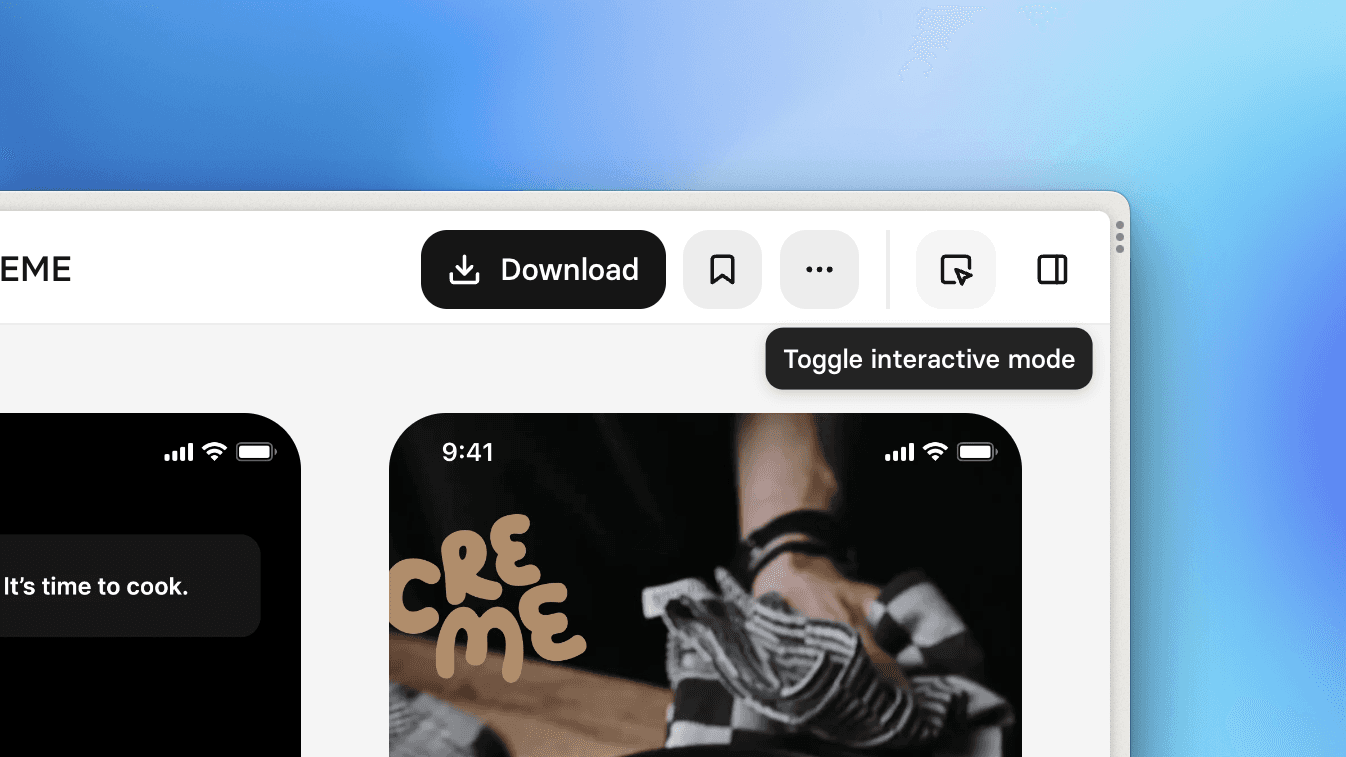
Interactive mode
Introducing Interactive Mode, a new way to experience flows on Mobbin! While the default view gives you an overview of all screens in the flow, Interactive Mode shows you one screen at a time, allowing you to walk through the flow, step by step, by clicking on the hotspots (think Figma's Prototype presentation view).
Pro tip: if a screen has no hotspot, click anywhere on the screen to progress to the next screen!
Fixes
Fixed an issue where filtering using the search bar does not preserve the sorting preference.